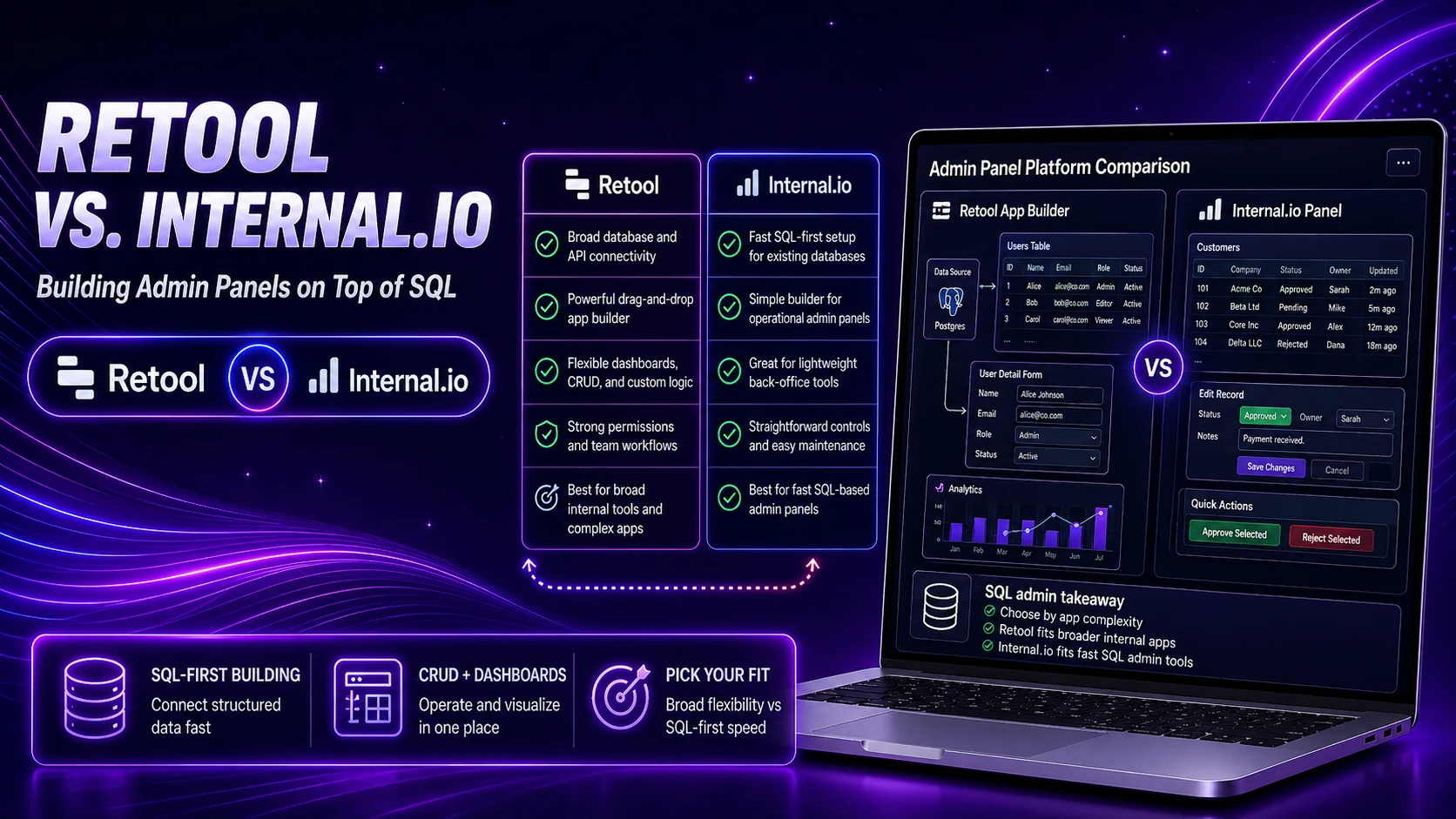
Retool vs Internal.io: SQL Admin Panel Buyer Guide
Compare Retool and Internal.io for SQL-backed admin panels, permissions, row-level safety, auditability, mobile workflows, developer control, and production risk.

Last Updated on September 13, 2026 by Triumphoid Team
Everyone says “just build an internal tool.”
Nobody tells you that the moment you connect it to a legacy MySQL database, you’ve essentially signed up to manage a fragile contract between UI, data, permissions, and human behavior.
Retool and Internal.io both promise to make this painless. They don’t. They just move the pain into different places.
This is not a feature comparison. This is what actually happens when you try to build admin panels on top of real databases—schemas that evolved over years, inconsistent naming, missing constraints, and business logic that lives in people’s heads instead of documentation.
What You’re Actually Building (Not What the Tools Claim)
You’re not building “an admin panel.”
You’re building:
- a controlled interface to production data
- a permission system layered on top of SQL
- a workflow tool disguised as a UI
- a safety mechanism preventing expensive mistakes
And the moment you connect directly to MySQL, you’re bypassing abstractions. You’re dealing with reality.
Connecting to a Legacy MySQL Database (Where Optimism Dies Quickly)
Let’s start with the first thing everyone tries.
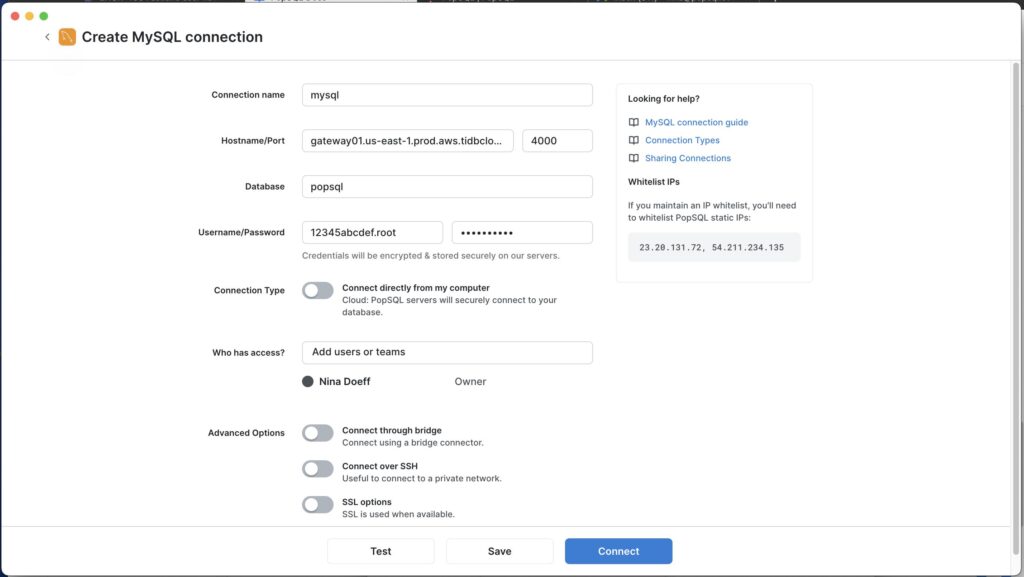
Retool Database Connection UI
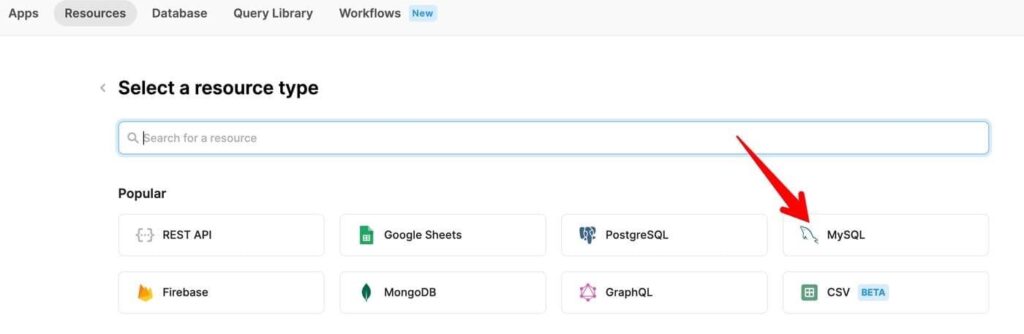
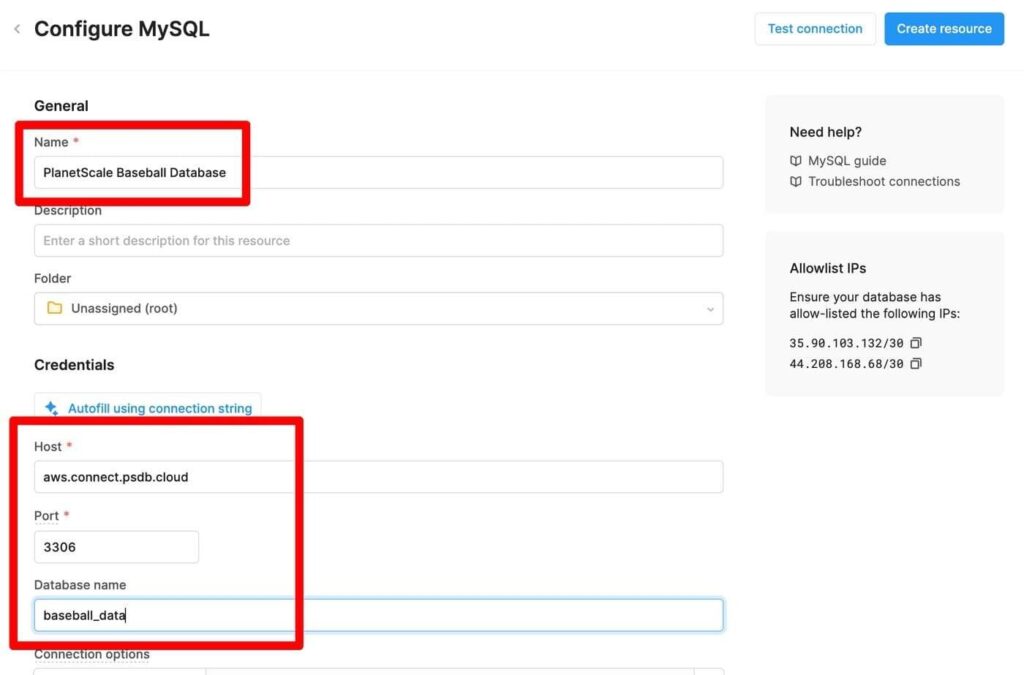
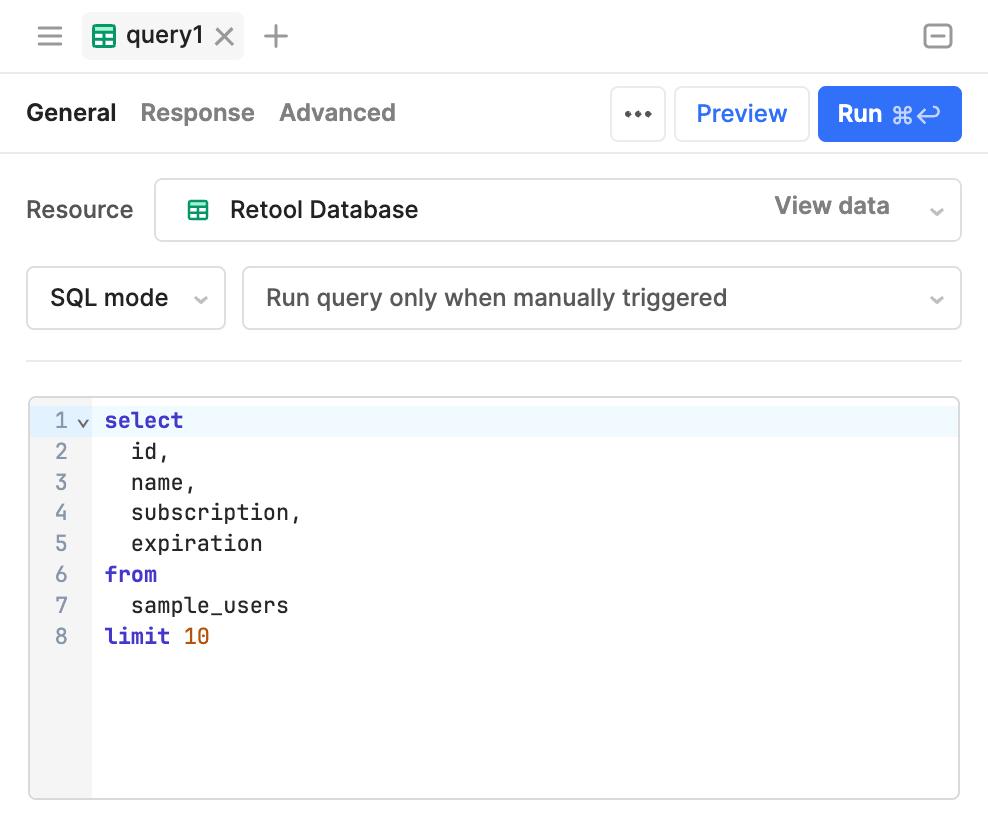
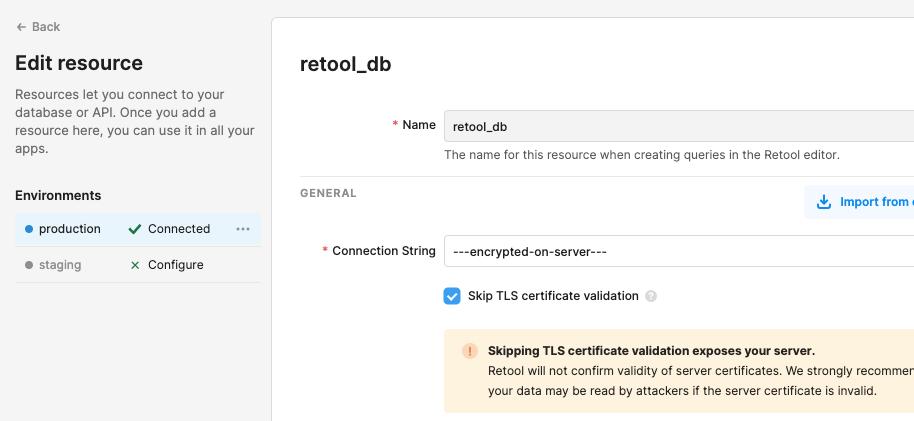
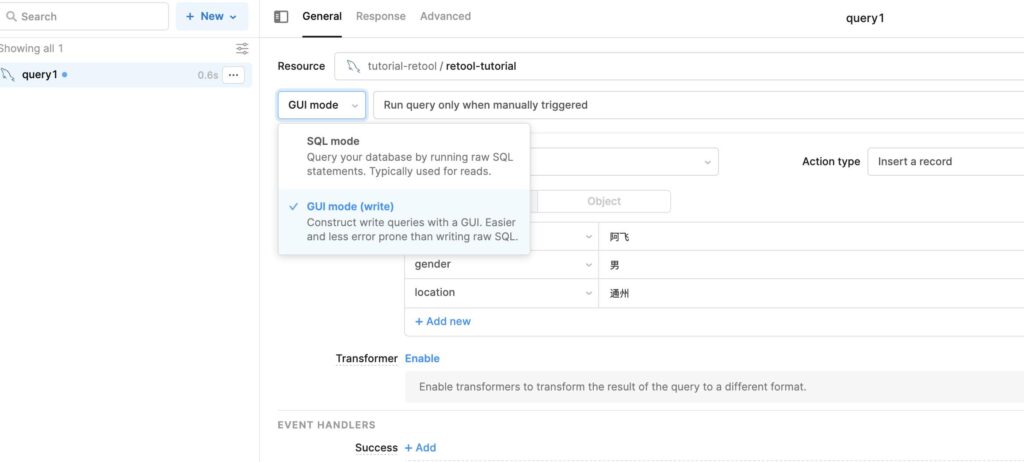
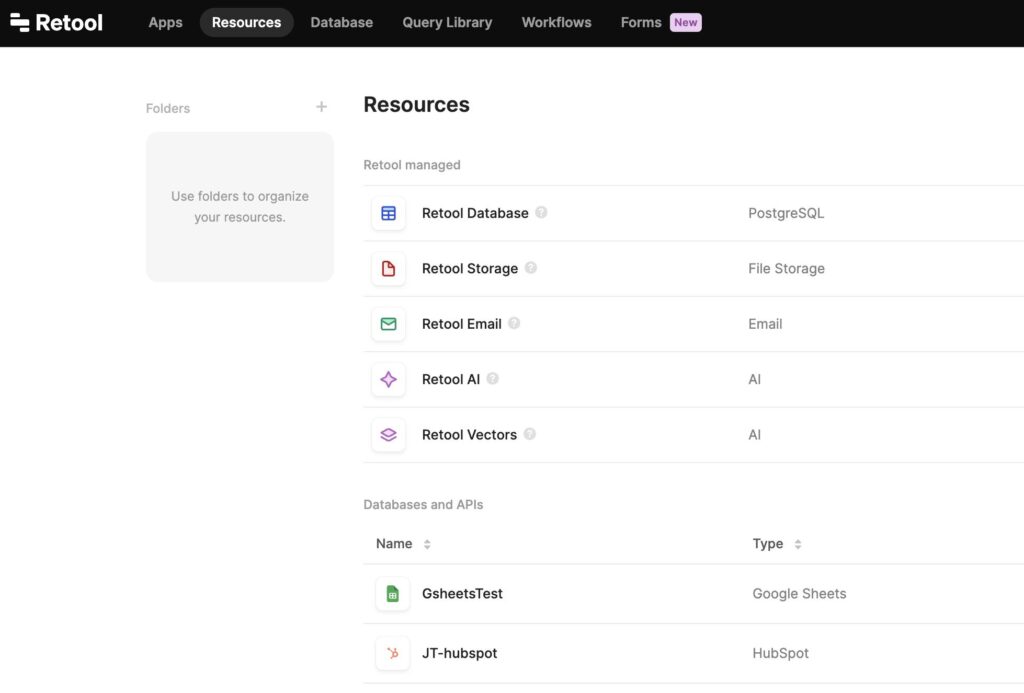
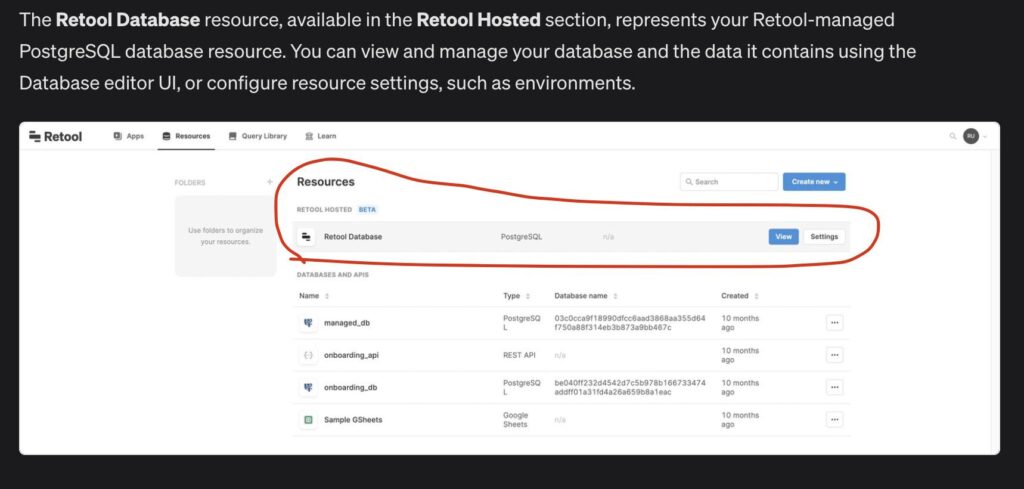
What you’re seeing here is Retool’s resource configuration and query editor. It looks clean. It feels immediate. You paste credentials, test connection, and suddenly your tables are available.
And to be fair, Retool is very good at this first impression.
You connect, you run a query like:
SELECT * FROM users LIMIT 10;
…and it just works.
But here’s the catch.
Retool assumes your schema is somewhat sane.
If your database has:
- inconsistent column naming
- missing foreign keys
- nullable fields where they shouldn’t be
- business logic embedded in queries
…Retool doesn’t protect you. It exposes everything exactly as it is.
Which sounds great—until someone updates the wrong row in production.
Internal.io Database Connection Flow
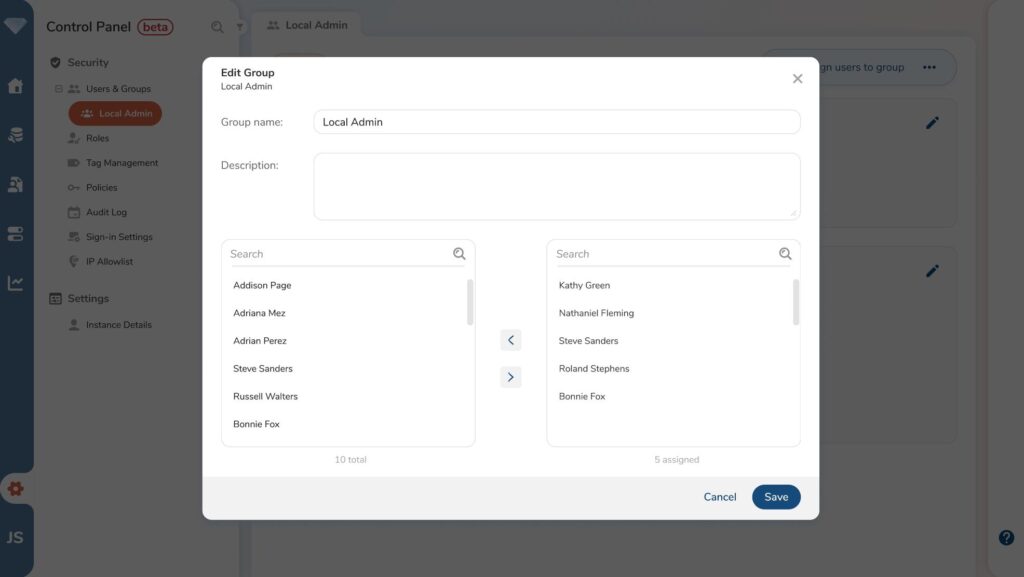
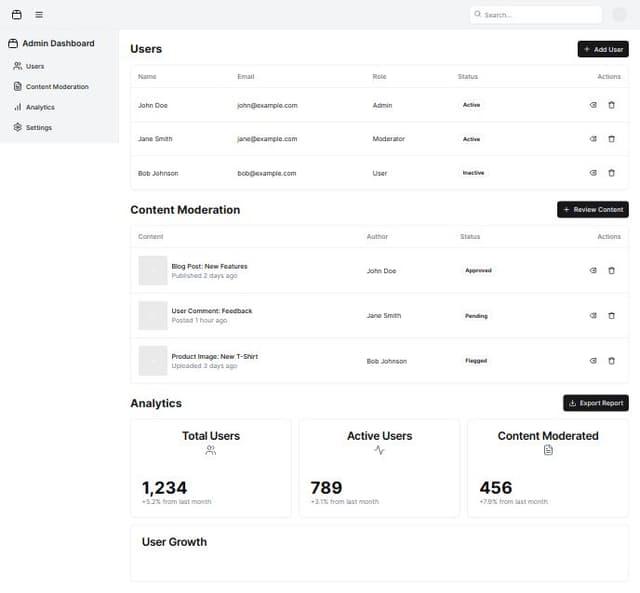
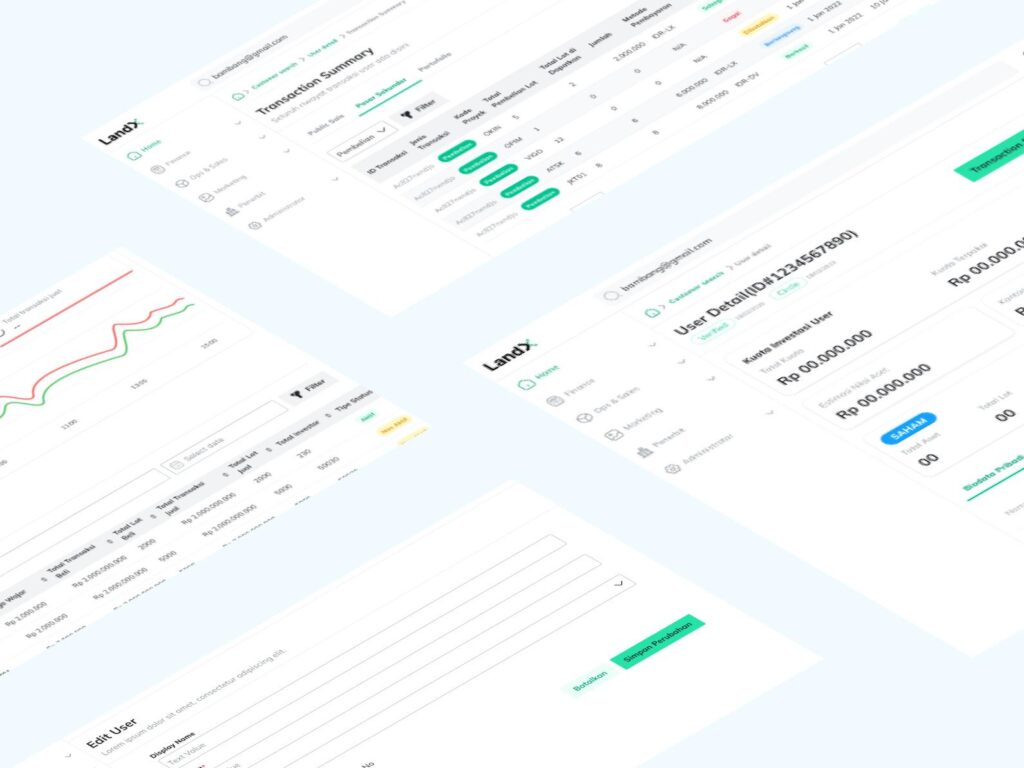
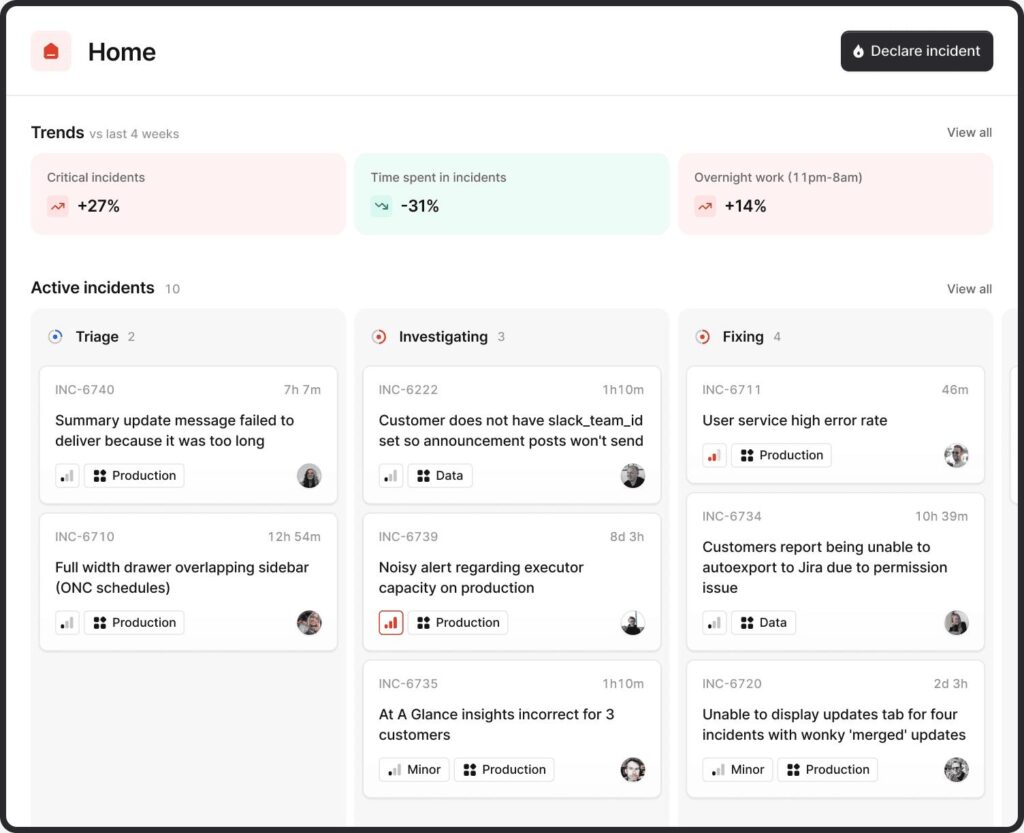
Internal.io approaches this differently.
The connection step is similar—credentials, test, connect—but what happens next is where things diverge.
Instead of dropping you straight into raw query building, Internal.io nudges you toward:
- structured data views
- pre-defined queries
- controlled exposure of tables
It’s subtle, but important.
Retool says:
“Here’s your database. Do whatever you want.”
Internal.io says:
“Here’s your database. Let’s not break it.”
That difference becomes painfully obvious later.
Ease of Use vs. Safety: The Real Tradeoff
| Factor | Retool | Internal.io |
|---|---|---|
| Initial setup | Faster | Slightly slower |
| Query flexibility | Full SQL freedom | More structured |
| Risk of breaking data | High if careless | Lower by design |
| Learning curve | Low at first | Slightly guided |
Retool wins speed. Internal.io wins restraint.
Pick your poison.
Row-Level Security (Where Things Get Serious)
Permissions are not a “nice to have.” They are the difference between:
- controlled operations
- and accidental disasters
Retool Permission Model
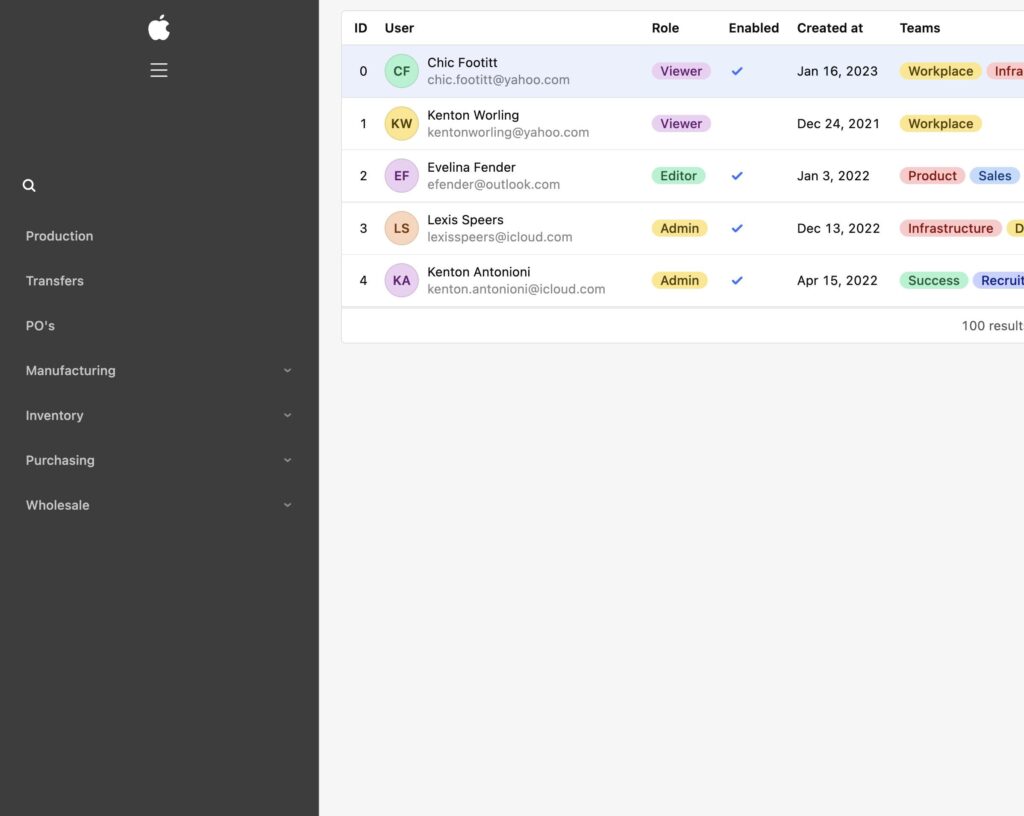
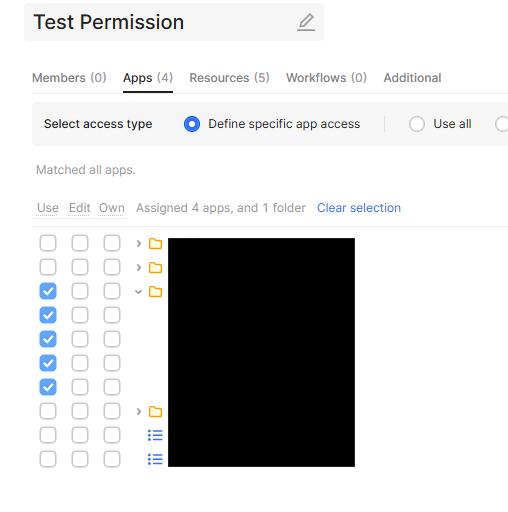
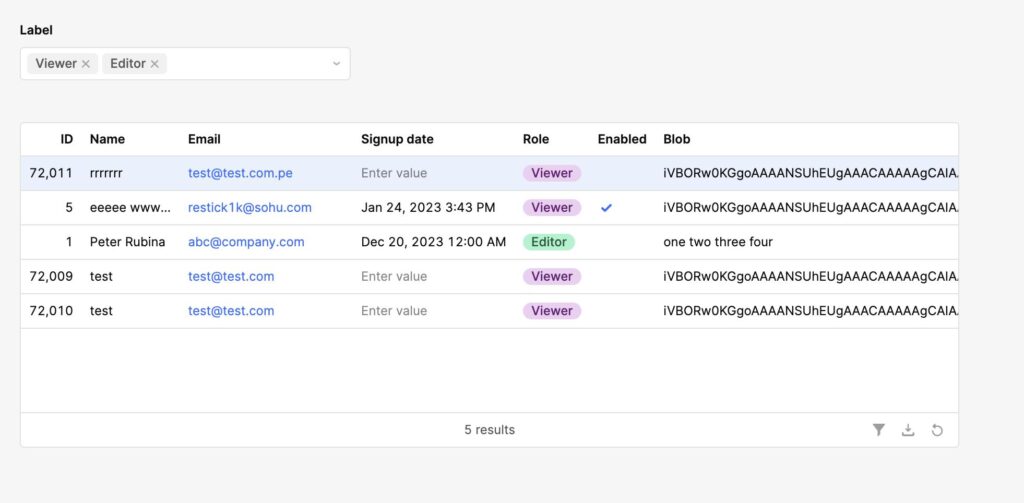
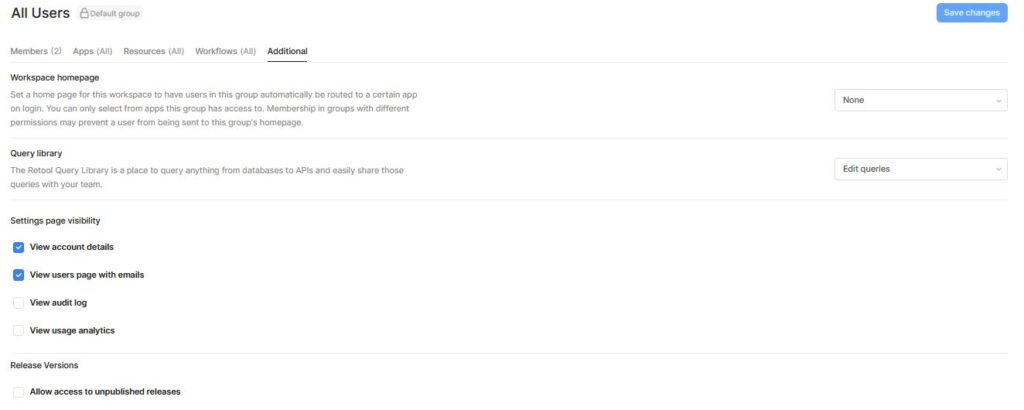
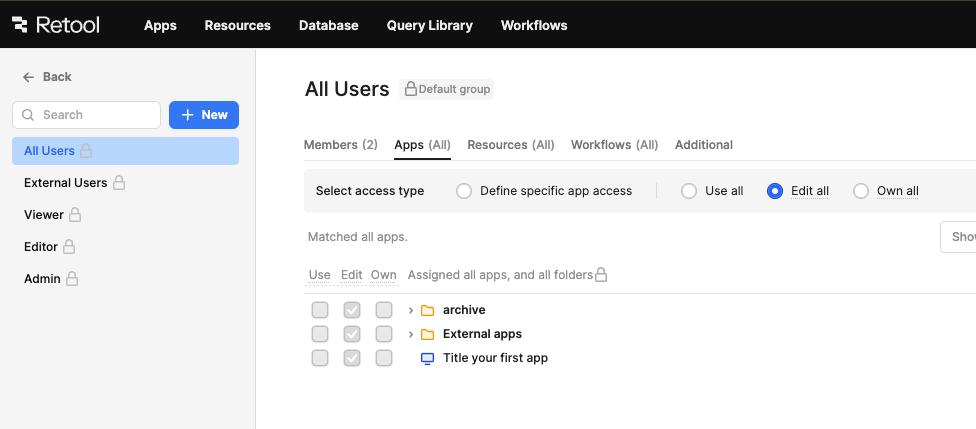
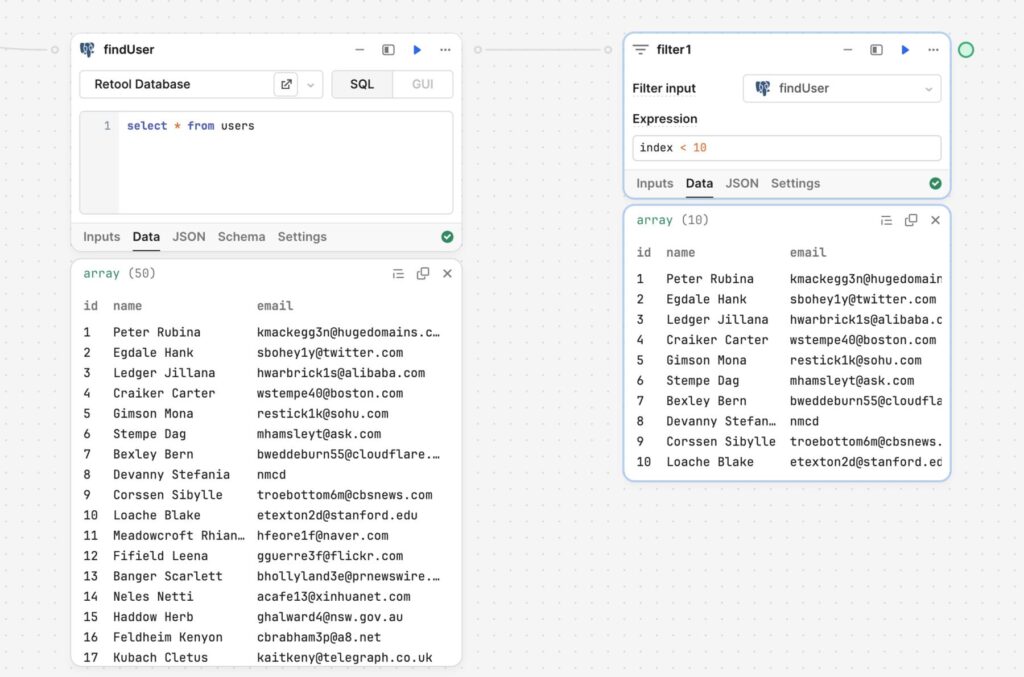
In Retool, permissions are layered but not deeply enforced at the data level.
You typically control access through:
- app-level permissions
- query conditions
- manual filtering
Which means row-level security often becomes:
SELECT * FROM orders WHERE user_id = {{ current_user.id }}
This works.
Until someone forgets to add that condition.
Then suddenly:
- support agents see all customers
- internal data leaks
- compliance issues appear
Retool gives you the tools. It doesn’t enforce discipline.
Internal.io Row-Level Security
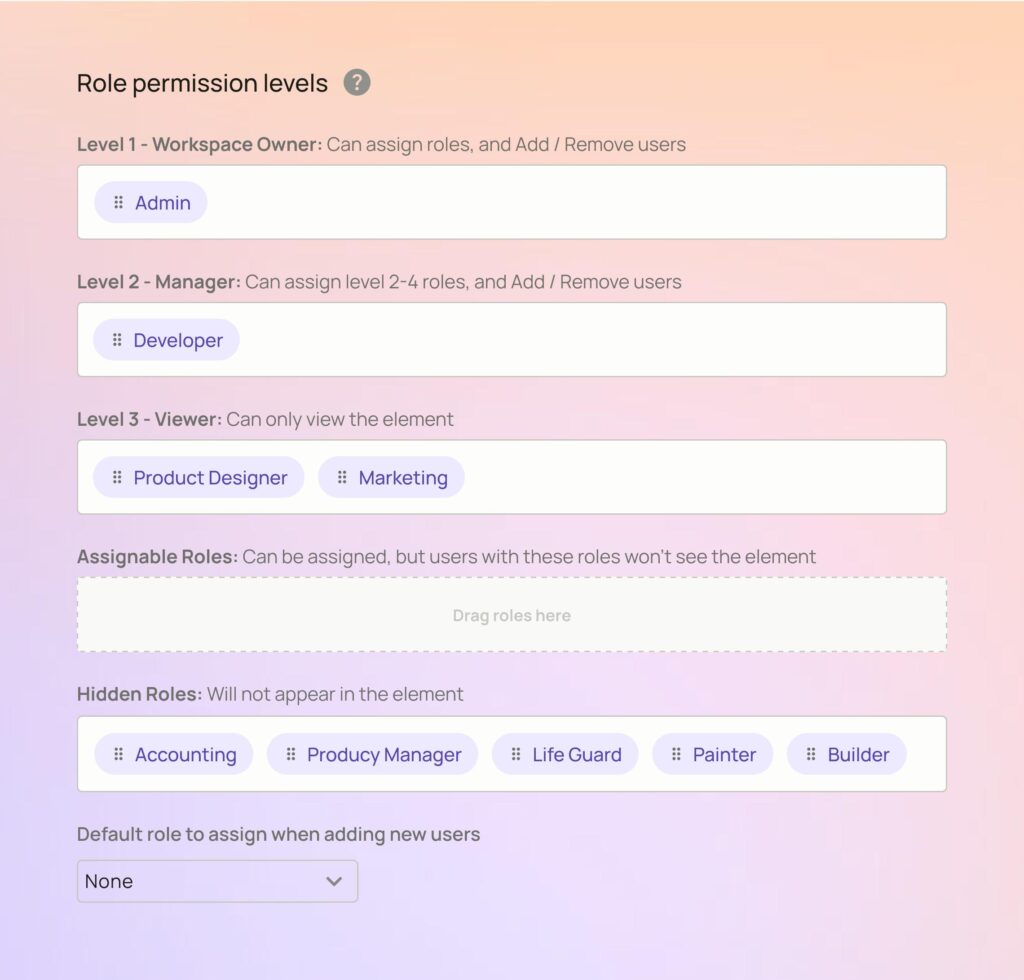
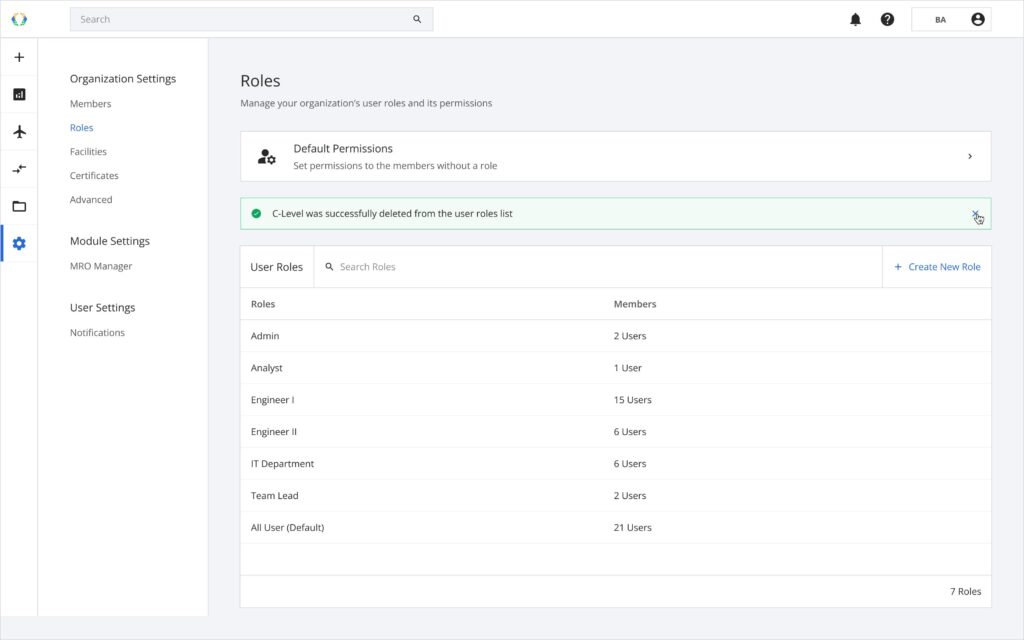
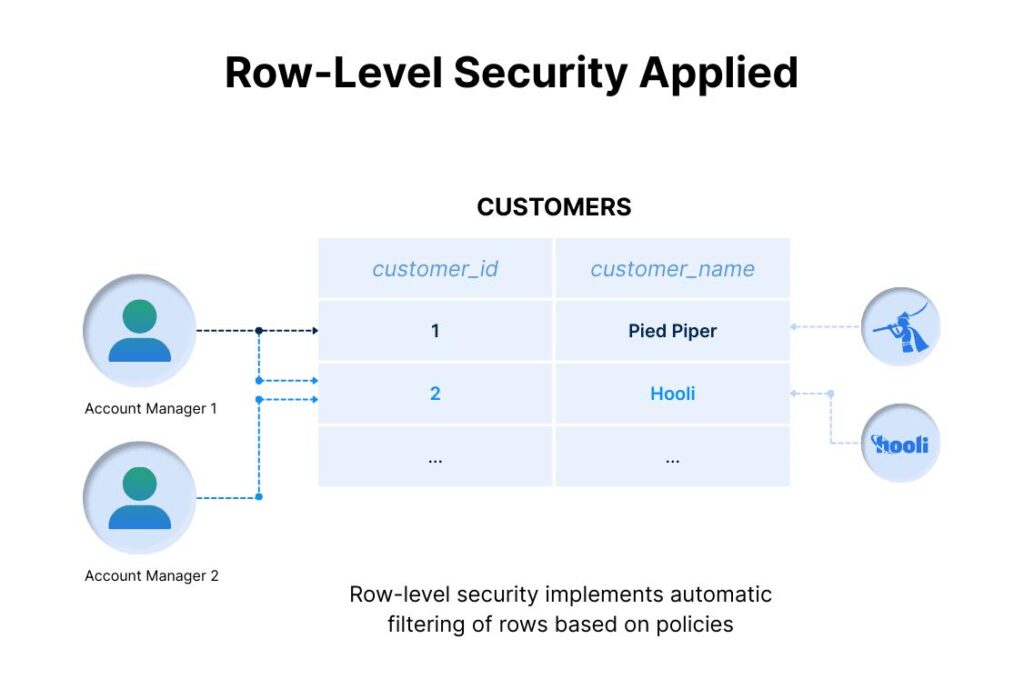
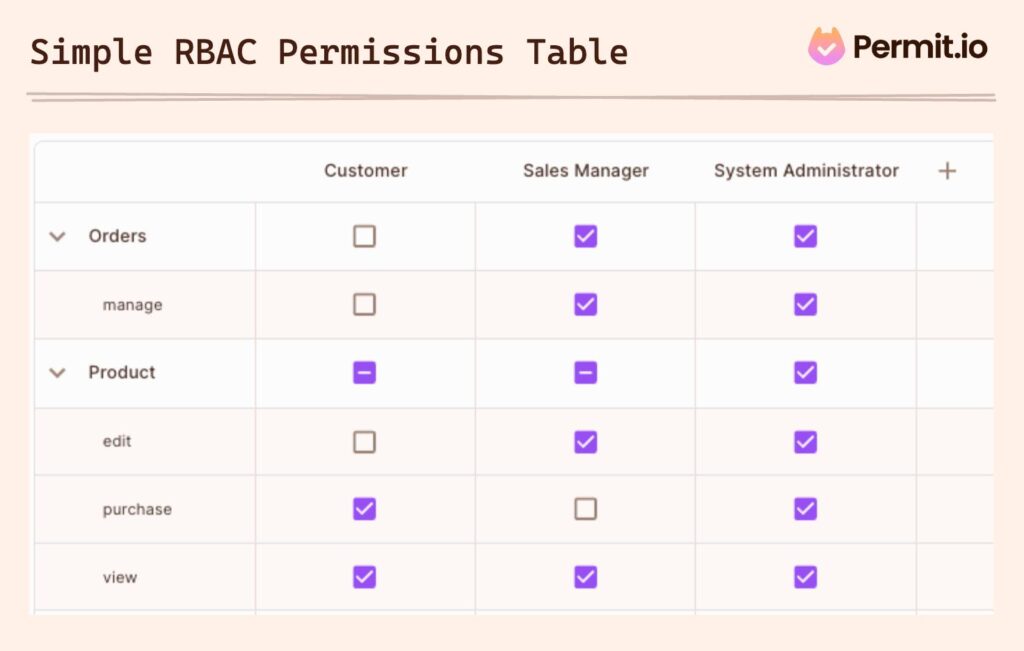
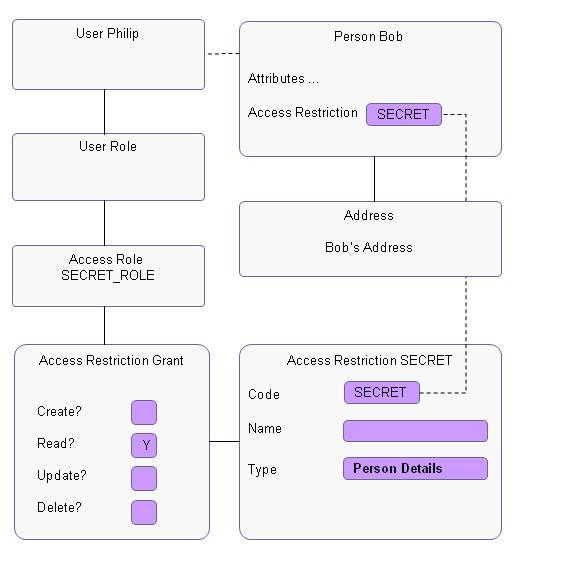

Internal.io treats permissions as a first-class system.
Instead of relying on developers to remember filters, it enforces:
- row-level access rules
- role-based data visibility
- automatic filtering tied to user identity
You define rules once, and they propagate.
This is less flexible—but significantly safer.
Why This Difference Matters More Than It Seems
Have you considered what happens when your admin panel grows?
More users. More roles. More edge cases.
Retool scales flexibility.
Internal.io scales control.
And those are not the same thing.
Mobile Responsiveness (Where Retool Starts to Struggle)
Let’s talk about something most people ignore until it’s too late.
Retool Mobile Experience
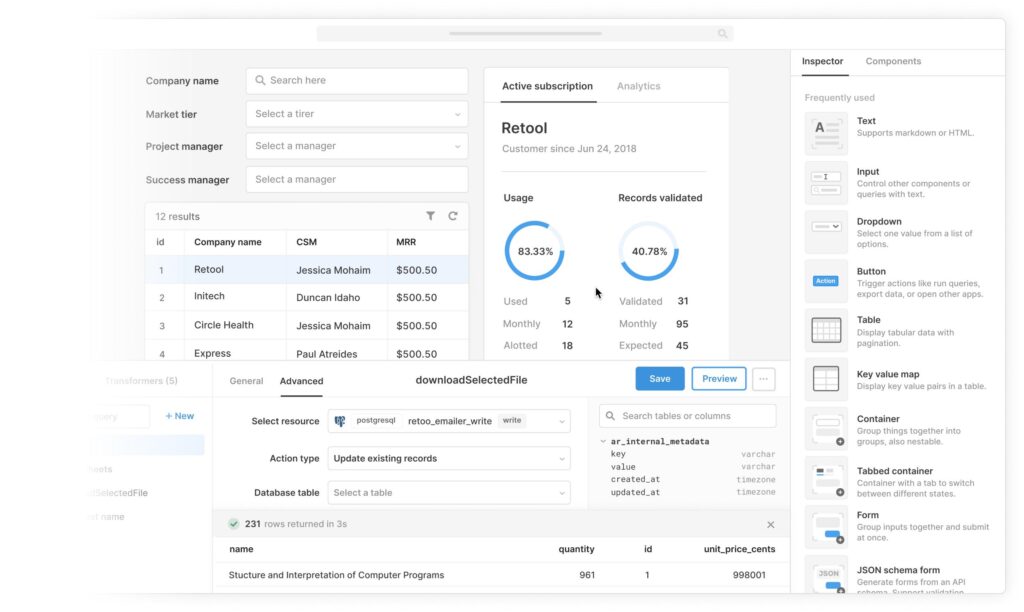
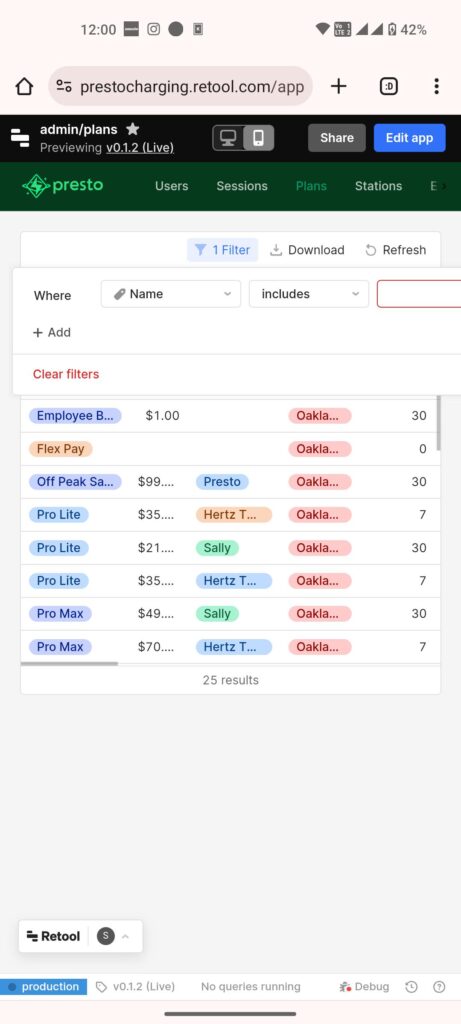
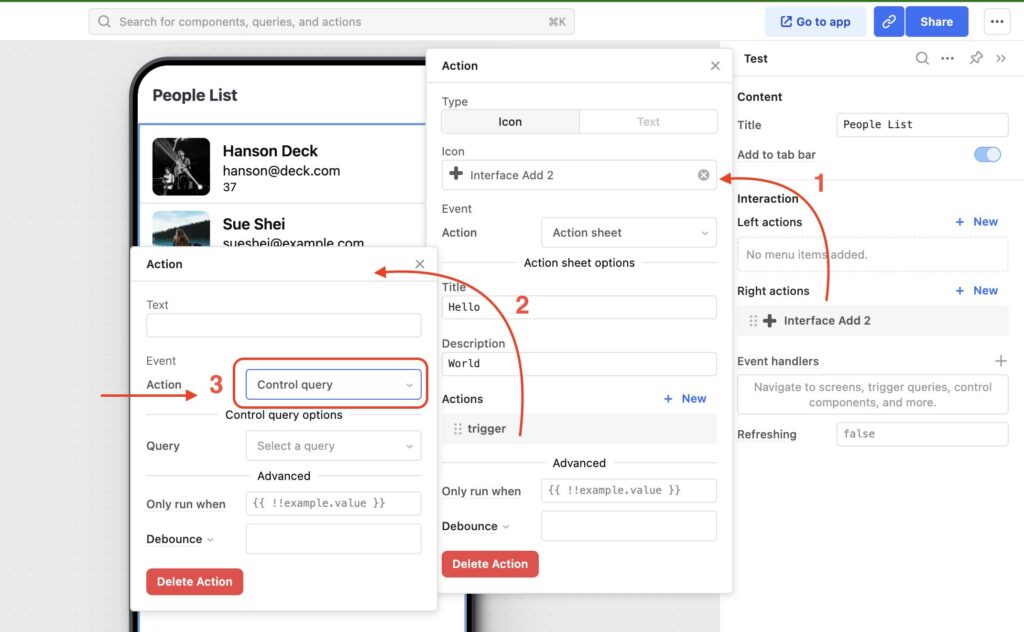
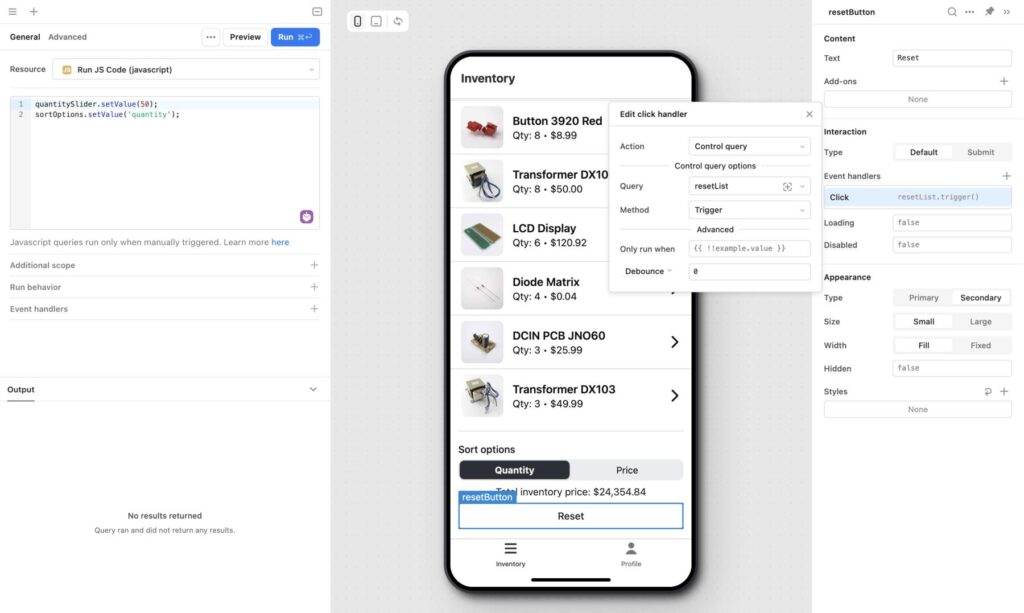
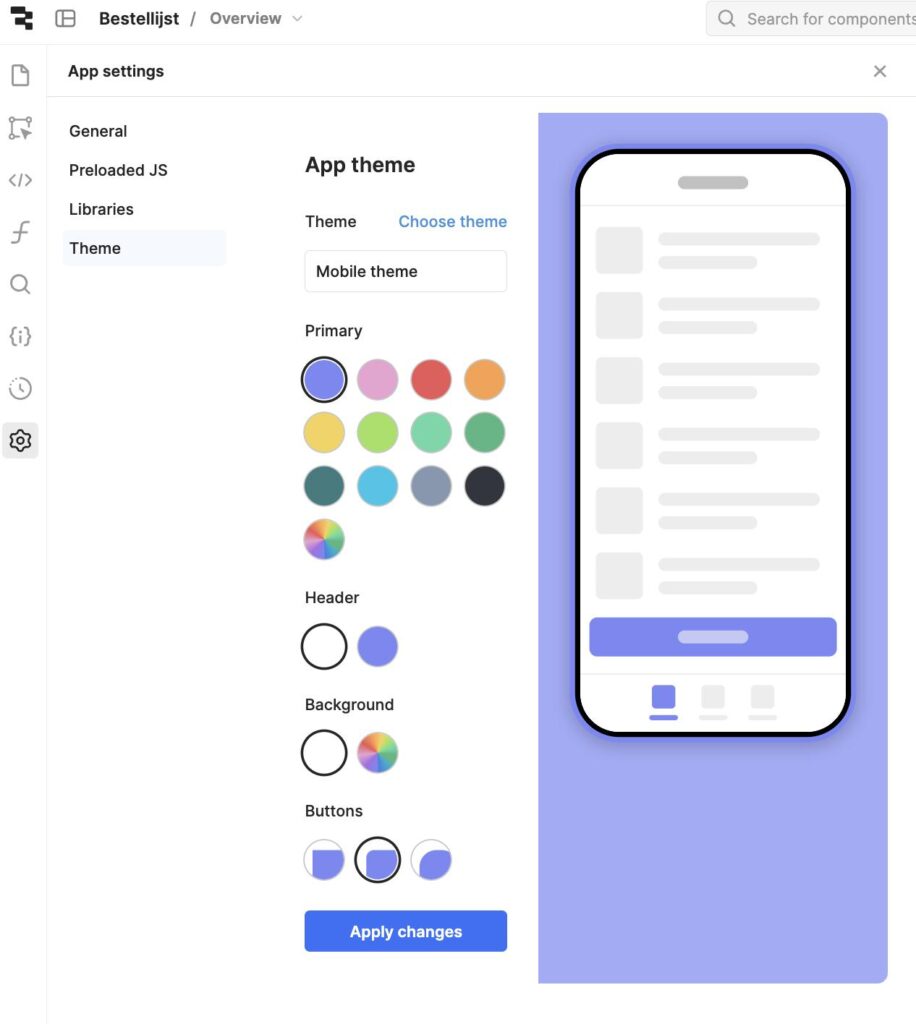
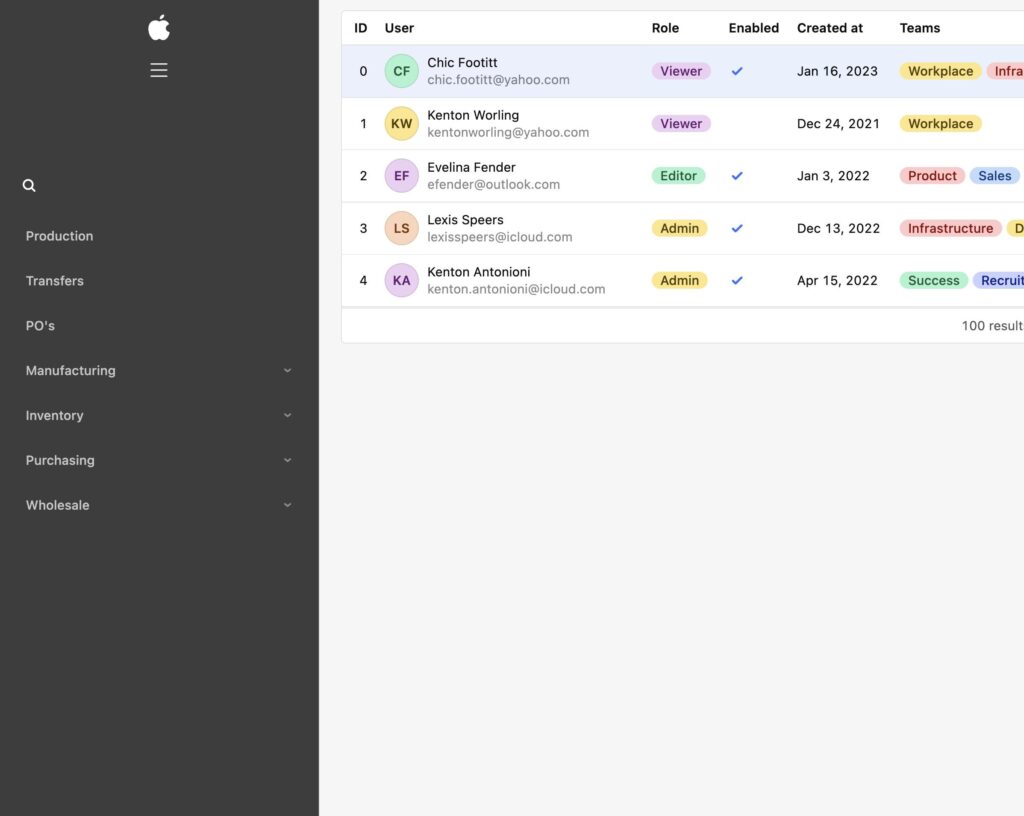
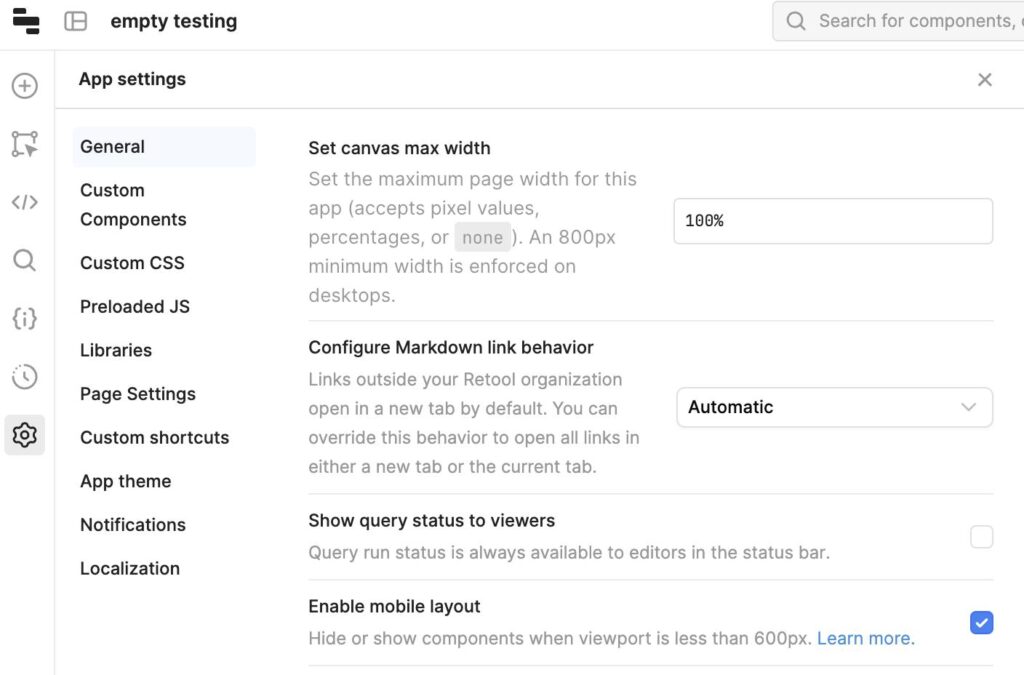
Retool was built for desktop.
You can make apps responsive—but it’s manual, awkward, and often frustrating.
Layouts break. Tables overflow. Buttons misalign.
It’s not unusable.
It’s just… not natural.
Internal.io Mobile Experience
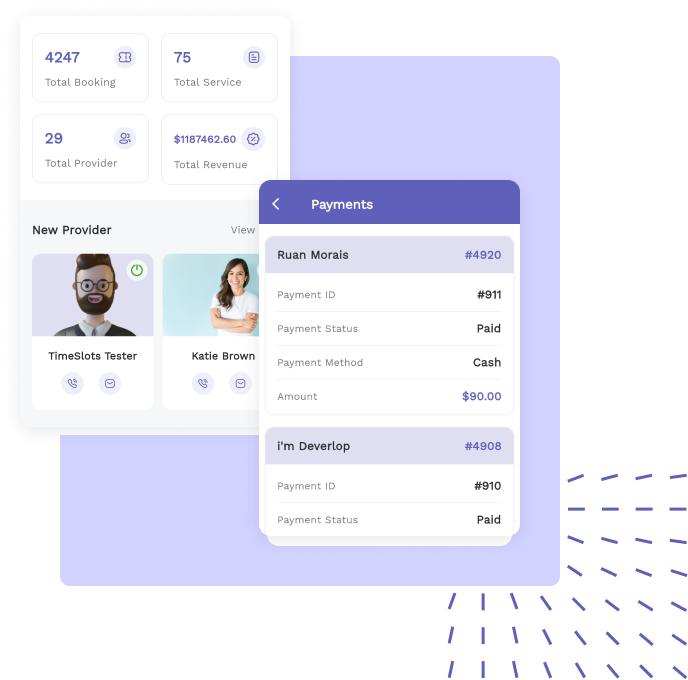
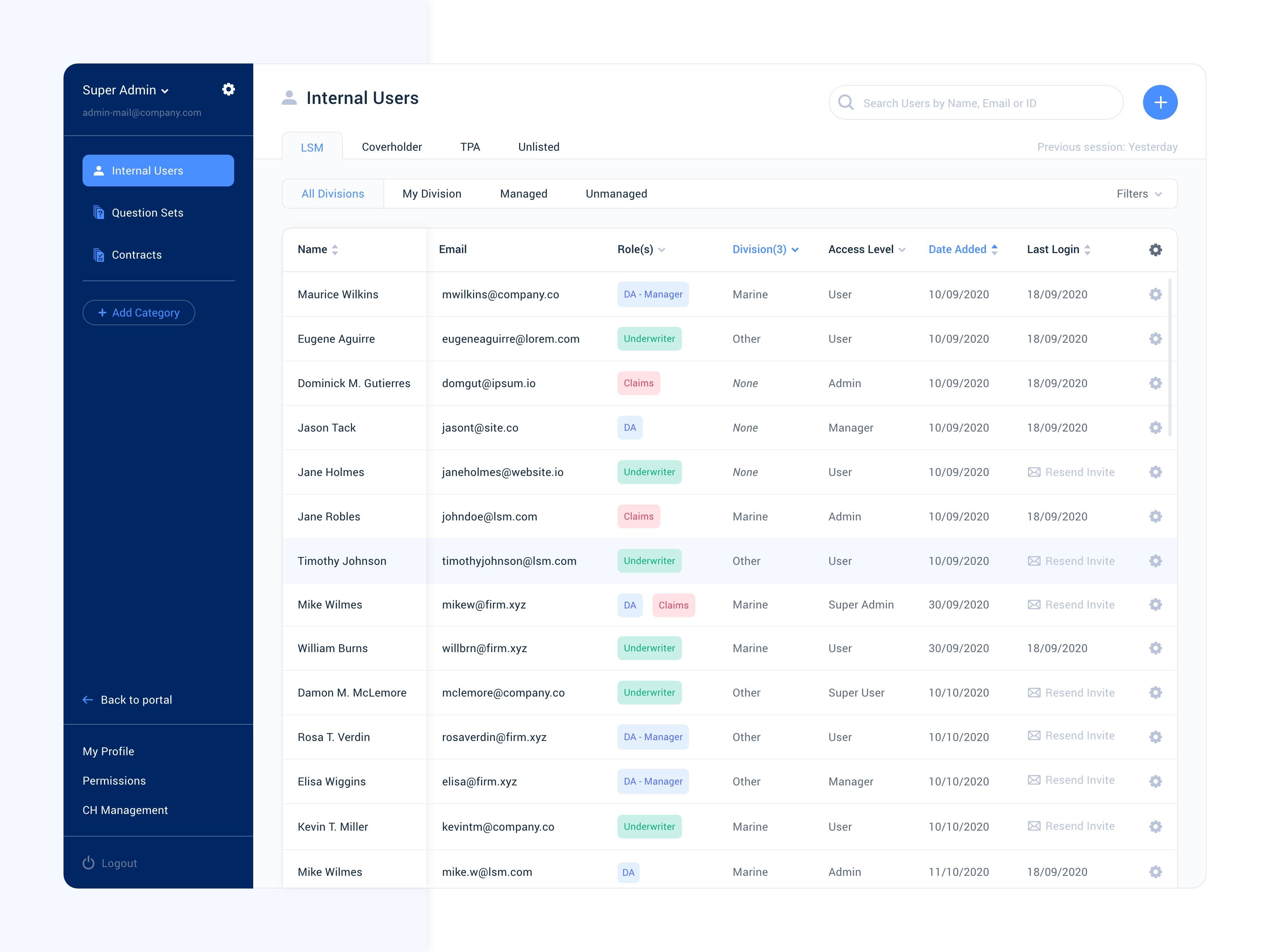
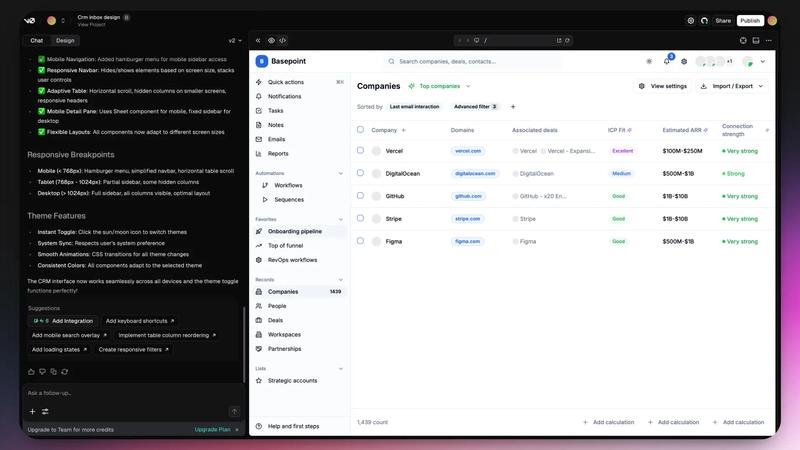
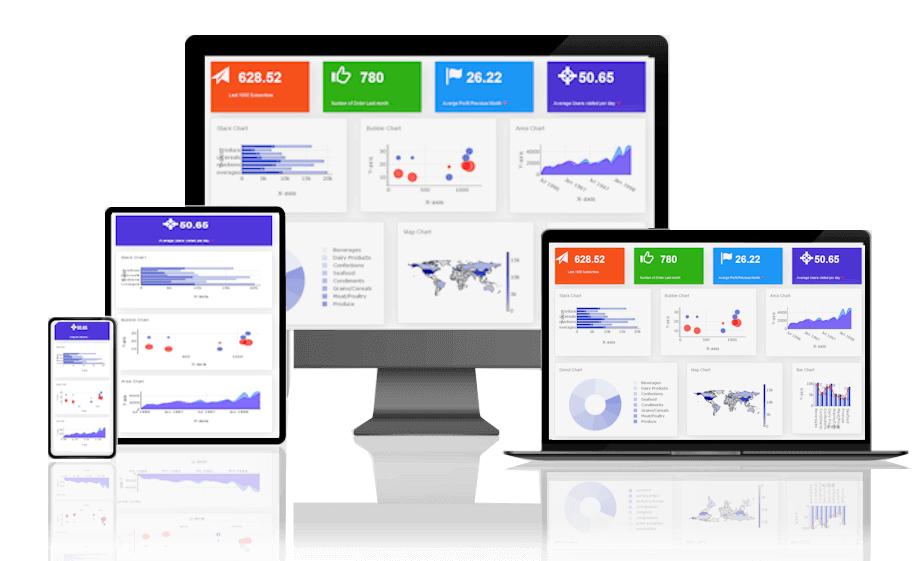

Internal.io leans more toward responsive design out of the box.
Interfaces adapt better. Components behave predictably.
It’s still not a mobile-first platform—but it respects mobile constraints more.
What This Means in Practice
| Scenario | Retool Outcome | Internal.io Outcome |
|---|---|---|
| Sales team checking data on phone | Friction | Usable |
| Ops updating records on tablet | Clunky | Acceptable |
| Desktop-heavy workflows | Excellent | Good |
If your team lives on laptops, Retool wins.
If your workflows extend beyond desks, Internal.io becomes more appealing.
The Hidden Cost: Maintenance Over Time
Here’s where things get interesting.
Retool apps tend to:
- grow in complexity
- accumulate conditional logic
- depend on developer knowledge
Internal.io apps tend to:
- stay structured
- limit complexity creep
- reduce maintenance burden
This is not about features.
It’s about how systems age.
The Real Decision Framework
Let’s simplify what this actually comes down to:
| Priority | Choose |
|---|---|
| Maximum flexibility | Retool |
| Strong data safety | Internal.io |
| Fast prototyping | Retool |
| Long-term maintainability | Internal.io |
| Complex custom logic | Retool |
| Controlled enterprise workflows | Internal.io |
A Thought Worth Sitting With
Most teams choose Retool because it feels powerful.
Fewer teams choose Internal.io because it feels restrictive.
And yet, six months later, those same teams start adding:
- guardrails
- validation layers
- permission checks
- workflow constraints
In other words, they slowly rebuild what Internal.io already enforced.
Final Remark (Slightly Sarcastic, But Not Wrong)
If you trust your team to always write perfect SQL, never forget a filter, and never accidentally expose sensitive data…
Retool will feel amazing.
If not, well—
you’ll eventually discover that “flexibility” is just a polite way of saying:
“Good luck, you’re on your own.”
Practitioner take: the Retool vs Internal.io decision is not about who has the nicer table component. It is about how much blast radius you are willing to give an internal admin app sitting directly on top of production data.
Retool vs Internal.io: production admin-panel checklist
| Decision area | Retool is stronger when… | Internal.io is stronger when… |
|---|---|---|
| Developer control | You need custom logic, JS transforms, and flexible UI composition | You want a narrower operational surface for business teams |
| SQL safety | Engineers own query review and environment discipline | Permissions and constrained actions matter more than flexibility |
| Audit posture | You can enforce logging, reviews, and app ownership internally | You need admin workflows designed around controlled actions |
| Workflow maturity | The panel is part of a larger ops engineering system | The panel is a repeatable frontline process |
Design around dangerous actions first
Before choosing a builder, list every action that can change money, permissions, customer state, or compliance data. Then decide who can run it, what evidence is logged, and how a mistaken action is reversed. That process-first framing belongs in the same operating model as an operational workflow playbook, not in a late-stage UI review.
FAQ
Should a SQL admin panel connect directly to production?
Only when the access model, query review, audit log, and rollback path are explicit. A fast internal tool that bypasses permission design is just a polished path to accidental data damage.
OWASP’s Broken Access Control guidance is a useful baseline when evaluating admin-panel permission risk.