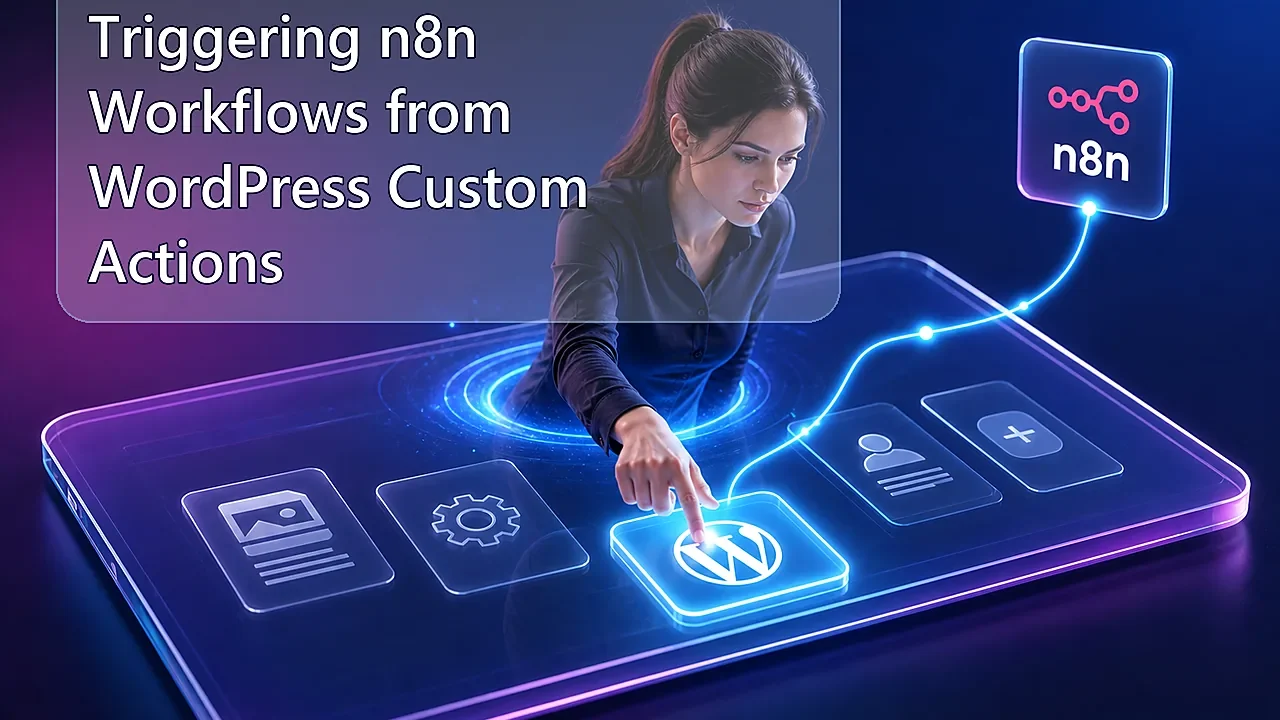
Trigger n8n Workflows from WordPress Custom Actions
A practical guide to triggering n8n workflows from WordPress custom actions, with safer hooks, payload design, retries, and security guardrails.

Last Updated on September 13, 2026 by Triumphoid Team
Strong recommendation: do not wire WordPress directly to a complex automation graph unless the trigger is boring, explicit, and logged. The best n8n integrations start with one small WordPress action and a payload that is easy to replay.
The winning pattern is simple: WordPress detects the event, sends a minimal signed payload, and n8n does the orchestration. WordPress should not become the automation engine.
Best Trigger Pattern for WordPress to n8n
| Layer | Responsibility | What not to do |
|---|---|---|
| WordPress hook | Detect the business event | Run long external workflows inside page requests |
| Payload | Send IDs, event type, timestamp, and signature | Send entire post bodies unless necessary |
| n8n webhook | Validate, enrich, route, retry | Trust anonymous inbound requests |
| Logging | Store event status and replay info | Debug only from email alerts |
FAQ: WordPress Custom Actions and n8n
What WordPress hook should trigger n8n?
Use the narrowest hook that represents the real business event. For posts, save_post can work, but custom hooks are cleaner when you control the workflow.
Should WordPress wait for n8n to finish?
No. WordPress should send the event and move on. Let n8n handle async work, retries, and notifications.
How do I secure the webhook?
Use a shared secret or signature, validate the event payload, and reject unexpected event types.
References: see WordPress wp_remote_post and n8n webhook node docs.
⚡ TL;DR
To trigger n8n from WordPress, the cleanest pattern is to hook into WordPress’s save_post workflow, skip revisions and autosaves, package the post data into JSON, and send it to an n8n Webhook endpoint with wp_remote_post(). That gives you an immediate bridge from WordPress editorial events to external automation. The production-safe version also signs the request, uses the production webhook URL, keeps the request payload small, and avoids accidental recursion or duplicate firing. In plain English: editor saves a post, WordPress sends a secure webhook, n8n starts the workflow, and your automation layer takes over from there.
There are two ways people usually wire WordPress into automation. One is lazy and brittle. The other is boring and reliable.
The lazy version depends on polling. Every few minutes, some external workflow asks WordPress, “Did anything change?” That works, sort of, but it is clumsy, late, and needlessly noisy. The better version is event-driven: when a post is saved, WordPress immediately notifies n8n. That is cleaner architecture, faster orchestration, and less API dead air.
That is exactly why this pattern matters. WordPress already knows when editorial state changes. n8n is very good at receiving webhook events and turning them into workflows. The smart move is obvious: let WordPress be the event source and let n8n be the workflow brain. No plugin circus needed if you are comfortable writing a little PHP.
What trigger n8n from WordPress actually means
To trigger n8n from WordPress means using a WordPress action hook to send an outbound HTTP request to an n8n webhook whenever something meaningful happens inside WordPress. In this case, the event is post persistence. WordPress fires save_post after a post is saved, and wp_remote_post() can send a JSON payload to an external URL. n8n’s Webhook node receives that request and starts the automation workflow.
That is the whole mechanism. WordPress does not need to “integrate” with n8n in some mystical enterprise-platform sense. It just needs to fire a webhook like an adult system.
The short framework
| Step | What happens | Why it matters |
|---|---|---|
| 1 | WordPress saves a post | Creates the content event |
| 2 | A hook captures the save event | Lets your custom code react immediately |
| 3 | PHP builds a safe JSON payload | Passes only the fields n8n actually needs |
| 4 | wp_remote_post() sends the webhook | Starts the external automation |
| 5 | n8n Webhook node receives the request | The workflow begins in real time |
That architecture is much better than polling, and frankly, much less irritating to maintain.
Why save_post is the right hook
Because it fires when the content has actually been saved. WordPress documents save_post as firing once a post has been saved, with the post ID, the post object, and an $update flag telling you whether it is a new record or an update. That is exactly the moment an external automation usually cares about.
There is one important nuance, though. WordPress also recommends using the post-type-specific variant when that makes sense. So if your automations only care about blog posts, save_post_post is often cleaner than hooking the global save_post event and then filtering everything manually. Less noise. Less accidental firing. Better discipline.
That said, there is a practical wrinkle. Some plugins write additional meta later in the save cycle. So if your automation depends on those fields being fully settled, the broader save_post hook can sometimes be the safer integration point than the post-type-specific one fired earlier. This is where real WordPress work gets mildly annoying. Welcome.
Why wp_remote_post is enough
Because outbound automation does not need a giant integration framework. WordPress already gives you an HTTP client. wp_remote_post() lets you send a POST request with headers, body, timeout controls, and error handling. That is enough to call an n8n webhook endpoint with JSON.
The trap here is that too many code examples online are sloppy. They disable SSL verification, send bloated payloads, or block the editor experience with slow remote calls. Don’t do that. A small authenticated request with a sane timeout is all you need.
The right architecture
 WordPress Editor
       │
       │ Save / Update Post
       ▼
 save_post hook
       │
       │ PHP callback builds JSON payload
       ▼
 wp_remote_post()
       │
       │ Signed HTTPS request
       ▼
 n8n Webhook node
       │
       │ Parse payload / validate / enrich / route
       ▼
 n8n workflow actions
       │
       ├─ update CRM
       ├─ send Slack alert
       ├─ generate metadata
       ├─ sync to another CMS
       └─ trigger downstream automations
This is the adult version of WordPress automation. WordPress emits the event. n8n handles the orchestration. Each system does the job it is actually good at.
PHP snippet using wp_remote_post on save_post
This is the core example you asked for. It hooks into save_post, skips autosaves and revisions, limits execution to the standard post post type, signs the request with a shared secret, and sends the payload to an n8n webhook endpoint.
/**
 * Trigger an n8n workflow whenever a post is saved.
 */
add_action( 'save_post', 'myproject_trigger_n8n_on_save', 20, 3 );

function myproject_trigger_n8n_on_save( $post_id, $post, $update ) {

	// Skip autosaves, revisions, and invalid objects.
	if ( defined( 'DOING_AUTOSAVE' ) && DOING_AUTOSAVE ) {
		return;
	}

	if ( wp_is_post_revision( $post_id ) ) {
		return;
	}

	if ( ! $post instanceof WP_Post ) {
		return;
	}

	// Limit to standard posts only. Change this if needed.
	if ( 'post' !== $post->post_type ) {
		return;
	}

	// Optional: only trigger on publish/update, not drafts.
	if ( 'publish' !== $post->post_status ) {
		return;
	}

	// Optional: avoid triggering on initial insert if you only want updates.
	// if ( ! $update ) {
	// 	return;
	// }

	$webhook_url = 'https://your-n8n-domain.com/webhook/wordpress-post-saved';
	$secret      = 'replace-with-a-long-random-shared-secret';

	$payload = array(
		'event'        => 'post.saved',
		'post_id'      => $post_id,
		'post_type'    => $post->post_type,
		'post_status'  => $post->post_status,
		'post_title'   => get_the_title( $post_id ),
		'post_slug'    => $post->post_name,
		'post_url'     => get_permalink( $post_id ),
		'is_update'    => (bool) $update,
		'modified_gmt' => get_post_modified_time( 'c', true, $post_id ),
	);

	$body = wp_json_encode( $payload );

	$response = wp_remote_post(
		$webhook_url,
		array(
			'timeout' => 5,
			'headers' => array(
				'Content-Type'  => 'application/json',
				'X-WP-Event'    => 'save_post',
				'X-WP-Signature' => hash_hmac( 'sha256', $body, $secret ),
			),
			'body'    => $body,
		)
	);

	if ( is_wp_error( $response ) ) {
		error_log( 'n8n webhook failed for post ' . $post_id . ': ' . $response->get_error_message() );
		return;
	}

	$status_code = wp_remote_retrieve_response_code( $response );

	if ( $status_code < 200 || $status_code >= 300 ) {
		error_log( 'n8n webhook returned HTTP ' . $status_code . ' for post ' . $post_id );
	}
}
That snippet is intentionally boring. Good. Boring webhook code is usually the code that keeps working.
Why this snippet is safer than most examples
Because it avoids the three classic mistakes.
| Mistake | What bad examples do | What this version does instead |
|---|---|---|
| Trigger noise | Fires on revisions, autosaves, and every post type | Filters autosaves, revisions, and post type |
| Weak security | Sends an open webhook request with no verification | Signs the body with HMAC in a custom header |
| Editor slowdown | Uses long timeouts and huge payloads | Keeps the request small and the timeout tight |
This matters because automation that annoys editors or quietly doubles workflow events is not clever. It is just sabotage in developer clothing.
What to build in the n8n webhook
The receiving side should be just as disciplined as the WordPress side.
In n8n, the Webhook node should use the production URL, not the test URL, once the workflow is live. n8n clearly separates those two modes. Test URLs are for debugging. Production URLs only work properly when the workflow is saved and published. This sounds obvious until someone launches a site with the test endpoint still wired in and then wonders why the automation “randomly stopped.”
The n8n workflow itself should verify the signature header, parse the JSON body, and decide what kind of automation to run. You might route published blog posts into Slack, send product updates into an indexing workflow, or trigger metadata generation for specific post types. The webhook is just the front door. The real value is the workflow behind it.
What the n8n flow might do next
| Post-save event | n8n action | Operational benefit |
|---|---|---|
| Blog post published | Generate meta description and schema | SEO enrichment happens instantly |
| Editorial update | Notify Slack or email | Teams see important changes without polling |
| Custom post type saved | Sync record to Airtable or CRM | Keeps systems aligned automatically |
| News article published | Purge cache and ping downstream systems | Fresh content propagates faster |
| Post updated | Trigger headless rebuild | Static frontends stay in sync |
This is why event-driven WordPress setups age so much better than manual checklists. The save event becomes infrastructure, not just a click in wp-admin.
Common gotchas
This is the part the cheerful tutorials skip.
First: save_post fires a lot. Imports, quick edits, manual edits, XML-RPC style flows, email posting, and other pathways can all hit it. If your callback is too broad, you will trigger more automations than you expected.
Second: if your own save callback updates the post again with functions that also fire save_post, you can create loops. WordPress explicitly warns about this pattern when using functions like wp_update_post(). If your integration needs to write back into the same post during the same save cycle, you need to be very deliberate about unhooking and re-hooking or designing around that path.
Third: the request should be small. Do not send the entire rendered post body, every meta field, all taxonomy data, the featured image object, and three copies of the permalink just because you can. Send the minimum viable context. n8n can fetch more data later if it genuinely needs it.
What docs do not tell you
The best hook is often the narrowest hook. People love global hooks because they look flexible. In production, flexibility often means noisy automation. If only one post type matters, scope your trigger accordingly or at least filter aggressively inside the callback.
Production webhook URLs are not a detail. n8n generates separate test and production URLs, and they behave differently. This tiny distinction causes a ridiculous amount of self-inflicted pain.
Webhook security matters even for “internal” workflows. If the n8n endpoint is public, treat it like a real external API surface. Shared secret, authentication, and predictable validation. Anything less is just asking for junk traffic or accidental triggering.
Blocking outbound requests can annoy editors. WordPress waits for the remote call unless you engineer around it. That does not mean you need asynchronous theatrics right away, but it does mean your timeout should be short and your receiving workflow should not act like it is processing a moon landing.
🛠 Pro-Tip
Sign the exact JSON body you send with hash_hmac(), then verify that signature inside n8n before doing anything expensive. That gives you body integrity, not just a vague shared-password check. It also makes debugging cleaner because if the payload changes upstream, the signature mismatch tells you immediately that something in the transport or formatting layer moved.
Our experience with trigger n8n from WordPress patterns
Our experience with trigger n8n from wordpress patterns is that the simplest implementation is usually the best one: catch the right WordPress event, send a tight signed payload, and let n8n do the orchestration. The mistakes tend to come from over-helpfulness. Developers send too much data, trigger too often, or make the outbound call behave like a second application server living inside the save cycle.
The cleanest setups are opinionated. They know which post types matter. They know which post statuses should trigger automation. They know whether a draft save should do nothing while a publish event should fan out into five downstream jobs. That is what makes the workflow feel intentional instead of twitchy.
And honestly, that is the broader point. WordPress does not need to become an automation platform to participate in serious automations. It just needs to emit good events. n8n can handle the rest. The uncomfortable question is whether your current WordPress stack is already producing the events your business needs, or whether you are still making humans do orchestration work that one signed webhook could have eliminated months ago.