How to Use the WP Theme Customizer API for Dynamic Sites

⚡ TL;DR
The WordPress theme customizer API is still a very practical tool for classic themes when you need live-previewed theme settings that pull dynamic data from external sources. The right pattern is to register a customizer setting, create a custom control that fetches or receives external data, render that data as a select, radio, or richer JS-based UI, and then store only the selected value in the database. In plain English: external API → custom control → user selection → saved theme mod/option. That lets you build dynamic site settings without hardcoding values into the theme and without forcing editors to touch PHP every time an external catalog, location list, or brand feed changes.
There is a lazy way to use the Customizer, and then there is the grown-up way.
The lazy way is to add five color pickers and two text inputs and call it “them” settings. The grown-up way is using the Customizer as a controlled interface for live external data: branch locations from an API, partner brands from a JSON feed, selectable layouts based on remote inventory, region lists, pricing tables, featured campaigns, or whatever the site actually needs. That is where the WordPress customizer API for themes gets interesting.
There is one caveat worth stating plainly: this approach is primarily a classic theme pattern, not the center of gravity for full block-theme work. The Customizer docs still position it as the canonical theme-options framework for themes and plugins, but modern block themes have shifted much of the visual configuration to the Site Editor. So this post is really about the places where the Customizer is still the right tool: classic themes, hybrid themes, and controlled option panels that benefit from live preview.
What the WordPress theme customizer api actually means
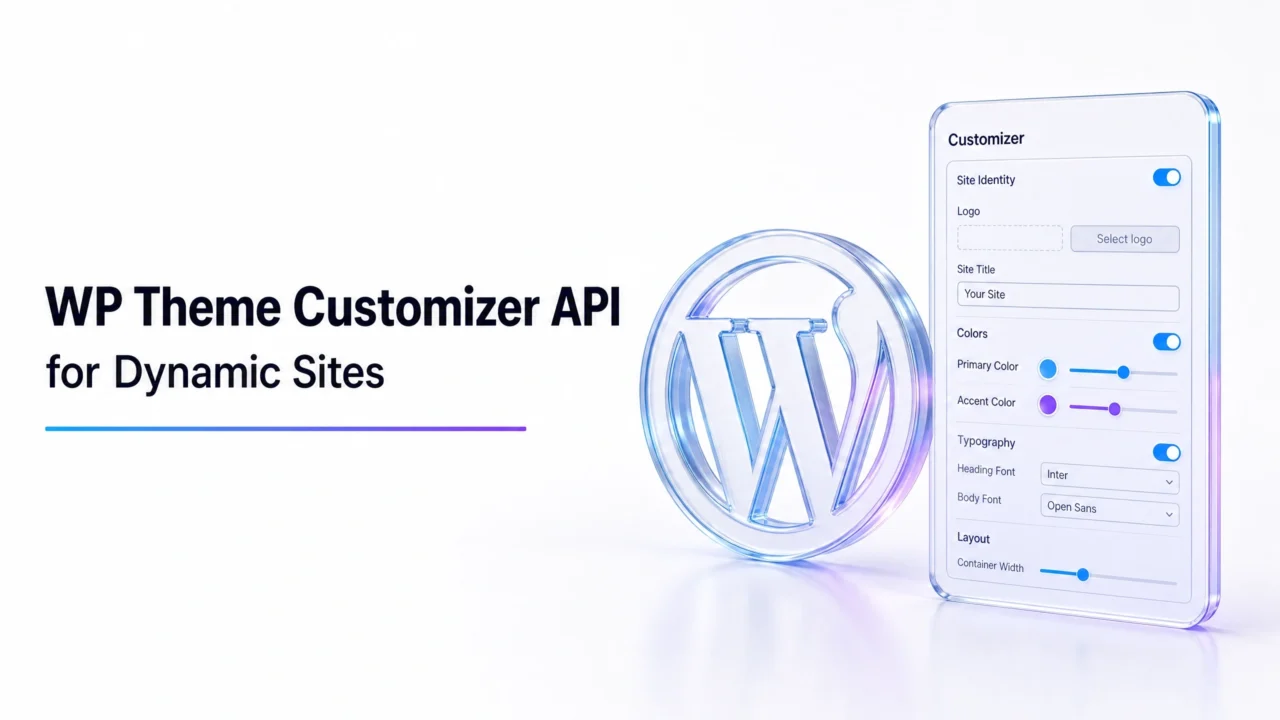
The WordPress theme customizer API is WordPress’s work for registering theme settings, exposing those settings as controls, and previewing changes live before publishing them. Its core object model is built around panels, sections, settings, and controls, all of which are managed through it. That matters because dynamic external-data controls still plug into the same object model; they are not a separate system. :contentReference[oaicite:2]{index=2}
The practical translation is simple: if you can turn an external data source into an array of valid choices, you can usually surface it cleanly in the Customizer.
The short framework
| Step | What happens | Why it matters |
|---|---|---|
| 1 | Fetch dynamic data from an external source | Turns the control into something more useful than a static dropdown |
| 2 | Register a setting in the Customizer | Creates a safe storage target for the chosen value |
| 3 | Register a custom control | Lets you render the external data in a usable UI |
| 4 | Validate and sanitize the selected value | Prevents bad remote data from becoming a saved theme setting |
| 5 | Use the saved value in the theme output | Turns the selection into real frontend behavior |
This is the important mental shift: the Customizer is not the data source. It is the selection layer.
Why custom controls matter for dynamic sites
A dynamic site typically requires more than just a simple text box. If the theme setting is meant to reference an external branch office, partner brand, property listing, or campaign object, you do not want editors to type that value manually and pray the slug matches. You want a controlled interface fed by real data.
The core WP_Customize_Control class is specifically meant to render input controls inside the Theme Customizer, and WordPress documents extension points like render_content() PHP-rendered controls and print_template() /or JS-rendered controls. This is precisely what enables the use of external-data controls without the need to completely rebuild the Customizer. :contentReference[oaicite:3]{index=3}
The right architecture for external dynamic data
External API / JSON feed
          │
          │ wp_remote_get() or cached fetch
          ▼
  Theme / plugin helper function
          │
          │ normalized array of choices
          ▼
 customize_register
          │
          ├─ add_setting()
          └─ add_control( custom control )
                    │
                    ▼
         Customizer UI renders choices
                    │
                    ▼
          Editor selects one item
                    │
                    ▼
      Theme mod / option is saved
                    │
                    ▼
   Frontend uses saved external reference
This is the clean architecture. An external source is on one side. Customizer as the decision UI. The theme setting is saved as a result. No hardcoded dropdowns that go stale every three weeks.
Example 1: PHP custom control using a remote JSON feed
This example registers a Customizer section, creates a setting for a selected external location, fetches a remote JSON feed, and renders a dropdown control populated with live options. The control stores only the selected location ID, not the whole remote object. That is the right move. Keep the saved value small and stable.
/**
 * Fetch and normalize external location data.
 */
function mytheme_get_remote_locations() {
	$transient_key = 'mytheme_remote_locations';
	$cached        = get_transient( $transient_key );

	if ( false !== $cached ) {
		return $cached;
	}

	$response = wp_remote_get(
		'https://api.example.com/locations',
		array(
			'timeout' => 8,
		)
	);

	if ( is_wp_error( $response ) ) {
		return array();
	}

	$body = wp_remote_retrieve_body( $response );
	$data = json_decode( $body, true );

	if ( ! is_array( $data ) ) {
		return array();
	}

	$choices = array();

	foreach ( $data as $item ) {
		if ( empty( $item['id'] ) || empty( $item['name'] ) ) {
			continue;
		}

		$choices[ sanitize_text_field( $item['id'] ) ] = sanitize_text_field( $item['name'] );
	}

	set_transient( $transient_key, $choices, HOUR_IN_SECONDS );

	return $choices;
}

/**
 * Custom select control for external locations.
 */
class MyTheme_Location_Select_Control extends WP_Customize_Control {
	public $type = 'mytheme_location_select';
	public $choices = array();

	public function render_content() {
		if ( empty( $this->choices ) ) {
			echo '<p>No locations available right now.</p>';
			return;
		}
		?>
		<label>
			<?php if ( ! empty( $this->label ) ) : ?>
				<span class="customize-control-title"><?php echo esc_html( $this->label ); ?></span>
			<?php endif; ?>

			<?php if ( ! empty( $this->description ) ) : ?>
				<span class="description customize-control-description"><?php echo esc_html( $this->description ); ?></span>
			<?php endif; ?>

			<select <?php $this->link(); ?>>
				<option value="">Select a location</option>
				<?php foreach ( $this->choices as $value => $label ) : ?>
					<option value="<?php echo esc_attr( $value ); ?>" <?php selected( $this->value(), $value ); ?>>
						<?php echo esc_html( $label ); ?>
					</option>
				<?php endforeach; ?>
			</select>
		</label>
		<?php
	}
}

/**
 * Register the setting and control.
 */
add_action( 'customize_register', 'mytheme_register_dynamic_location_control' );

function mytheme_register_dynamic_location_control( $wp_customize ) {

	$wp_customize->add_section(
		'mytheme_dynamic_data',
		array(
			'title'    => __( 'Dynamic Data', 'mytheme' ),
			'priority' => 40,
		)
	);

	$wp_customize->add_setting(
		'mytheme_selected_location',
		array(
			'default'           => '',
			'sanitize_callback' => 'sanitize_text_field',
			'transport'         => 'refresh',
		)
	);

	$wp_customize->add_control(
		new MyTheme_Location_Select_Control(
			$wp_customize,
			'mytheme_selected_location_control',
			array(
				'label'       => __( 'Featured Location', 'mytheme' ),
				'description' => __( 'Pick a location from the external locations feed.', 'mytheme' ),
				'section'     => 'mytheme_dynamic_data',
				'settings'    => 'mytheme_selected_location',
				'choices'     => mytheme_get_remote_locations(),
			)
		)
	);
}
This approach is the safest basic pattern because the external fetch is cached, the choices are normalized, and the saved setting is just the chosen key. That is how you keep the Customizer fast enough to stay civilized.
Why caching remote data matters
The Customizer is not a streaming dashboard.
If every panel load hits an external API directly, your theme settings UI becomes fragile, slow, and weirdly dependent on someone else’s. That is bad architecture. Cache the feed, normalize it, and let the control render from a stable local array. If the external source is briefly down, your Customizer should still behave like a respectable admin interface, not a nervous breakdown.
Example 2: JavaScript-rendered custom control for richer dynamic data
Sometimes a plain select field is not enough. Maybe the external source includes labels, thumbnails, statuses, pricing tiers, or region metadata. That is where a JS-rendered control becomes more captivating.
WordPress documents JS/Underscore-rendered controls and explains that additional control data can be pushed to JavaScript by overriding to_json(). That is the move you want when a control needs more than a flat label/value list. :contentReference[oaicite:4]{index=4}
class MyTheme_Remote_Brand_Control extends WP_Customize_Control {
	public $type = 'mytheme_remote_brand';
	public $brands = array();

	public function enqueue() {
		wp_enqueue_script(
			'mytheme-customizer-controls',
			get_template_directory_uri() . '/assets/js/customizer-controls.js',
			array( 'customize-controls', 'jquery' ),
			'1.0',
			true
		);
	}

	public function to_json() {
		parent::to_json();
		$this->json['brands'] = $this->brands;
	}

	public function content_template() {
		?>
		<label>
			<# if ( data.label ) { #>
				<span class="customize-control-title">{{ data.label }}</span>
			<# } #>

			<# if ( data.description ) { #>
				<span class="description customize-control-description">{{ data.description }}</span>
			<# } #>

			<select {{{ data.link }}}>
				<option value="">Select a brand</option>
				<# _.each( data.brands, function( brand ) { #>
					<option value="{{ brand.id }}" <# if ( data.value === brand.id ) { #>selected<# } #>>
						{{ brand.name }} — {{ brand.region }}
					</option>
				<# } ); #>
			</select>
		</label>
		<?php
	}
}

function mytheme_get_remote_brands() {
	$response = wp_remote_get( 'https://api.example.com/brands', array( 'timeout' => 8 ) );

	if ( is_wp_error( $response ) ) {
		return array();
	}

	$data = json_decode( wp_remote_retrieve_body( $response ), true );

	if ( ! is_array( $data ) ) {
		return array();
	}

	$brands = array();

	foreach ( $data as $item ) {
		if ( empty( $item['id'] ) || empty( $item['name'] ) ) {
			continue;
		}

		$brands[] = array(
			'id'     => sanitize_text_field( $item['id'] ),
			'name'   => sanitize_text_field( $item['name'] ),
			'region' => ! empty( $item['region'] ) ? sanitize_text_field( $item['region'] ) : '',
		);
	}

	return $brands;
}

add_action( 'customize_register', 'mytheme_register_remote_brand_control' );

function mytheme_register_remote_brand_control( $wp_customize ) {
	$wp_customize->add_setting(
		'mytheme_featured_brand',
		array(
			'default'           => '',
			'sanitize_callback' => 'sanitize_text_field',
		)
	);

	$wp_customize->add_control(
		new MyTheme_Remote_Brand_Control(
			$wp_customize,
			'mytheme_featured_brand_control',
			array(
				'label'       => __( 'Featured Brand', 'mytheme' ),
				'description' => __( 'Choose a brand from the external catalog.', 'mytheme' ),
				'section'     => 'mytheme_dynamic_data',
				'settings'    => 'mytheme_featured_brand',
				'brands'      => mytheme_get_remote_brands(),
			)
		)
	);
}
This version is more flexible because the control can render richer metadata without turning the PHP side into a miserable string builder.
How the saved value should be used in the theme
Here is where people get sloppy. The Customizer control is not supposed to save the whole remote payload. It should save the smallest stable reference, usually an ID or slug. Then the frontend can use that saved value to retrieve the right local cached data or resolve it against a lightweight fetch layer when rendering.
That is the important separation of concerns:
| Layer | What it should store | Why |
|---|---|---|
| Customizer setting | External ID or slug | Keeps the saved option stable and light |
| Theme helper function | Resolved display object | Turns the saved ID into usable frontend data |
| External API cache | Normalized payload array | Prevents repeated slow remote requests |
If you save the entire remote object in a theme mod just because it’s convenient, you are asking for stale data and awkward cleanup later.
When this API is still the right tool
The Customizer is still a good fit when the user needs a live preview, when the theme is classic or hybrid, and when the setting is clearly “their” behavior rather than general site content. Featured branch selector. hero campaign source. region selector. remote brand choice. layout source. Those are reasonable customization jobs.
It is a bad fit when you are really building content management inside a theme setting. If the value behaves more like content than presentation logic, it probably belongs in a post type, an options page, or a dedicated admin UI instead of the Customizer.
What docs do not tell you?
The hard part is rarely the control itself. The hard part is deciding what to fetch remotely, what to cache locally, and what to save as the final setting.
External dynamic controls can rot quietly. If the remote API changes field names or starts returning weird payloads, your Customizer can degrade in ugly but subtle ways. Normalize everything before it touches the control.
The Customizer is not the future of every theme workflow. For block themes, the Site Editor has taken over much of the terrain. The Customizer still matters, but mostly where classic-theme settings and live preview remain the better fit. :contentReference[oaicite:5]{index=5}
JS-rendered controls are often cleaner for richer data. Once the external source includes multiple display fields, thumbnails, regions, or statuses, fighting everything through plain PHP markup becomes less noble and more masochistic.
🛠 Pro-Tip
Cache the remote feed separately from the control render, and save only the external object’s stable identifier in the Customizer setting. Then build one small resolver function on the frontend that maps the saved ID back to the latest cached object. That single design choice keeps the admin UI faster, the saved options cleaner, and the theme much less brittle when the external source changes shape.
Our experience with wordpress theme customizer api work
Our experience with the WordPress theme customizer API is that it gets underestimated because too many people remember it as a place for logos, colors, and some random homepage text field from 2017. That is a very limited view of what it can do in classic-theme environments.
Used properly, it is a controlled live-preview interface for theme-level decisions, and that makes it surprisingly effective for dynamic-site settings that depend on external data. The mistake is not using external data. The mistake is letting the external data become the UI directly without normalization, caching, or sane saved values. That is where “dynamic”” turns into “fragile”.”
And honestly, that is probably the question worth leaving on the table: if your dynamic site still relies on hardcoded theme settings that go stale the moment an external catalog changes, are you really building a flexible theme or just a static options panel wearing a modern buzzword?