Workflow Automation: What to Automate and What to Leave Alone
Workflow automation works on repetitive rule-based processes. What to automate, what to delete instead, the silent-failure problem, and where AI fits versus plain rules.

Last Updated on November 6, 2026 by Elizabeth Sramek
Quick answer
Workflow automation means having software carry out a sequence of steps that a person currently does by hand, triggered by an event rather than by someone remembering. It works when a process is repetitive, rule-based and high enough volume to repay the setup. The mistake that wastes most automation budgets is automating a bad process rather than fixing it first — you end up executing the wrong thing reliably, at speed, which is worse than doing it slowly by hand.
Almost every guide to this topic is written by a vendor, which is why they all conclude that you should automate more. The more useful question is which of your processes should be automated, which should be deleted, and which should be left alone — and those are different answers.
The anatomy of a workflow
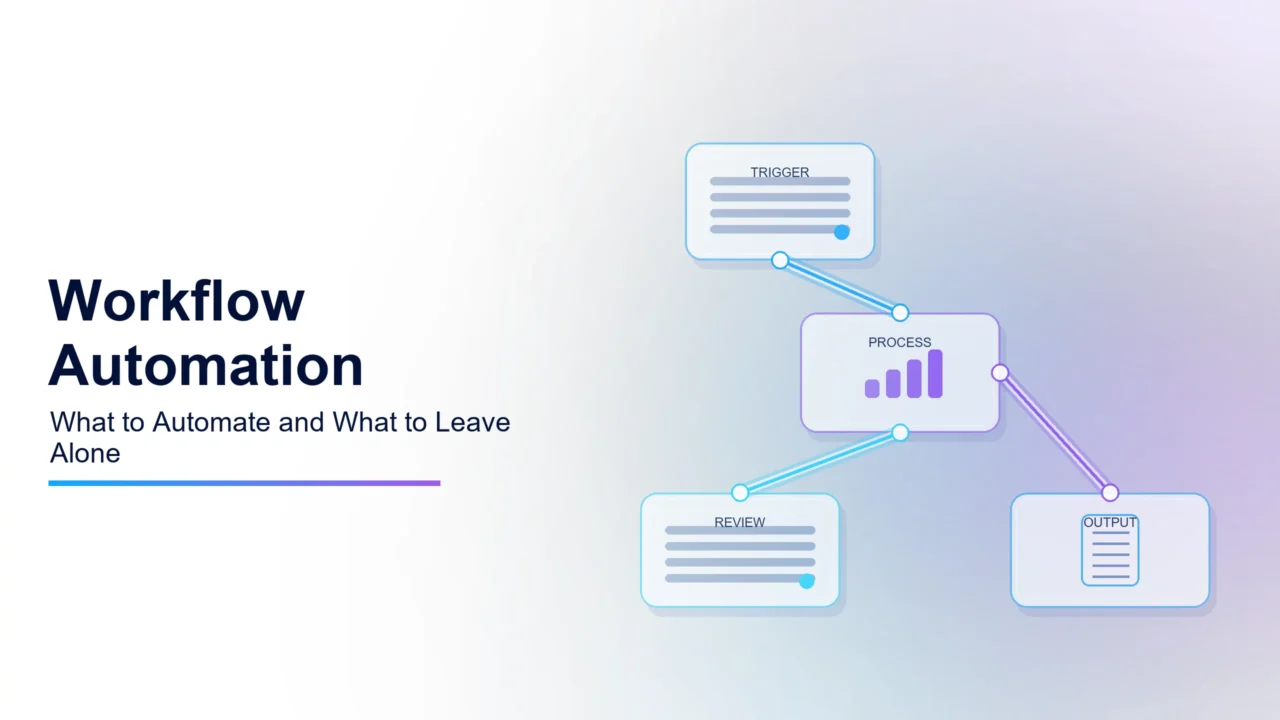
Three parts. Understanding them makes the tools obvious rather than confusing.
- A trigger. The thing that starts it: a form submitted, an email received, a row added, a schedule, a payment taken.
- Actions. What happens next: create a record, send a message, move a file, update a field, call an API.
- Logic. The conditions between them: if this then that, wait until, only when, loop over each.
Every platform in the category is a different interface over those three ideas. The differences that matter are how much logic you can express, what happens when a step fails, and how pricing counts what you run.
What to automate, and what not to
| Characteristic | Automate | Leave alone |
|---|---|---|
| Frequency | Daily or many times weekly | A few times a year |
| Rules | Written down and stable | Depend on who is doing it |
| Exceptions | Rare and predictable | Every case is slightly different |
| Failure cost | Low, and you would notice | High, or silent |
| Process stability | Unchanged for months | Being redesigned right now |
| Emotional content | None | Bad news, complaints, anything sensitive |
Watch out
Never automate a process you have not first tried to eliminate. A surprising share of business processes exist because of a decision nobody remembers, a report nobody reads, or a system that was replaced three years ago. Automating those makes them permanent — once it runs itself, nobody ever questions whether it should exist. Ask why the process exists before you ask how to automate it.
Where it genuinely pays
- Moving data between systems that do not integrate. Form to CRM, order to accounting, signup to onboarding. The most common and most reliable win.
- Notification and routing. Getting the right information to the right person without someone acting as a switchboard.
- Scheduled reporting. Pulling the same numbers into the same format every Monday.
- Onboarding sequences. Accounts, permissions, welcome messages, document requests. Rule-based and consequential when steps get missed.
- Follow-up that depends on remembering. Chasing an unpaid invoice, an unreturned document, a stalled deal. Software is better at remembering than people are.
- File handling. Naming, filing, backing up, converting. Tedious and entirely mechanical.
My take
Start with follow-up chasing, specifically unpaid invoices. It is rule-based, unambiguous, nobody enjoys it, and the return is measured in cash collected rather than in hours theoretically saved. Time-saving arguments are hard to defend internally because the time rarely shows up anywhere. Money arriving sooner is visible on the bank statement, which makes the second automation much easier to get approved.
The reliability problem nobody plans for
Automations fail. An API changes, a credential expires, a service has an outage, someone renames a field. The question is not whether but whether you will find out.
The characteristic failure is silent: a workflow that has not run for six weeks, and nobody noticed because its output was something nobody checks until they need it. Then you discover four hundred enquiries never reached the CRM.
- Turn on failure alerts and send them somewhere a human actually reads. Every platform offers this; almost nobody configures it.
- Alert on silence too. A workflow that should run daily and has not run for three days needs to raise its hand. Absence of errors is not evidence of running.
- Write down what each automation does and who owns it. The most dangerous automation is one built by someone who left.
- Review them quarterly. Which ran, which failed, which are still needed. Expect to delete some.
- Note the credentials each uses and when they expire. Expired tokens are a leading cause of silent failure.
Where AI fits, and where it does not
Every automation platform has added AI steps, and the useful distinction is simple.
| Use rules when | Use AI when |
|---|---|
| The input has a fixed structure | The input is free text or varies |
| You need the same result every time | Some variation is acceptable |
| The decision is a lookup or a threshold | The decision requires reading meaning |
| Cost per run must be near zero | Per-run cost is justified by the work |
| You must be able to explain the outcome | Explanation is not required |
A common and expensive mistake is putting an AI step where a lookup table would do. It costs money per run, introduces non-determinism, and makes the workflow harder to debug, all to solve a problem that had a deterministic answer.
Building your first one properly
- Write the process out by hand first, every step and every exception. If you cannot, you are not ready.
- Delete the steps that exist for no current reason. Frequently a third of them.
- Automate the simple path only. The 80% of cases that are straightforward. Route exceptions to a human.
- Run it alongside the manual process for a fortnight, comparing outputs. This catches the cases you forgot.
- Turn on alerting before you stop doing it manually.
- Document it and name an owner.
Step three is the one that separates automations that survive from ones abandoned after a month. Trying to handle every edge case produces something so complicated nobody can maintain it, and the edge cases were always going to need a person anyway.
My verdict
Workflow automation is one of the highest-return things a small business can do, and the return comes from a narrow set of processes: moving data between systems, chasing things that depend on memory, and routine notification.
The failures are predictable. Automating a process nobody questioned, building for every edge case, and never configuring alerts so failures stay silent until they are expensive.
Write the process down, delete what should not exist, automate the simple path, alert on failure and silence, and review quarterly. That is the whole discipline, and it matters far more than which platform you pick.
For choosing between the main platforms, see Zapier vs Make vs n8n. Where processes genuinely need judgement rather than rules, agentic AI explained covers what agents add and what they cost.
Frequently asked questions
What is workflow automation?
Having software carry out a sequence of steps a person currently does by hand, started by an event rather than by someone remembering. Every workflow has three parts: a trigger such as a form submission or a schedule, one or more actions such as creating a record or sending a message, and logic connecting them such as conditions and waits.
What should I automate first?
Follow-up chasing, particularly unpaid invoices. It is rule-based, unambiguous, nobody enjoys it, and the return shows up as cash collected rather than hours theoretically saved. Time-saving arguments are hard to defend internally because the time rarely materialises anywhere visible, whereas money arriving sooner appears on the bank statement.
What should not be automated?
Processes that run a few times a year, where rules depend on who is doing them, where every case differs, where failure is expensive or silent, where the process is currently being redesigned, and anything with emotional content. Automating rejection messages or complaint responses saves minutes and costs reputation.
Why do automation projects fail?
Most commonly because a bad process was automated rather than fixed, so the wrong thing now happens reliably and at speed. Others fail from trying to handle every edge case, producing something too complex to maintain, or from never configuring alerts, so a broken workflow stays silent until the damage is expensive.
How do I stop automations failing silently?
Configure failure alerts routed somewhere a human reads, which every platform supports and almost nobody sets up. Also alert on silence: a daily workflow that has not run for three days should raise its hand, because absence of errors is not evidence of running. Track credential expiry, a leading cause of silent failure.
When should a workflow use AI instead of rules?
Only when the input genuinely resists rules — classifying free-text enquiries, extracting fields from unstructured documents, summarising. Rules are cheaper, faster, deterministic and explainable. Putting an AI step where a lookup table would work costs money per run, adds non-determinism and makes debugging harder for no benefit.
How do I build my first automation properly?
Write the process out by hand including exceptions. Delete steps that exist for no current reason, often a third of them. Automate only the straightforward 80% and route exceptions to a person. Run it alongside the manual process for a fortnight comparing outputs. Turn on alerting before stopping the manual version. Document it and name an owner.
Should I automate a process nobody questions?
Try to eliminate it first. Many business processes exist because of a forgotten decision, a report nobody reads, or a system replaced years ago. Automating those makes them permanent, because once something runs itself nobody ever reconsiders whether it should exist at all. Ask why before asking how.