The Ops Guide to Rotating API Keys Without Breaking Production


Last Updated on September 22, 2026 by Triumphoid Team
There are two kinds of teams: those who rotate API keys intentionally, and those who get forced to rotate them at the worst possible moment.
If your automation stack touches CRMs, payment providers, enrichment APIs, or internal services, key rotation is not a security checkbox. It’s an operational event. Done poorly, it breaks pipelines silently. Done well, nobody notices.
This guide focuses on what actually works in production: externalized secrets, controlled rollout, fallback logic, and observable failures. No theater.
The Only Principle That Matters
Keys must be replaceable without changing code or redeploying workflows.
Everything below flows from that.
1) Stop Hardcoding Keys. Externalize or Accept Outages
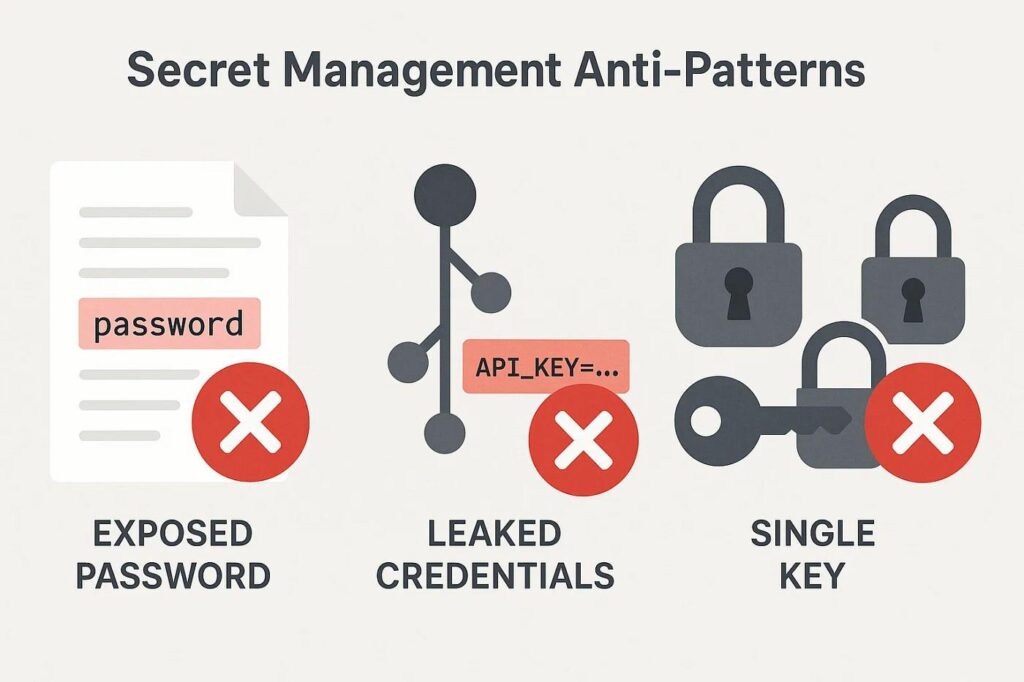
Hardcoding keys into scripts or workflow nodes is the fastest path to:
- emergency edits in production
- version drift across environments
- keys lingering in logs, exports, screenshots
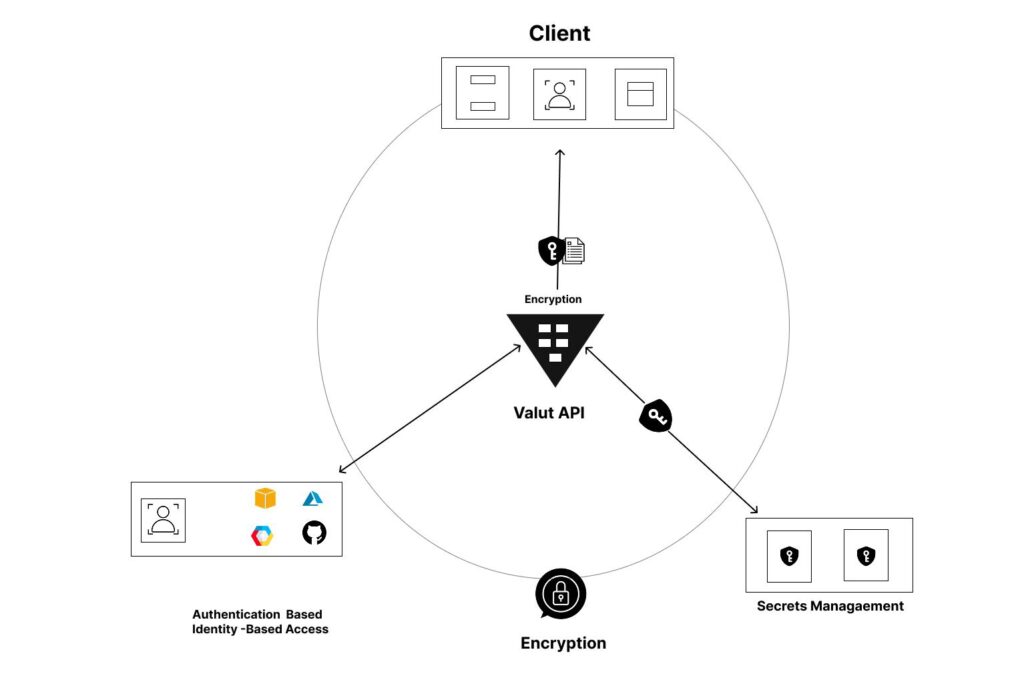
Instead, store secrets in a centralized secret manager and reference them at runtime.
What “good” looks like
| Pattern | Example | Outcome |
|---|---|---|
| Environment variables | process.env.API_KEY | Swappable without code changes |
| Secret managers | Vault / Doppler | Central control + audit |
| Runtime injection | Container/env load | Consistent across services |
Example: Node.js (n8n / custom service)
// Never do this:
// const API_KEY = "sk_live_123";

// Do this:
const API_KEY = process.env.MY_SERVICE_API_KEY;

async function callApi(payload) {
  const res = await fetch("https://api.service.com/data", {
    method: "POST",
    headers: {
      "Authorization": `Bearer ${API_KEY}`,
      "Content-Type": "application/json"
    },
    body: JSON.stringify(payload)
  });
  return res.json();
}
Example: Python (Airflow / workers)
import os
import requests

API_KEY = os.environ.get("MY_SERVICE_API_KEY")

def call_api(data):
    response = requests.post(
        "https://api.service.com/data",
        headers={"Authorization": f"Bearer {API_KEY}"},
        json=data
    )
    return response.json()
No secrets in code. No exceptions.
Secret Manager Setup (What You Actually Configure)
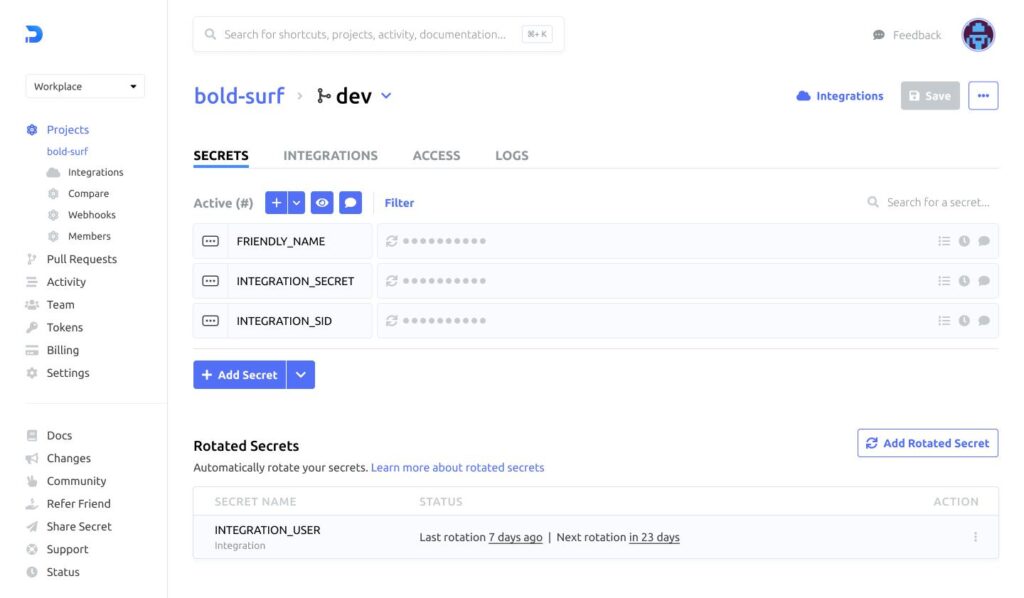
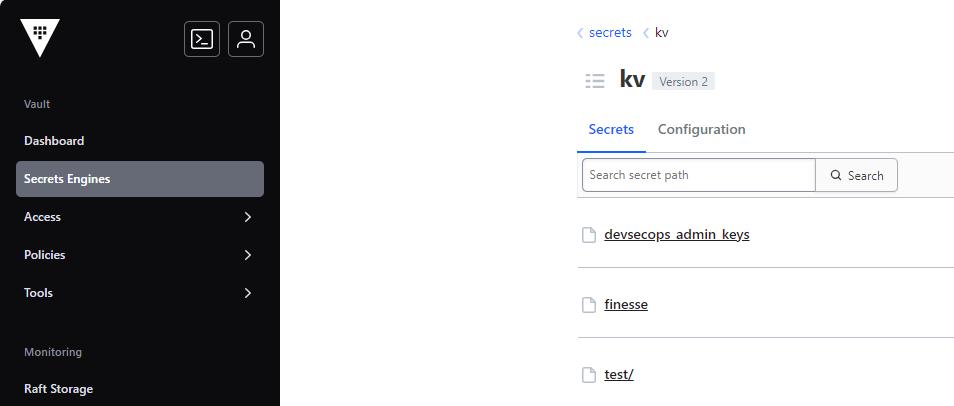
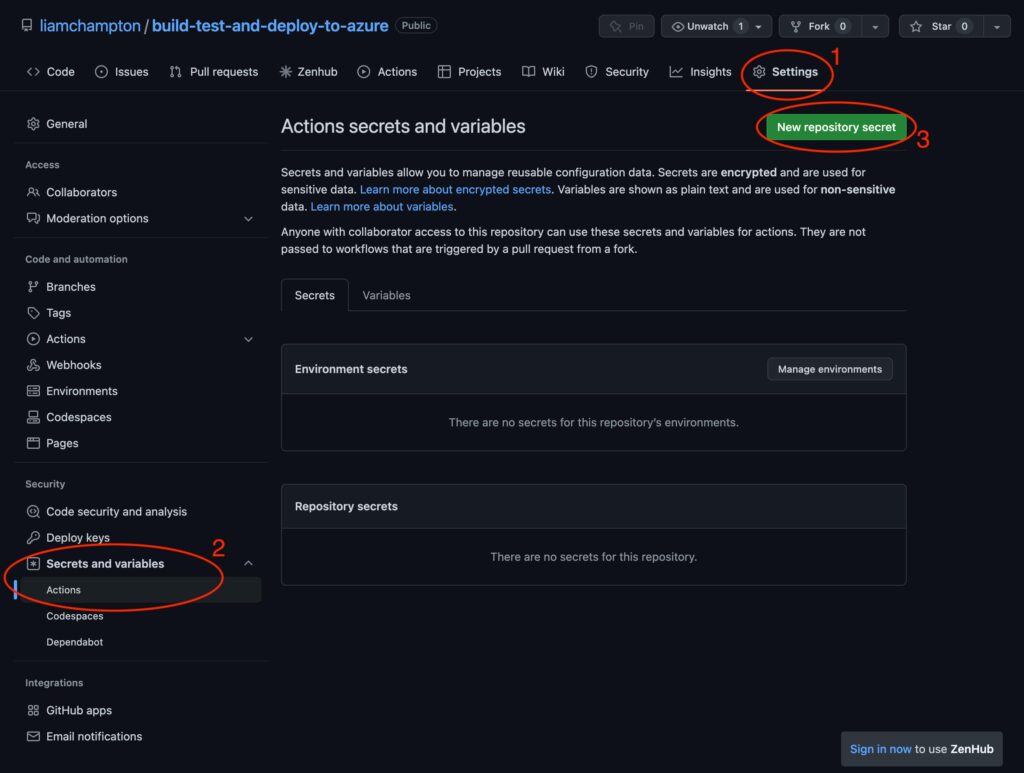
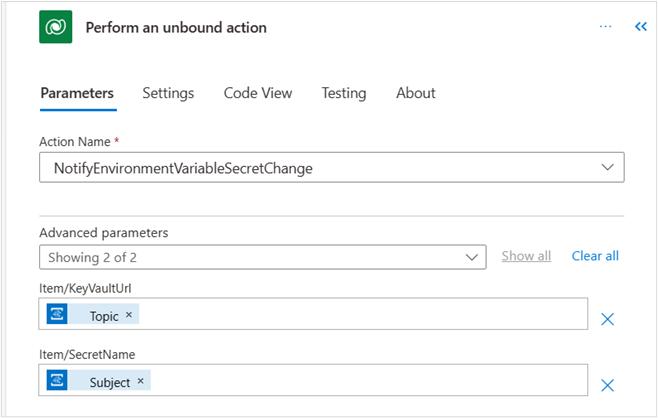
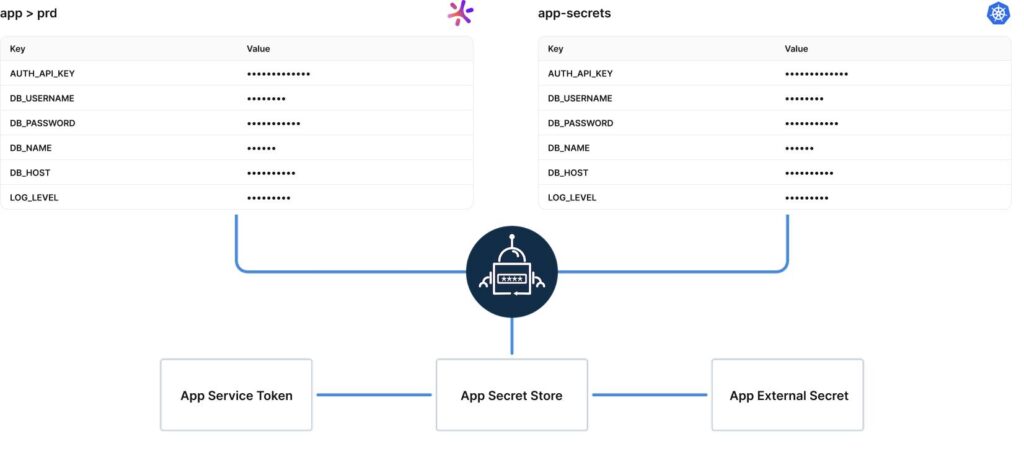
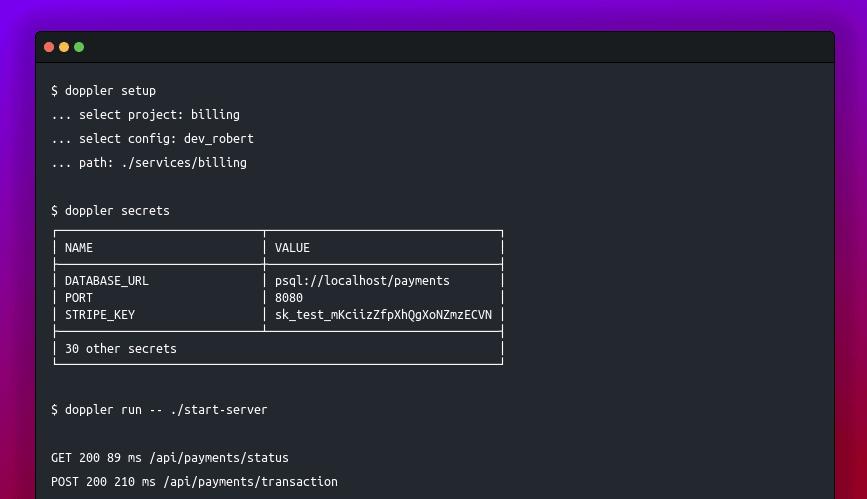
What the screenshot shows:
A centralized secrets dashboard (Vault/Doppler-style) where API keys are stored per environment (dev/staging/prod). Keys can be rotated without touching application code.
Why This Matters More Than It Seems
When a key rotates, you don’t want to:
- redeploy services
- edit workflows
- update dozens of connectors
You want to:
update one value → everything keeps working
That’s the difference between a system and a collection of scripts.
2) Fallback Key Logic (Your Safety Net)
Even with proper storage, rotation can fail.
- key revoked too early
- propagation delay
- partial deployment
This is where fallback logic saves you.
Concept: Primary + Secondary Key Strategy
| Key Type | Purpose |
|---|---|
| Primary key | Active key used in production |
| Secondary key | Backup key during rotation |
Implementation Pattern
const PRIMARY_KEY = process.env.API_KEY_PRIMARY;
const FALLBACK_KEY = process.env.API_KEY_FALLBACK;

async function callWithFallback(payload) {
  let response = await callApi(payload, PRIMARY_KEY);

  if (response.status === 401 || response.status === 403) {
    console.warn("Primary key failed, switching to fallback");
    response = await callApi(payload, FALLBACK_KEY);
  }

  return response;
}

async function callApi(payload, key) {
  return fetch("https://api.service.com/data", {
    method: "POST",
    headers: {
      "Authorization": `Bearer ${key}`,
      "Content-Type": "application/json"
    },
    body: JSON.stringify(payload)
  });
}
This is not optional in production-grade systems.
How This Looks in a Workflow Tool (Make / n8n)
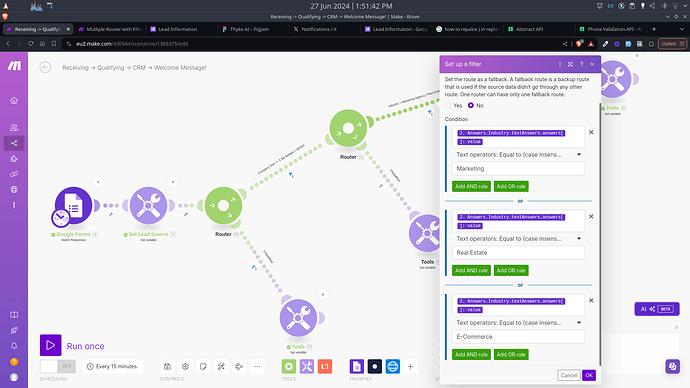
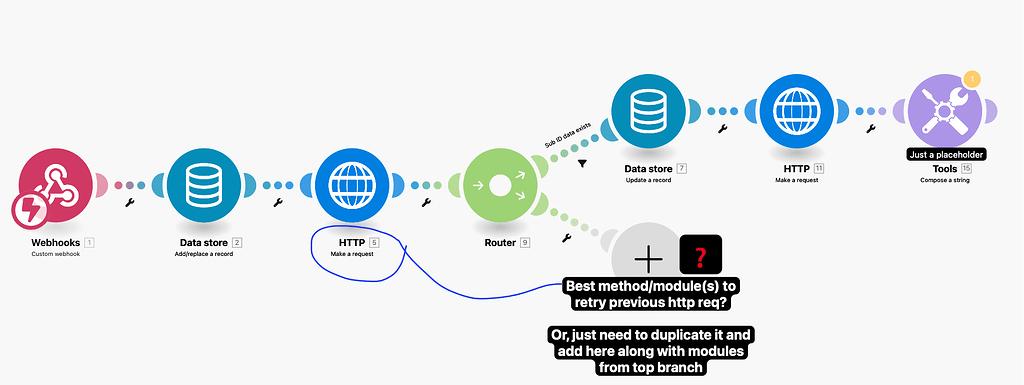
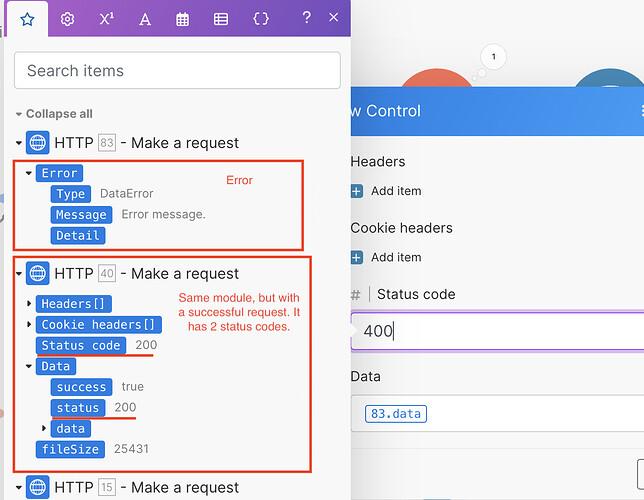
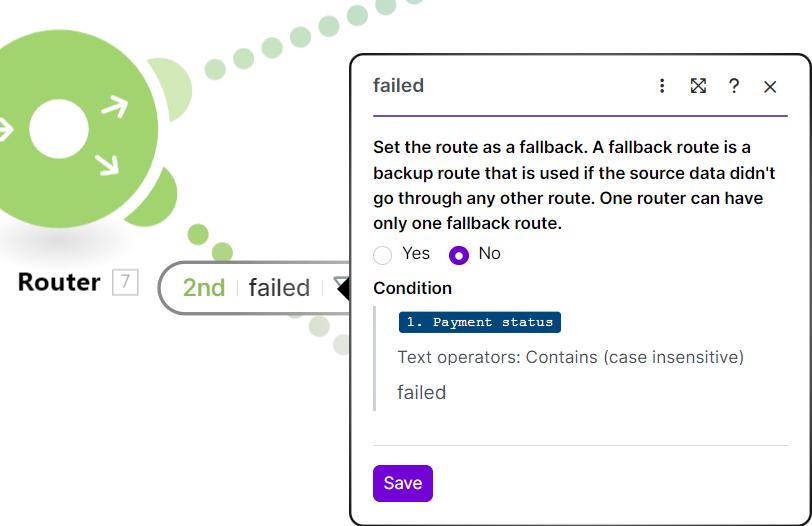
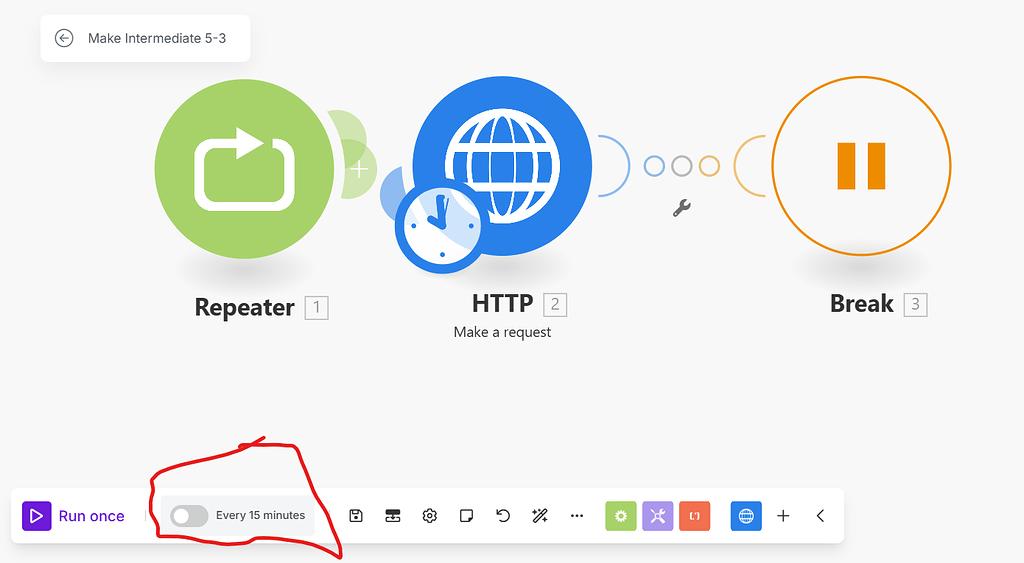
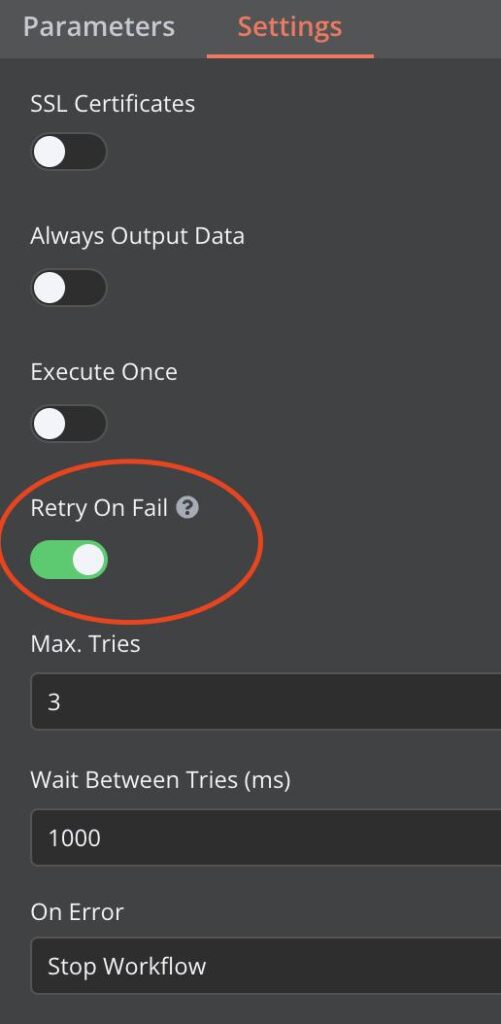
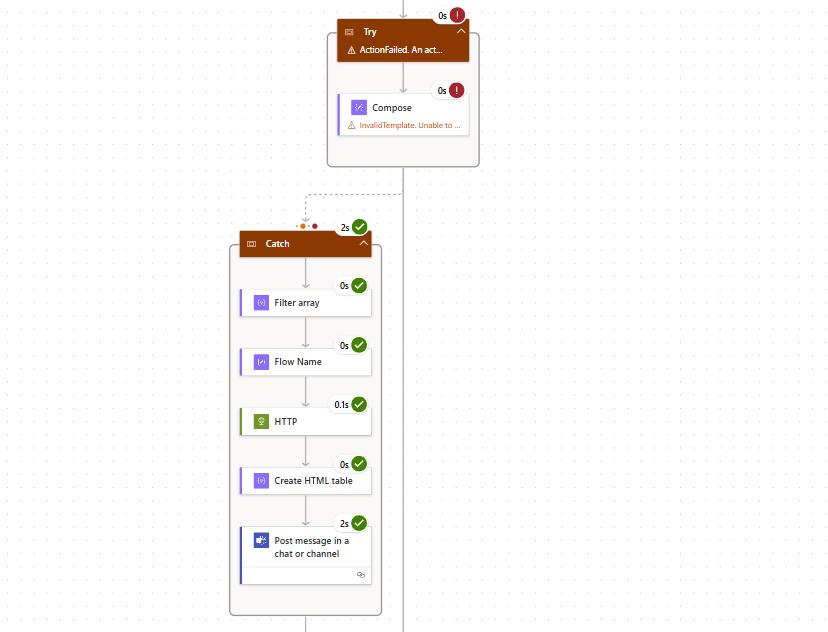
What the screenshot shows:
A workflow with a router that detects a failed API call (401/403) and routes execution to a fallback branch using a secondary API key.
Workflow Logic Breakdown
| Step | Action |
|---|---|
| API call (primary key) | Attempt request |
| Error check | If 401/403 |
| Route to fallback | Retry with secondary key |
| Log event | Record failure |
Why Teams Skip This (And Regret It Later)
Because it feels redundant.
Until:
- a key expires unexpectedly
- rate limits hit
- a provider rotates keys automatically
Then your “simple flow” becomes a production incident.
3) Rotation Strategy (Zero-Downtime Approach)
Let’s walk through a proper rotation.
Safe Rotation Sequence
| Step | Action | Risk |
|---|---|---|
| 1 | Generate new key | None |
| 2 | Add as fallback key | Low |
| 3 | Deploy/update environment | Low |
| 4 | Promote fallback → primary | Controlled |
| 5 | Remove old key | After validation |
This ensures:
- both keys valid during transition
- no downtime
- easy rollback
What NOT to Do
- revoke old key first
- update code manually
- deploy blindly
That’s how outages happen.
4) Alerting on Auth Failures (Your Early Warning System)
If your system fails silently, you don’t have automation.
You have a liability.
Error Detection Logic
if (response.status === 401 || response.status === 403) {
  sendAlert("API authentication failure detected");
}
Example Alert Payload
{
  "service": "billing-api",
  "error": "401 Unauthorized",
  "timestamp": "2026-01-01T12:00:00Z",
  "environment": "production"
}
What Alerting Setup Looks Like
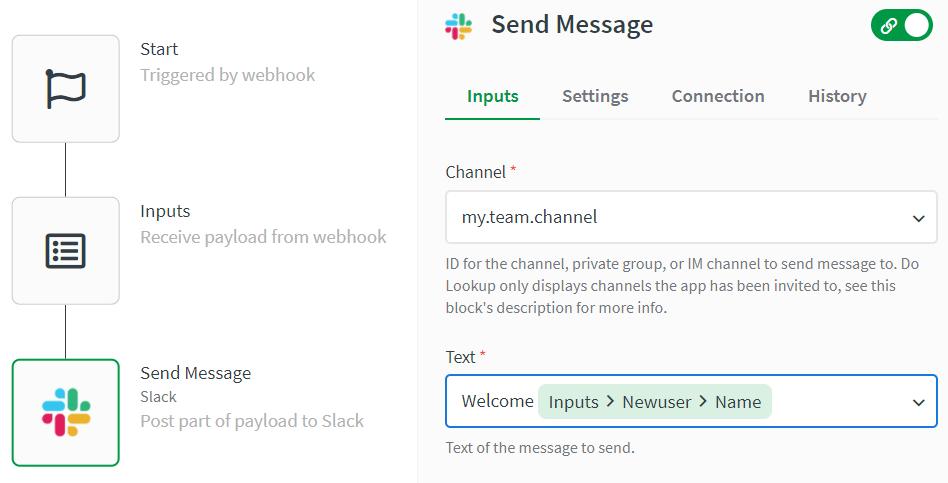
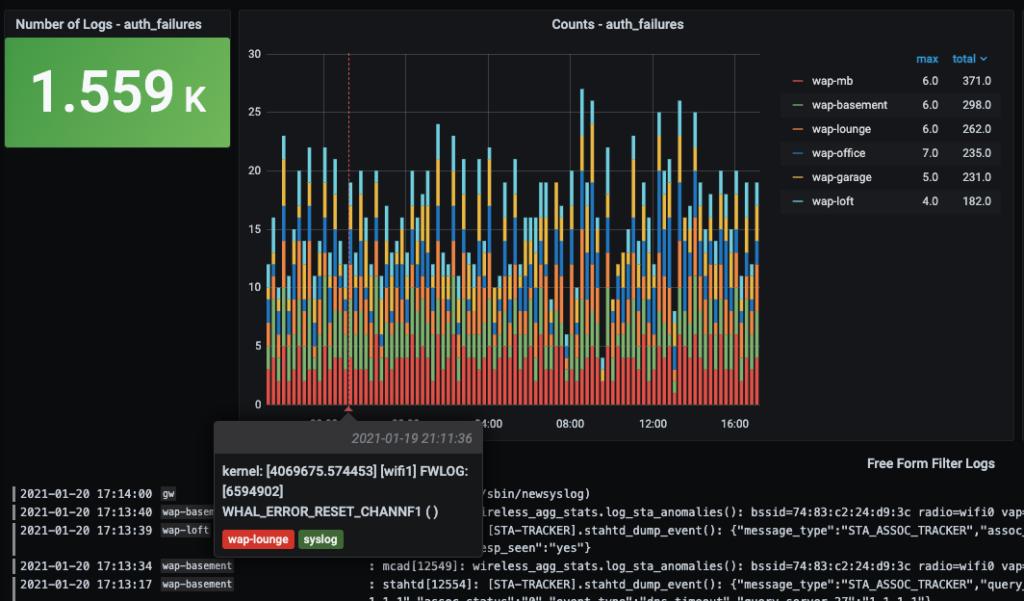
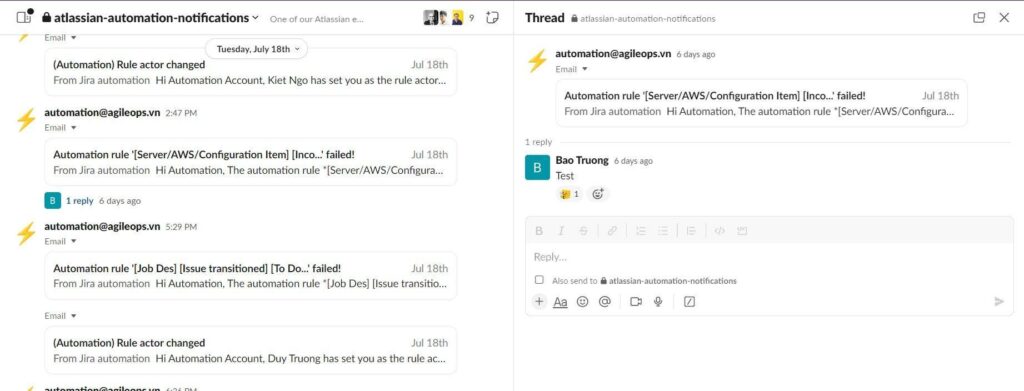

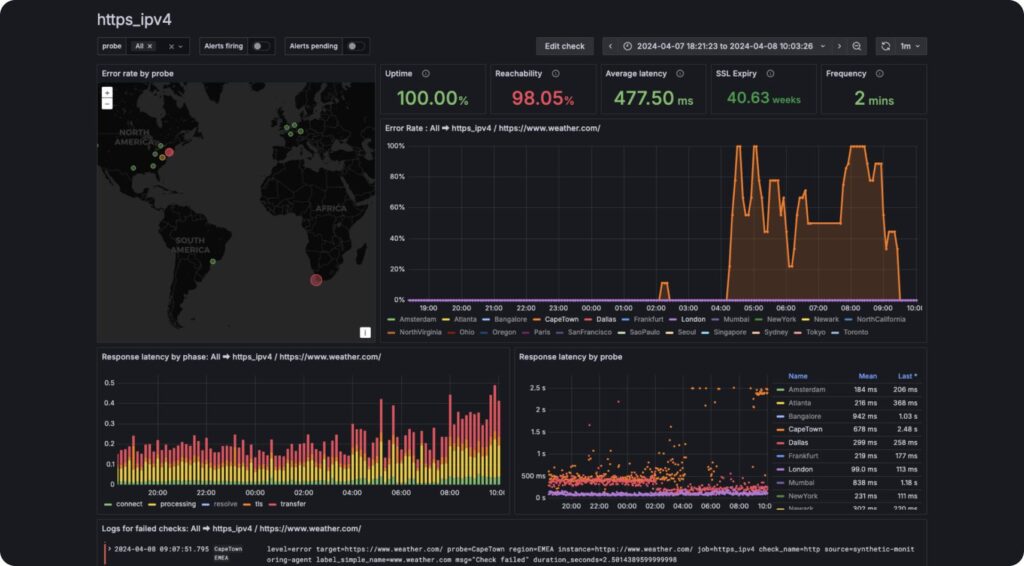
What the screenshot shows:
An alert pipeline where authentication failures trigger Slack/email notifications or monitoring dashboards (Grafana-style), enabling immediate response.
Alerting Channels
| Channel | Use Case |
|---|---|
| Slack | Immediate team awareness |
| Audit trail | |
| Monitoring (Grafana/Datadog) | Trend analysis |
| PagerDuty | Critical incidents |
What You Want to Detect
| Signal | Meaning |
|---|---|
| Spike in 401 errors | Key expired/revoked |
| Intermittent failures | Propagation issue |
| Gradual increase | Rate limit or misuse |
5) Putting It All Together (Production Architecture)
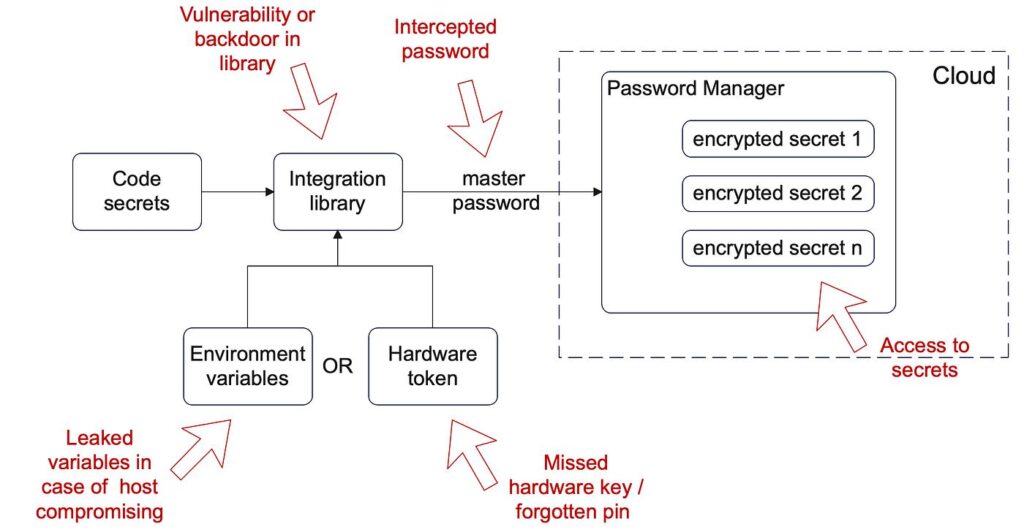
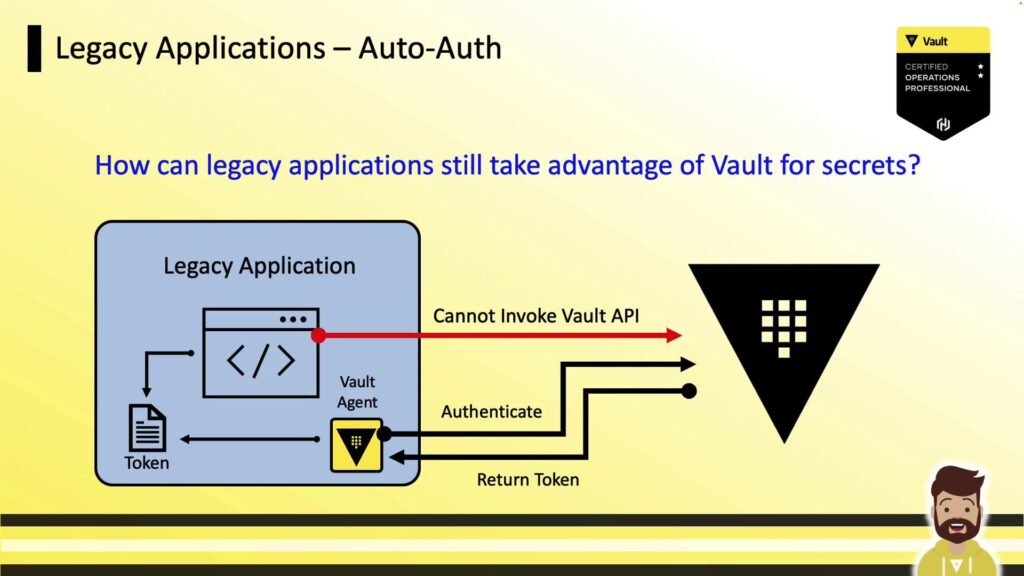
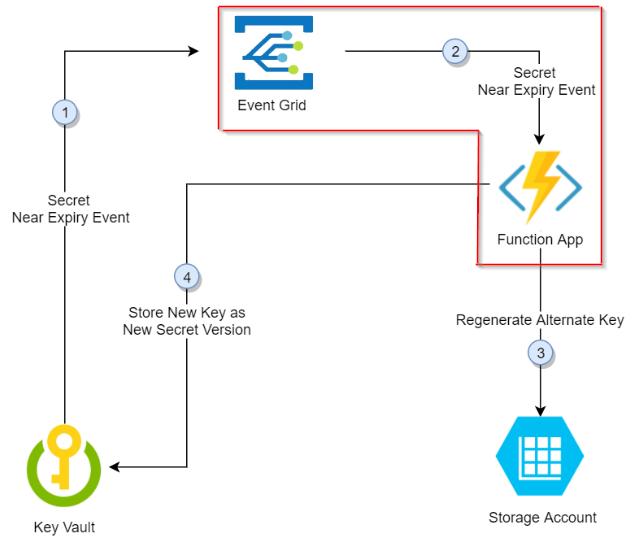
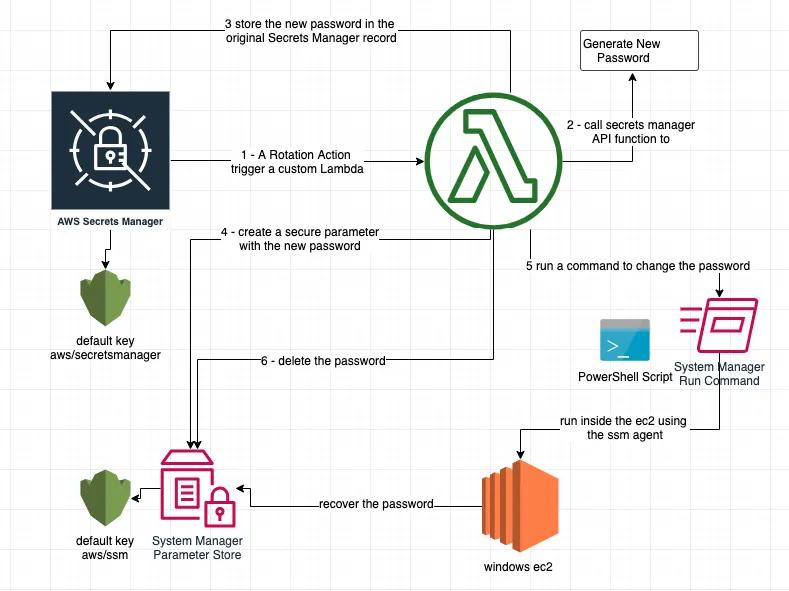
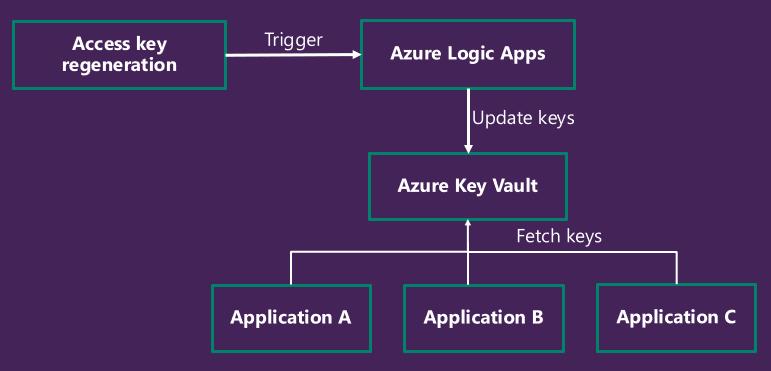
What the screenshot shows:
A complete architecture: secret manager → automation workflow → API call → fallback logic → monitoring + alerts.
System Layers
| Layer | Responsibility |
|---|---|
| Secret manager | Store and rotate keys |
| Application/workflow | Execute logic |
| API provider | External dependency |
| Monitoring | Detect failures |
| Alerting | Notify humans |
The Hidden Risk Nobody Mentions
Key rotation is not dangerous because it’s complex.
It’s dangerous because:
- it’s rare
- it’s rushed
- and it’s usually done under pressure
That’s a terrible combination.
A Thought Worth Sitting With
If rotating a key in your system requires:
- editing code
- redeploying services
- or manual intervention
You don’t have a rotation strategy.
You have a recovery plan.
Final Remark
Most teams treat API keys like static credentials.
They’re not.
They’re temporary access tokens to critical systems.
And if your automation can’t survive changing them…
it’s not automation.
It’s just a fragile chain of assumptions waiting to break.