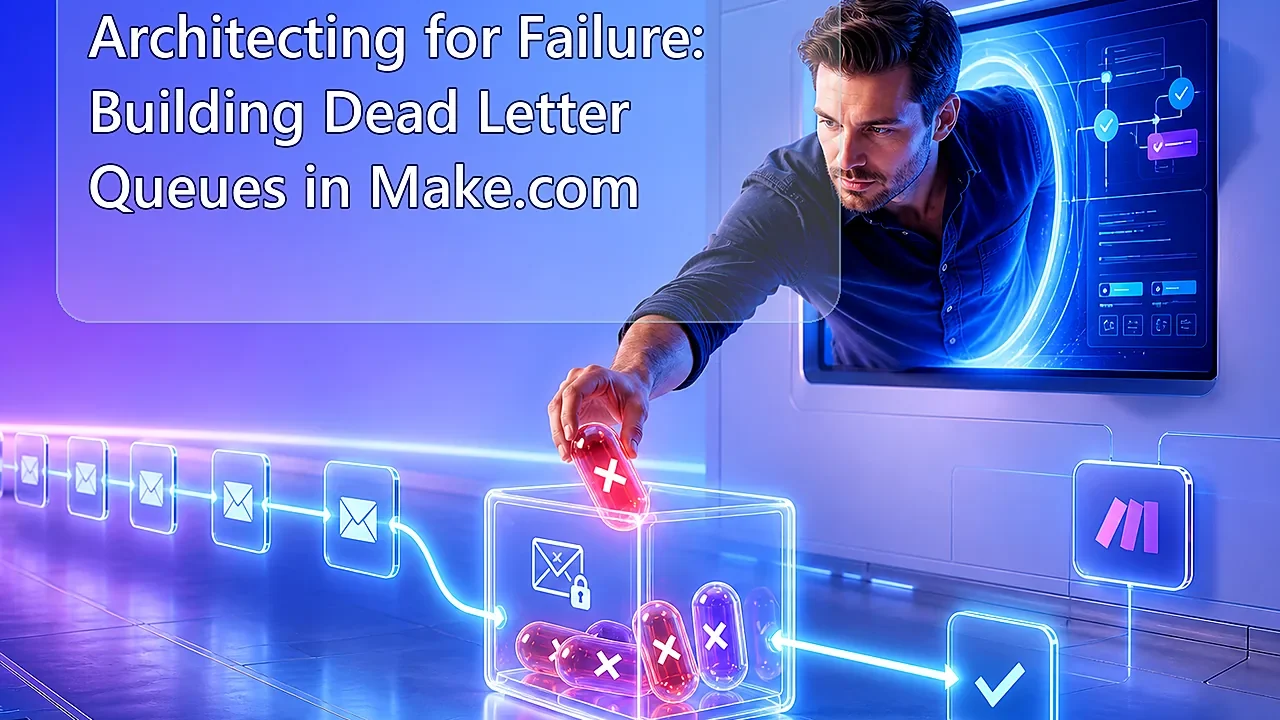
Architecting for Failure: Building “Dead Letter Queues” in Make.com

Last Updated on September 22, 2026 by Triumphoid Team
Most Make.com scenarios are designed as if everything will work.
That assumption holds—right until one API returns a malformed payload, a webhook times out, or a downstream system rejects data. Then your “automation” becomes a black hole where failures disappear and nobody knows what was lost.
A Dead Letter Queue (DLQ) fixes that. Not by preventing errors, but by capturing them, preserving context, and making them replayable.
What a Dead Letter Queue Actually Is (In Make Terms)
A DLQ is not a built-in feature. You design it.
It’s a separate, isolated system that receives failed executions and stores:
- original payload
- error reason
- timestamp
- retry status
Think of it as a buffer between failure and recovery.
The Core Pattern (Don’t Skip This)
| Component | Role |
|---|---|
| Main scenario | Executes business logic |
| Error handler | Intercepts failures |
| DLQ scenario | Stores failed payloads |
| Storage layer | Google Sheets / DB |
| Replay mechanism | Manual or automated |
1) Build a Dedicated Error Logging Scenario (Not Inside Your Main Flow)
Most teams try to log errors inside the same scenario.
That’s the first mistake.
If your main scenario breaks, your logging logic might never execute. Or worse—it triggers another failure.
You want decoupling.
How It Looks in Make.com
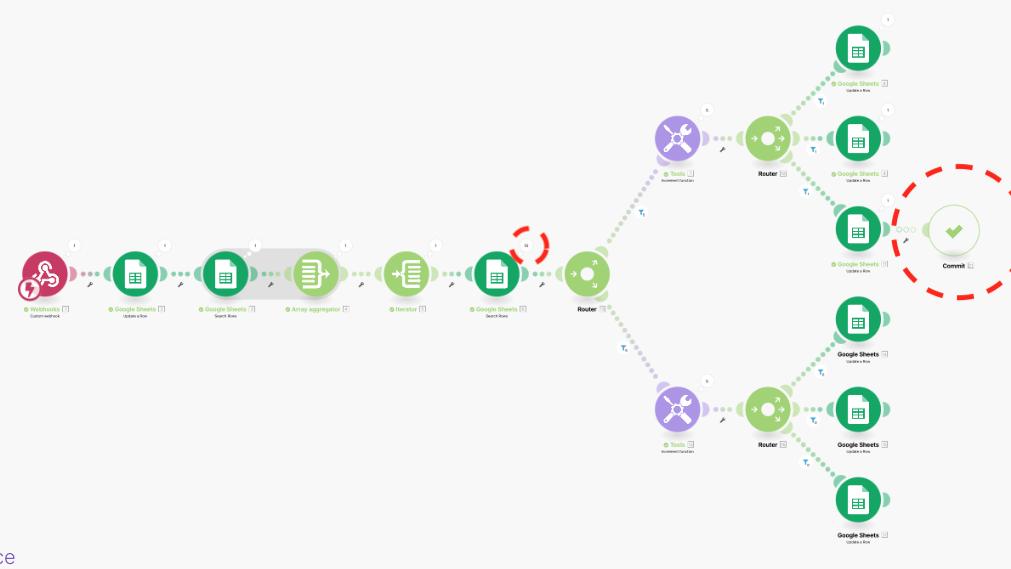
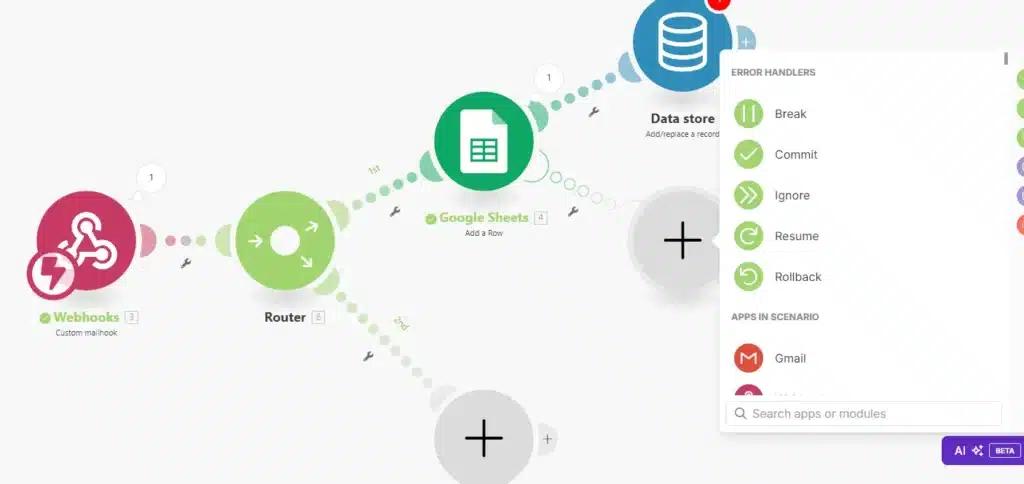
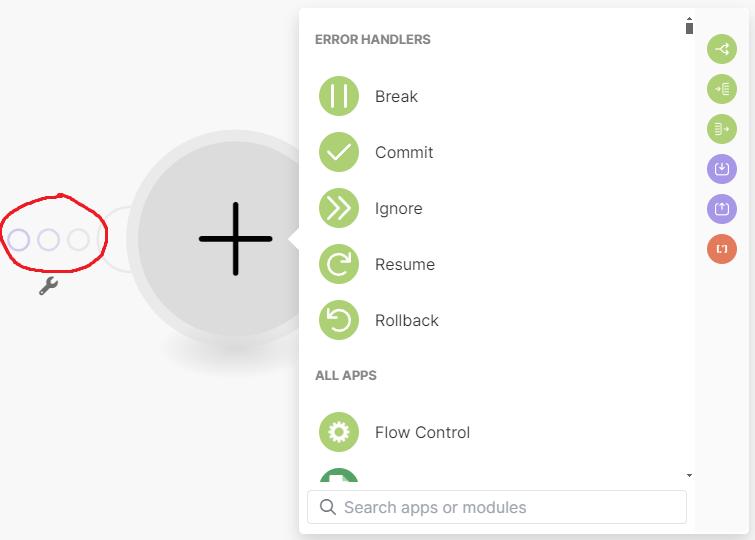
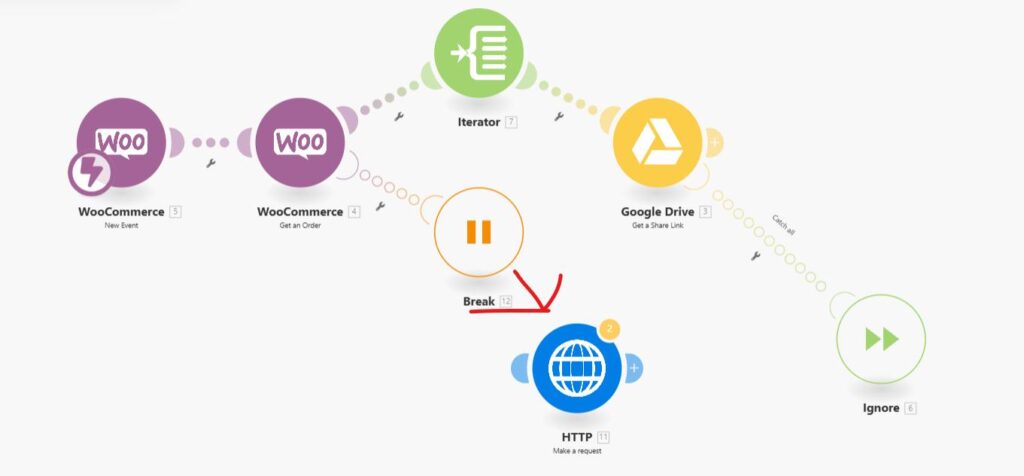
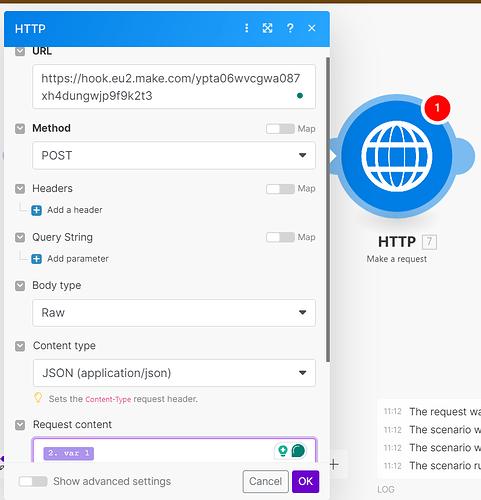
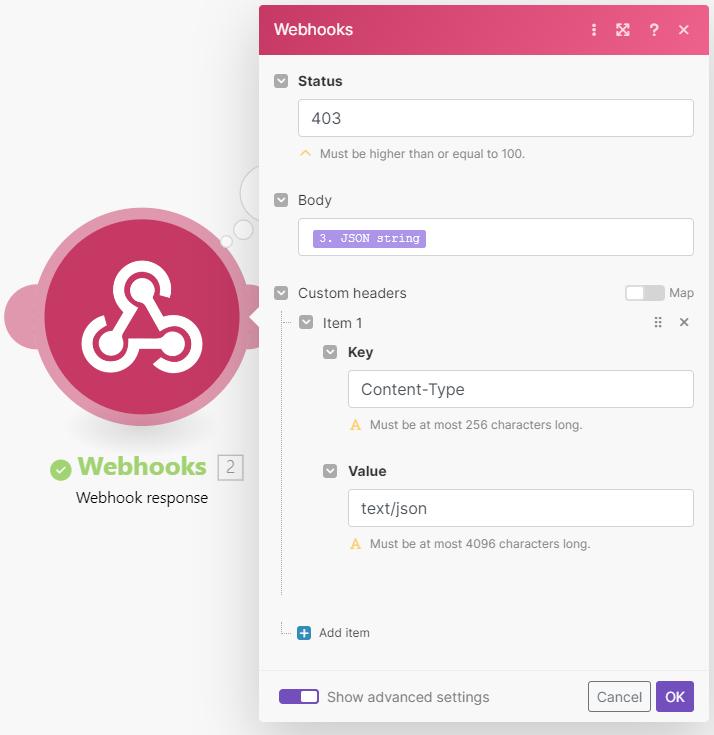
What the screenshot shows:
A Make.com scenario using an error handler that routes failed executions to a webhook module, triggering a completely separate logging scenario.
Architecture
| Step | Action |
|---|---|
| Error occurs | Scenario fails at module |
| Error handler triggers | Captures payload + error |
| Webhook call | Sends data to DLQ scenario |
| DLQ scenario runs | Stores error safely |
Payload You Should Send
{
  "scenario": "lead-processing-v2",
  "module": "hubspot-create-contact",
  "error": "400 Bad Request",
  "payload": {
    "email": "test@example.invalid",
    "company": "Example Ltd"
  },
  "timestamp": "2026-01-01T10:00:00Z"
}
Notice one thing: you store the original payload.
Without it, replay is impossible.
2) Store Failed Payloads for Replay (Google Sheets vs Database)
Now that errors are captured, they need to be stored somewhere usable.
Not logs. Not console output.
Structured storage.
Option A: Google Sheets (Fastest to Implement)
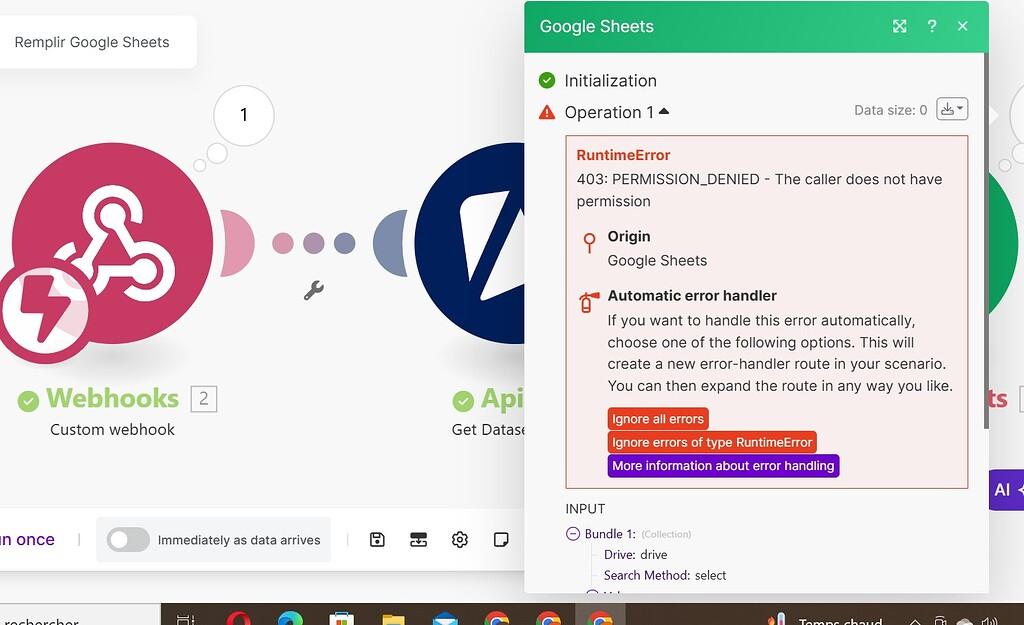
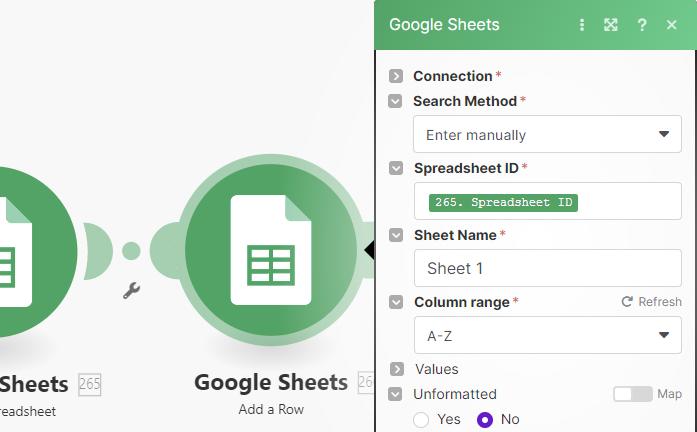
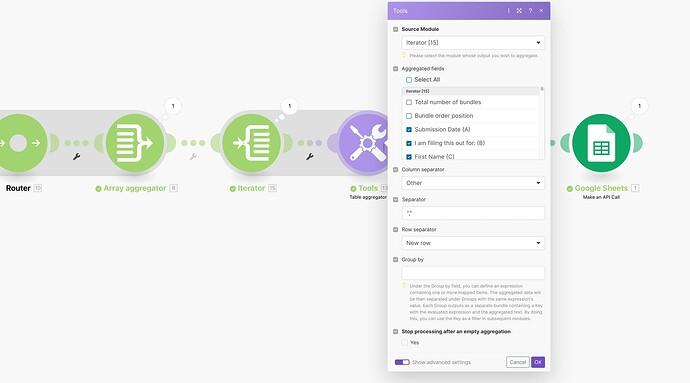
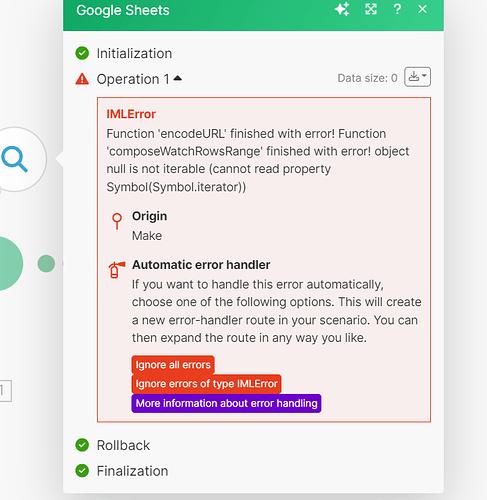
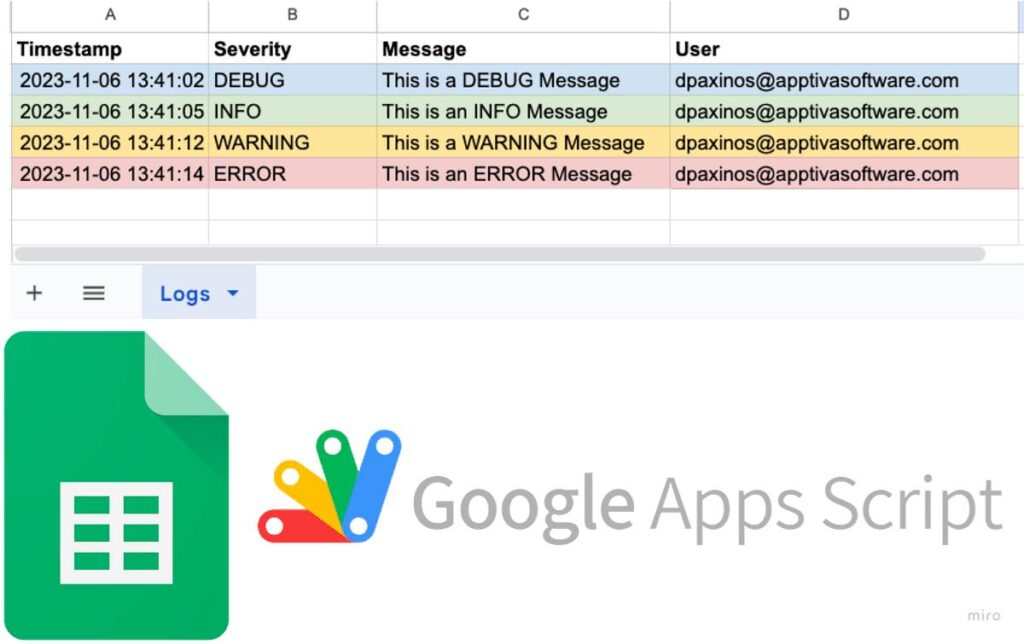
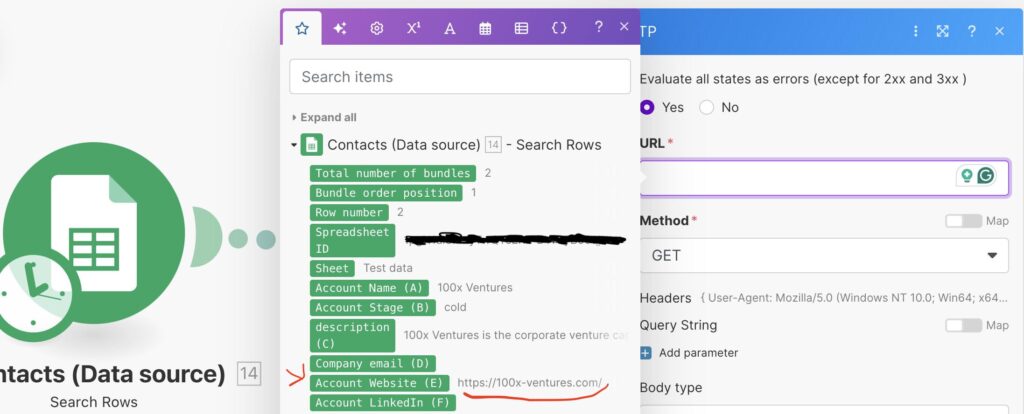
What the screenshot shows:
A Make.com module writing error data into Google Sheets, with structured columns for payload, error, and timestamp.
Recommended Sheet Structure
| ID | Scenario | Error | Payload | Status | Retry Count | Timestamp |
|---|---|---|---|---|---|---|
| 1 | lead-flow | 400 | JSON | pending | 0 | 10:00 |
| 2 | billing | 401 | JSON | failed | 2 | 10:05 |
Option B: Database (Production-Grade)
Use when:
- volume is high
- replay needs automation
- multiple teams access logs
Example schema:
CREATE TABLE dlq_events (
  id SERIAL PRIMARY KEY,
  scenario TEXT,
  error TEXT,
  payload JSONB,
  status TEXT DEFAULT 'pending',
  retry_count INT DEFAULT 0,
  created_at TIMESTAMP DEFAULT NOW()
);
Why This Matters
Without structured storage:
- you cannot replay
- you cannot analyze patterns
- you cannot prove what failed
You’re blind.
3) Replay Mechanism (Where Most Teams Fail)
Capturing errors is easy.
Recovering from them is where systems either mature—or collapse.
Manual Replay (Start Here)
You build a second scenario:
- reads rows from DLQ
- reprocesses payload
- updates status
Replay Scenario Structure
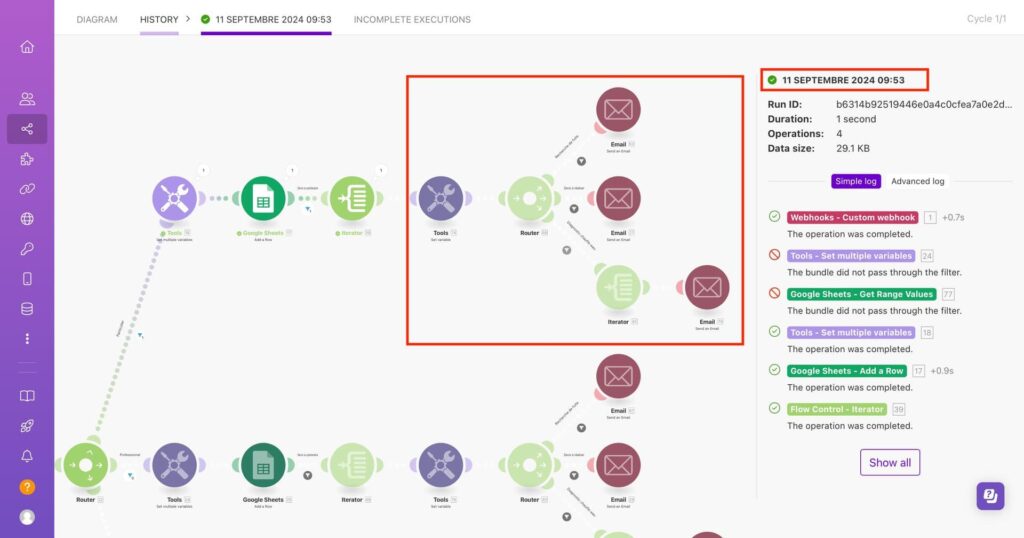
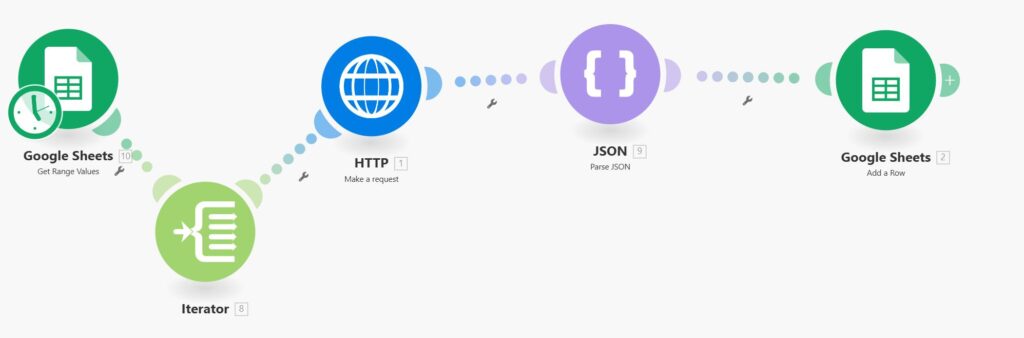
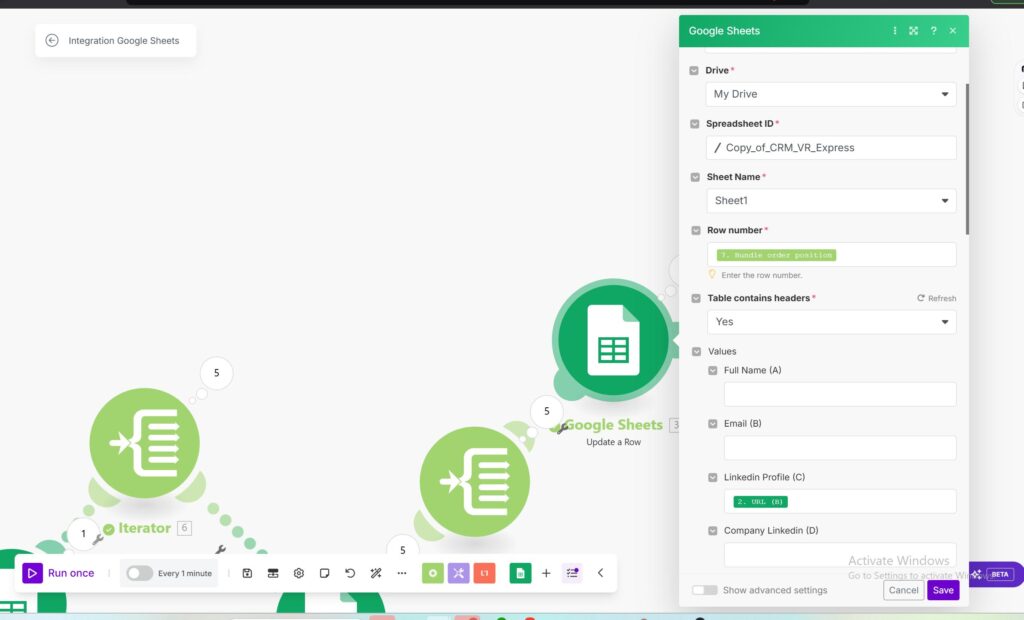
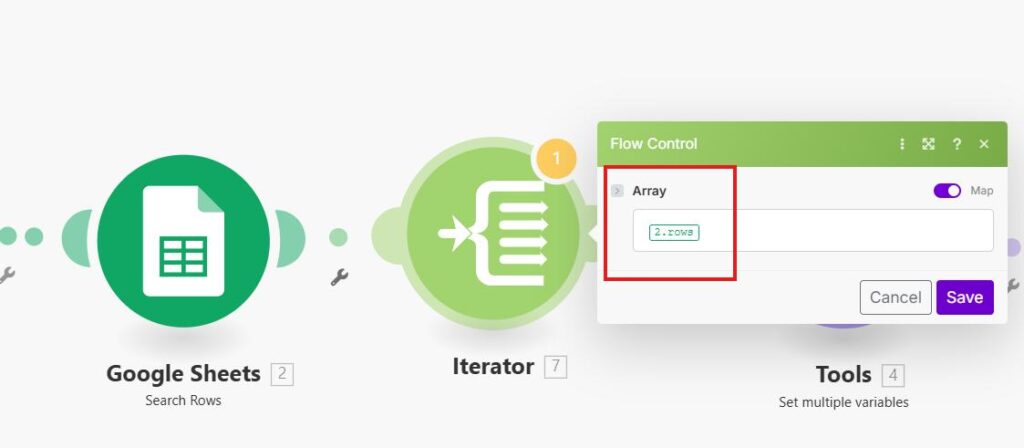
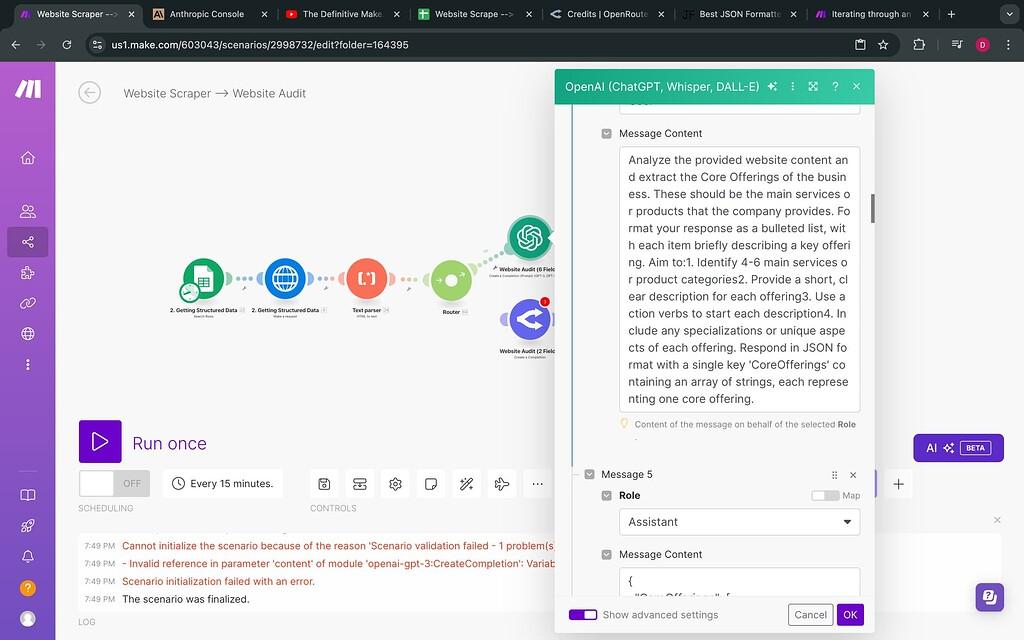
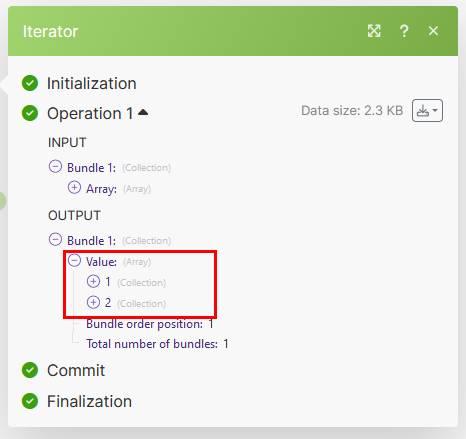
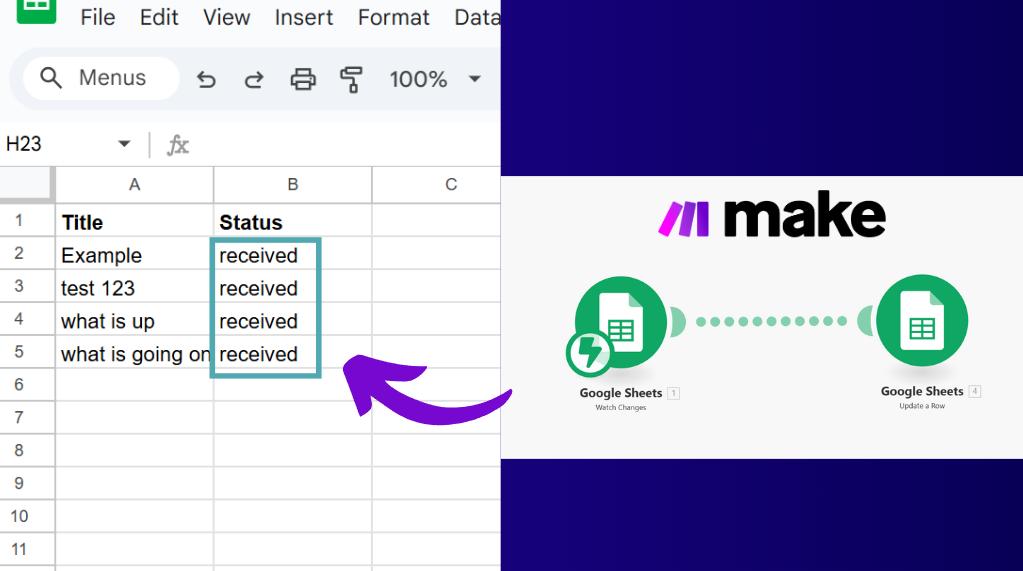
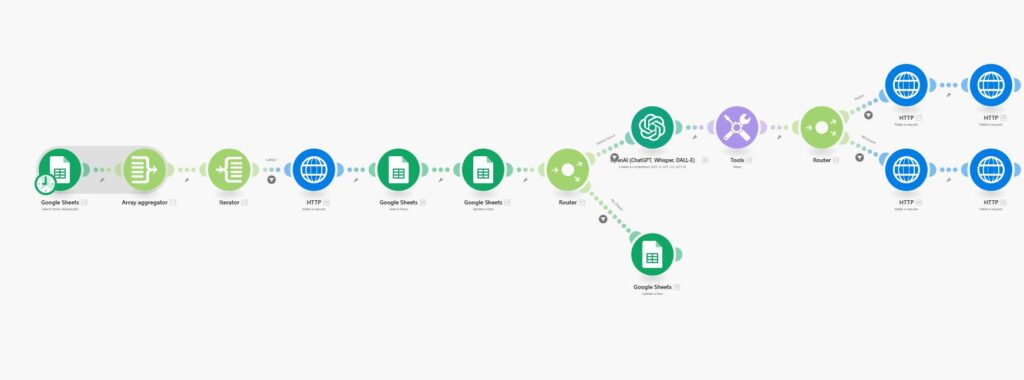
What the screenshot shows:
A Make.com scenario reading rows from Google Sheets, iterating through failed payloads, and retrying the original workflow logic.
Replay Logic Example
if (retry_count < 3) {
  process(payload);
  updateStatus("success");
} else {
  updateStatus("failed_permanent");
}
Key Rule
Never replay blindly.
Always:
- limit retries
- track retry count
- update status
Otherwise, you create chaos.
4) Prevent Infinite Error Loops (The Silent Killer)
This is where most “DLQ implementations” fail.
You build:
- error handler → DLQ → replay
But forget:
what if replay fails again?
How Infinite Loops Happen
| Step | Result |
|---|---|
| Original flow fails | Sent to DLQ |
| Replay runs | Fails again |
| Error handler triggers | Sends back to DLQ |
| Loop begins | Forever |
How to Stop It
You need loop protection logic.
Implementation Pattern
if (retry_count >= 3) {
  stopProcessing();
  markAsPermanentFailure();
}
In Make.com (What You Configure)
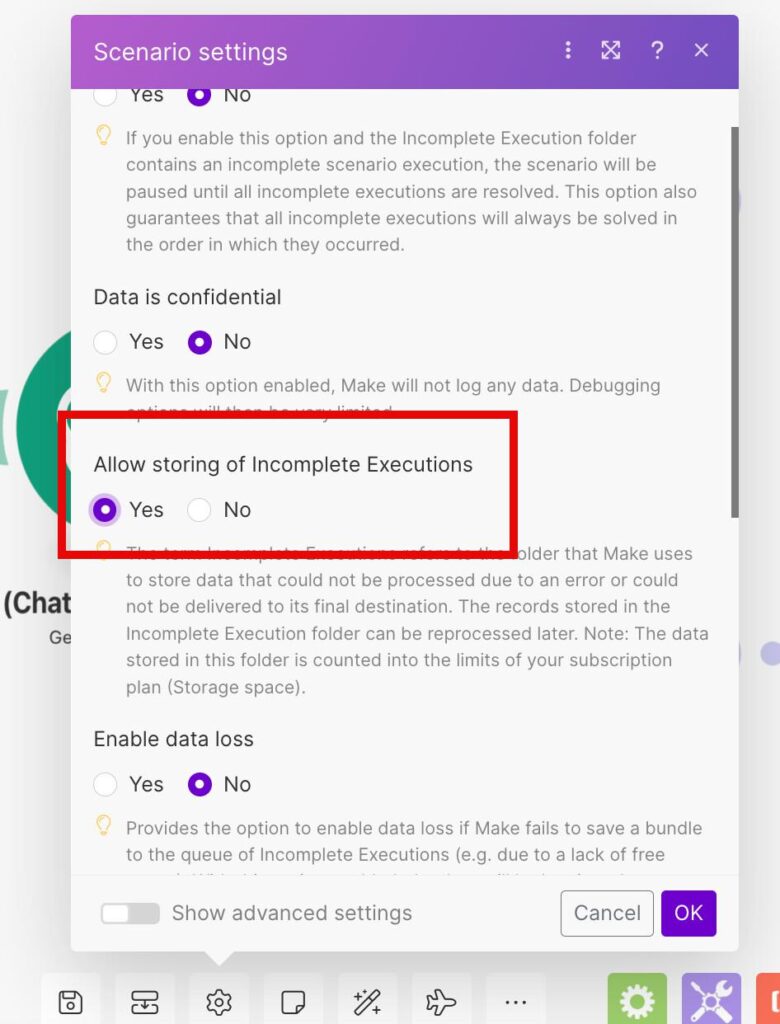
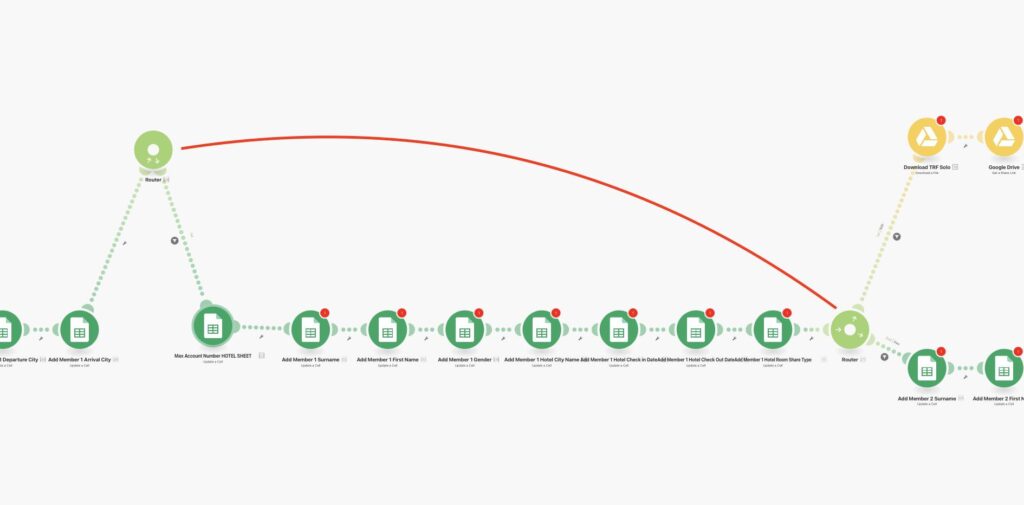
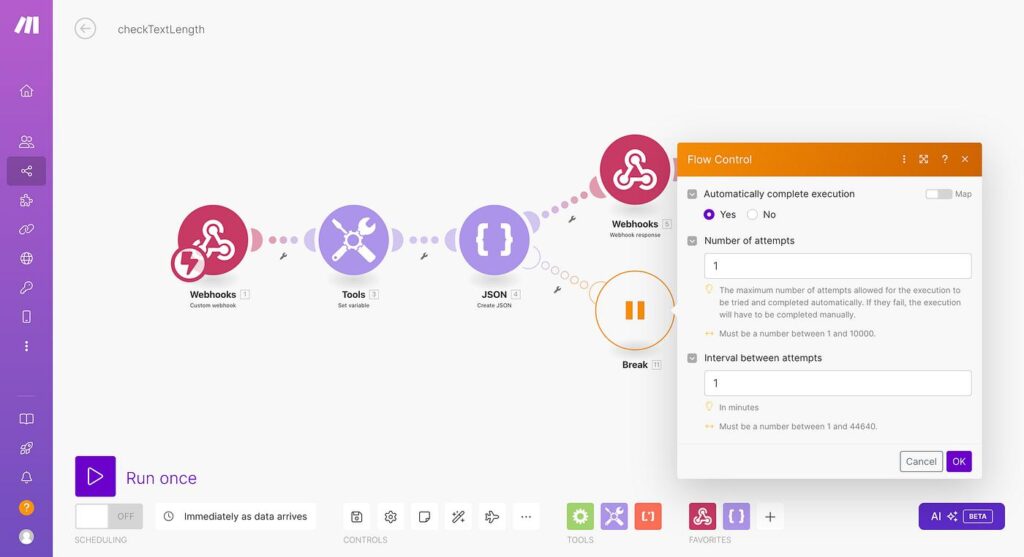
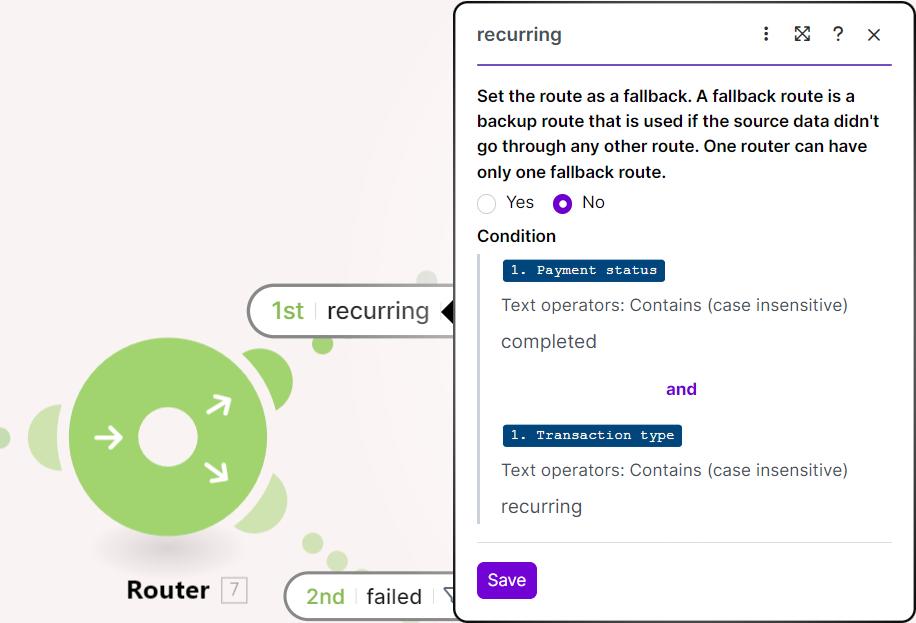
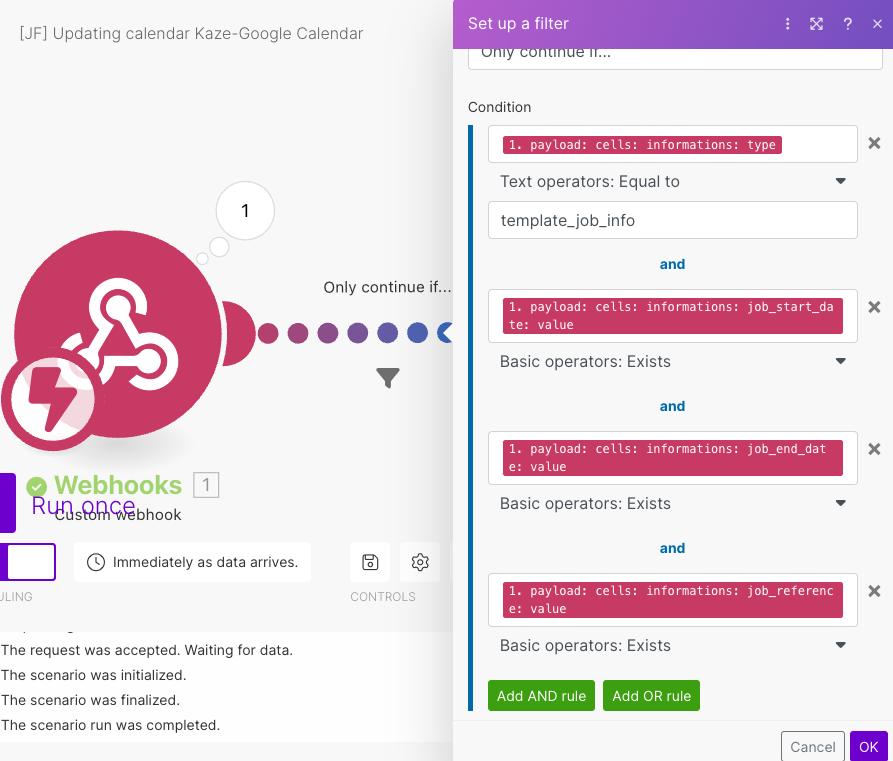
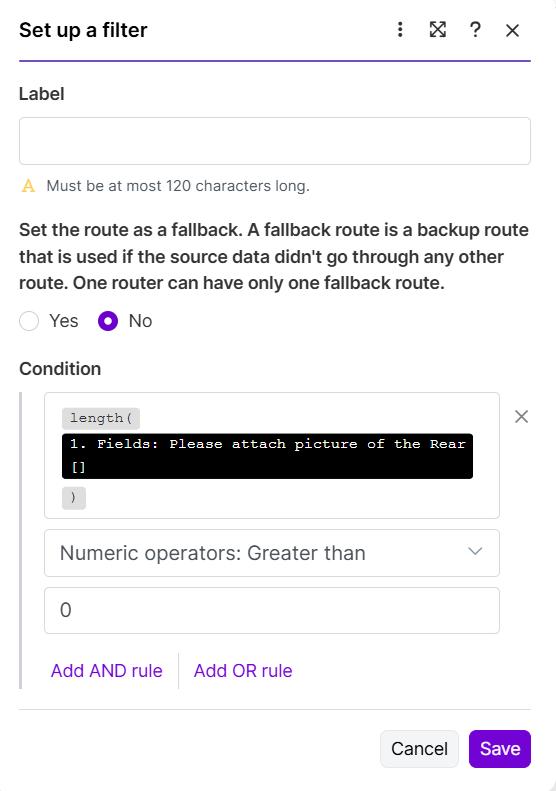
What the screenshot shows:
A filter condition in Make.com that prevents further retries when retry count exceeds a defined threshold.
State Model You Should Use
| Status | Meaning |
|---|---|
| pending | Waiting for replay |
| processing | Currently retrying |
| success | Recovered |
| failed_permanent | Stop retrying |
5) Putting It All Together (Production DLQ Architecture)
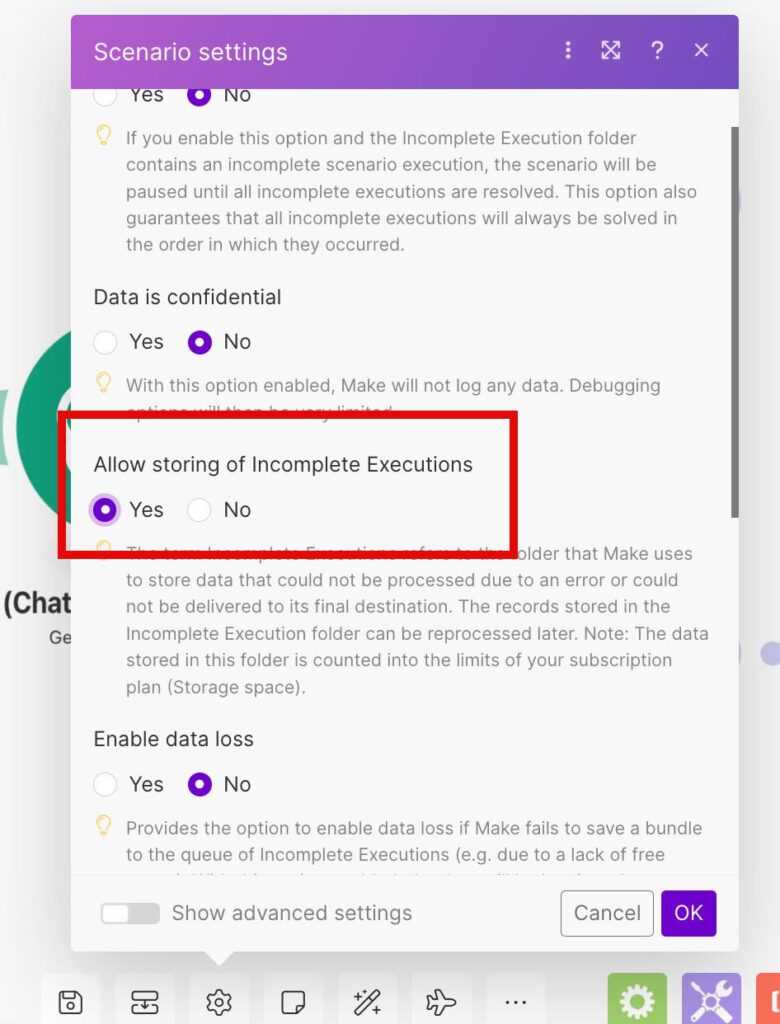
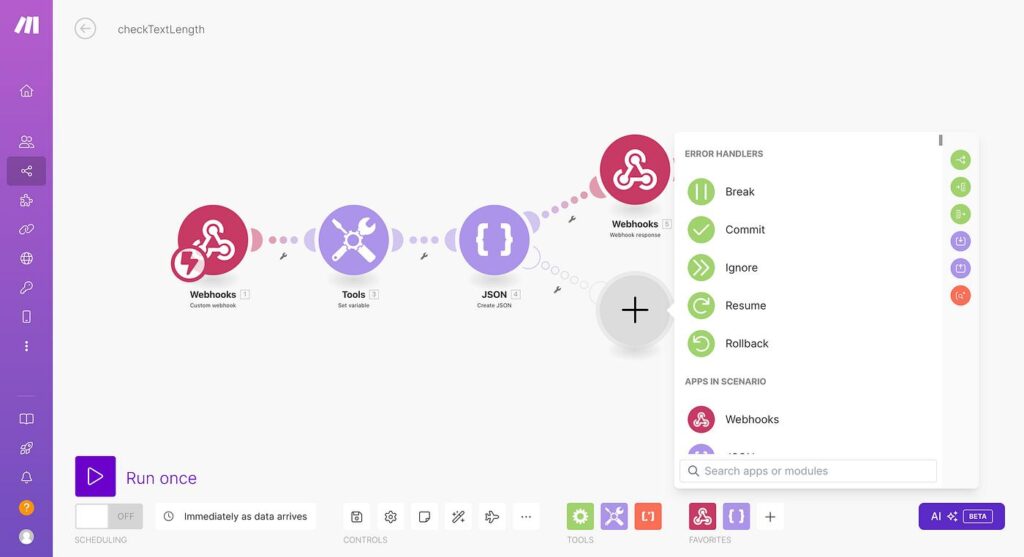
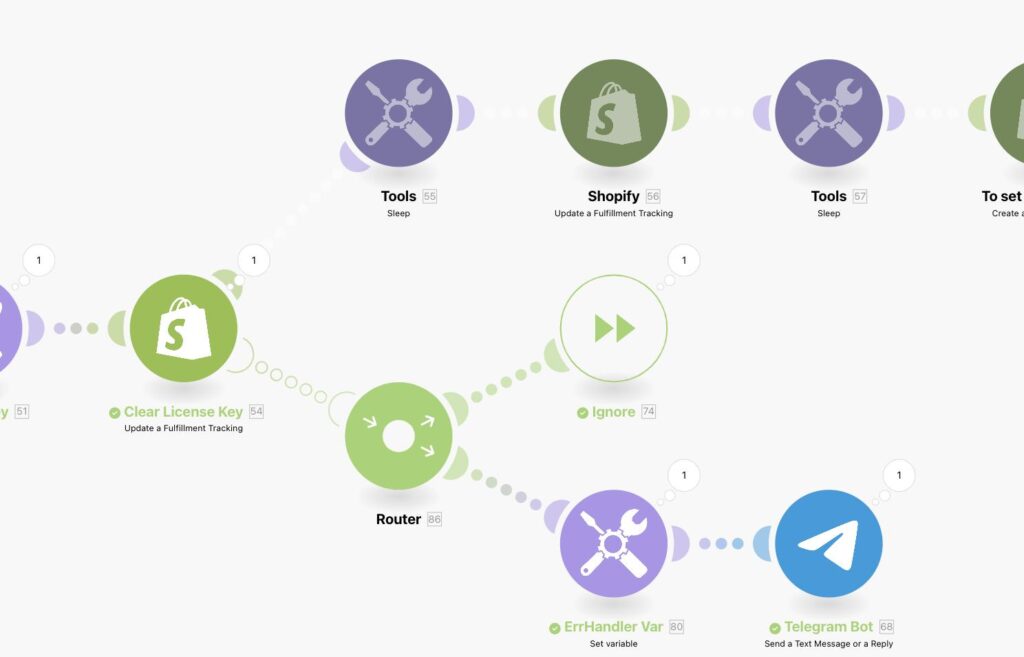
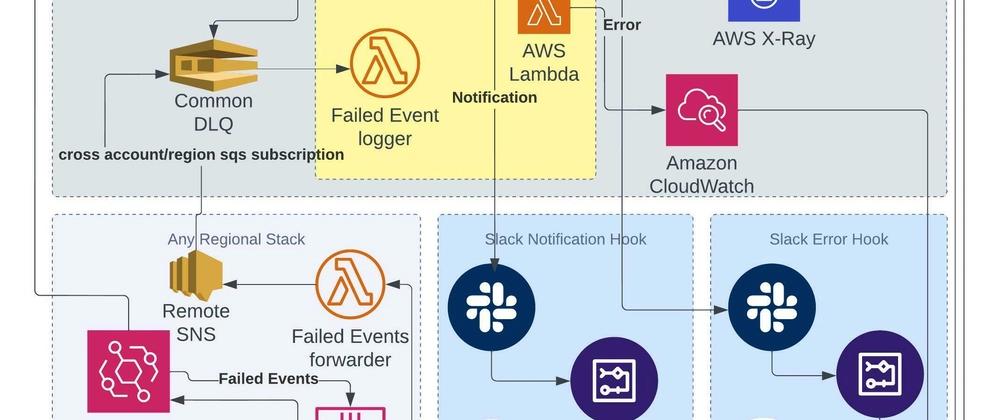
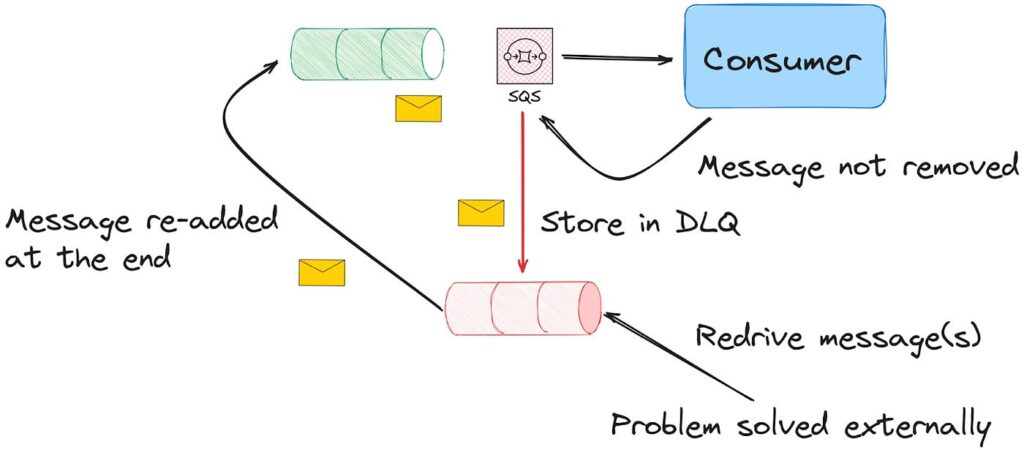
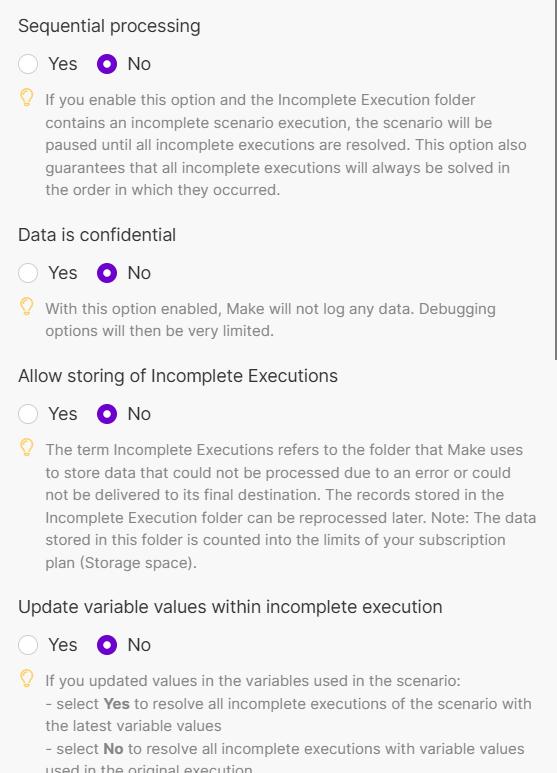
What the screenshot shows:
A full DLQ architecture: main scenario → error handler → webhook → logging scenario → storage → replay scenario with retry limits.
End-to-End Flow
| Stage | Action |
|---|---|
| Execution | Main scenario runs |
| Failure | Error handler triggers |
| Logging | Sent to DLQ scenario |
| Storage | Saved in Sheets/DB |
| Replay | Separate scenario processes |
| Control | Retry limits applied |
What Changes After You Implement This
Before DLQ:
- failures disappear
- debugging is reactive
- data loss is silent
After DLQ:
- every failure is captured
- replay becomes controlled
- system becomes observable
A Hard Truth Most Teams Learn Late
You don’t need a DLQ when things work.
You need it when:
- APIs rate-limit you
- schemas change
- third-party systems behave unpredictably
Which is to say—always.
Final Remark
If your Make.com setup:
- doesn’t store failed payloads
- doesn’t allow replay
- and doesn’t limit retries
you didn’t build automation.
You built a system that works exactly until it doesn’t…
and then quietly loses data while pretending everything is fine.